Issue
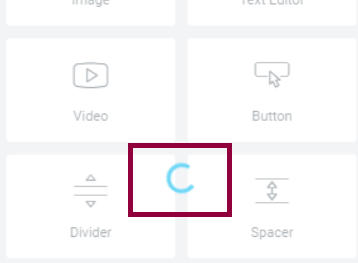
The Elementor Widget Panel fails to load, displaying a continuously spinning “Loading” icon.
This can occur due to the following reasons:
- Memory limit
- Conflict with another plugin
- Server setting that needs to be adjusted
Troubleshooting steps
Check system requirements
Ensure you meet the criteria in system requirements. Check the PHP version and Memory Limit.
Increase memory limit
- Login to WP Admin.
- Go to Elementor > Editor > System Info.
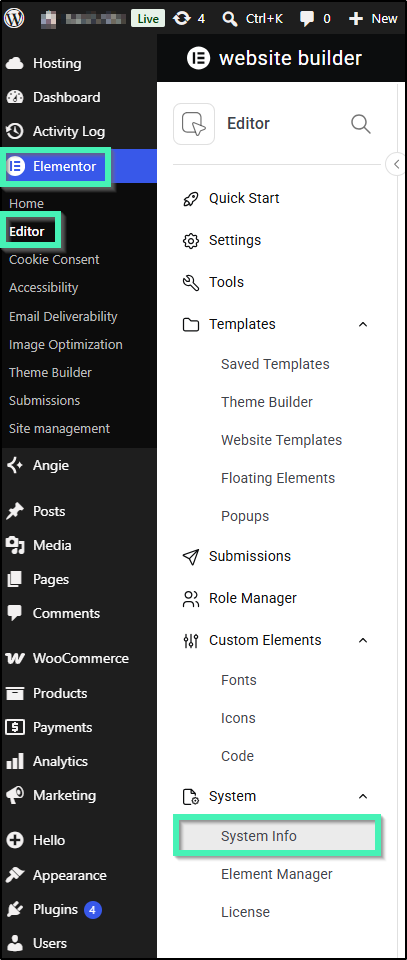
- Under WordPress Environment, check Memory Limit.
WP_MEMORY_LIMIT(Currently 40M): This is the default memory allocated to WordPress for standard front-end operations and general site tasks. 40M is far too low for modern page builders like Elementor.
We recommend increasing this limit to at least 256M or higher.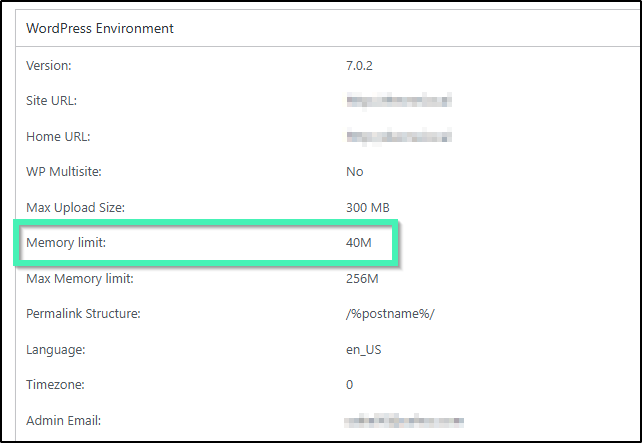
To increase the memory limit:
- Go to cPanel, use the MultiPHP INI Editor for memory limit and other settings.
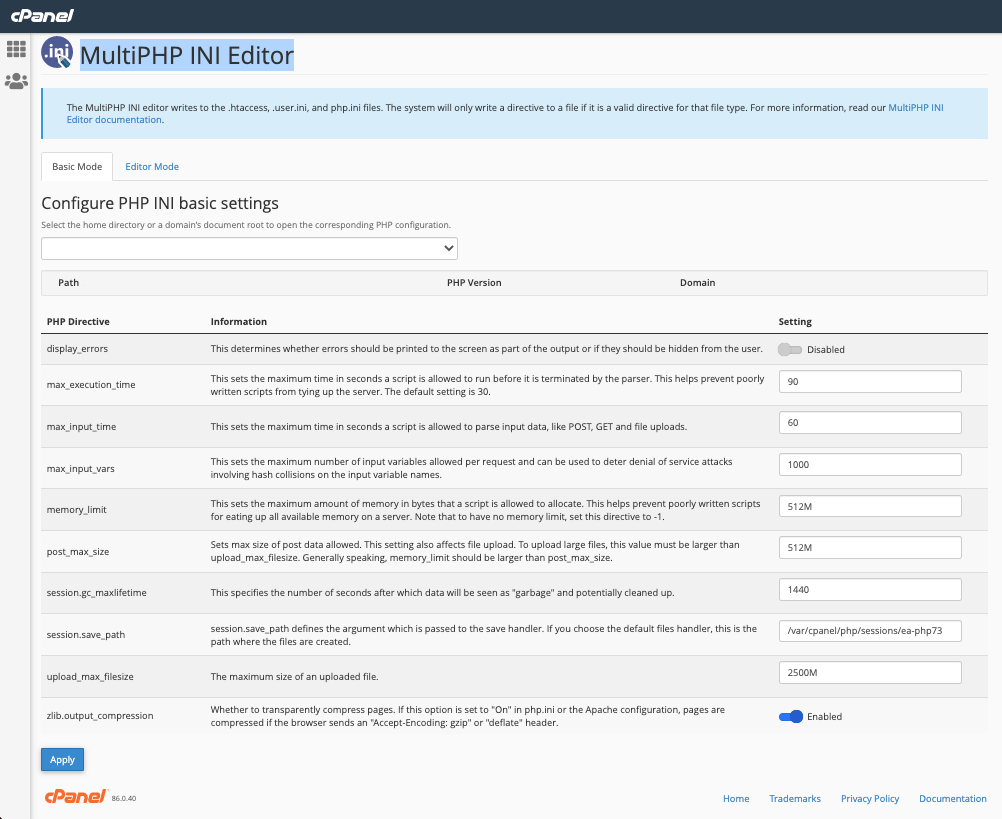
- Edit your wp-config.php file – Add this to the top, before the line that says, “Happy Blogging”:
define('WP_MAX_MEMORY_LIMIT', '512M');
- Edit your PHP.ini file – If you have access to your PHP.ini file, change the line in PHP.ini. If your line shows 64M try 256M:
memory_limit = 256M ; Maximum amount of memory a script may consume (64MB)- Edit your .htaccess file – If you don’t have access to PHP.ini try adding this to an .htaccess file:
php_value memory_limit 256M
- Edit your .htaccess file – If you don’t have access to PHP.ini try adding this to an .htaccess file:
Update Elementor version
You should use the most updated versions of Elementor/ Elementor Pro, WordPress and your theme. Check for updates regularly by following these steps:
- Login to WP Admin.
- Go to Dashboard > Updates.
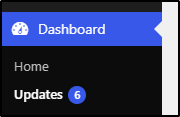
- Click Check again to be sure.

Resolve plugins conflict
Deactivate all of your plugins except the following:
- Elementor
- Elementor Pro
If this solves the problem, reactivate each plugin one by one, until you find the problematic plugin. If found, contact that plugin’s developers for help, or use a different plugin.
Resolve theme issues
Switch your theme (temporarily) to a default WordPress theme, for example, the Hello Theme, to see if your theme is causing an issue. If so, contact the theme’s developers for help, or use a different theme.
Other issues
If the problem persists, ask your hosting company the following:
- Provide you with ModSecurity error logs and resolve any problems with it.
- Enable the PHP Zlib extension on your server, if it is not already.
- Increase the value of max_input_vars.
If your entire Elementor screen does not load, rather than just the Widgets Panel, see Can’t Edit With Elementor.