Building your website is genuinely exciting, until privacy laws come knocking. Sorting through GDPR, CCPA, and Google’s rules can feel like a lot for a small site. Good news: it’s more manageable than it looks, and we’ve rounded up the most reliable free options to keep you compliant without spending a fortune.
Key Takeaways
- WordPress-Native Tools Win – Keeping consent settings inside your dashboard means one less account to juggle.
- Consent Mode v2 Matters – Running Google Ads or Analytics for European traffic? Your tool needs Consent Mode v2 support.
- Free Plans Have Limits – Most external tools cap monthly pageviews, so your banner can stop working as traffic grows.
- Performance Matters Too – Lightweight, native options keep your site loading fast, not weighed down.
Why Privacy Compliance Matters More Than Ever for Your Website
You might wonder if a small site really needs to worry about privacy laws. It does: regulators worldwide have stepped up oversight, and even a modest blog can face scrutiny for tracking visitors without permission.
A clear, friendly consent banner builds trust right away, and if you serve visitors in Europe, the UK, or California, you’re legally required to let them opt out of tracking.
Google has updated its own rules too: if you run ads or analytics for European audiences, Google Consent Mode v2 is now a firm requirement, or your analytics data and ad campaigns can take a hit.
The Benefits of a WordPress-Native Capability
Many cookie consent tools are separate SaaS platforms: you create an account on their site, set up your banner there, then paste a code snippet into WordPress. It works, but adds extra steps.
A native tool keeps everything in one place: manage banners, scan your site, and check logs right where you already write posts, no third-party downtime to worry about.
Comparison Table: Top Free Cookie Consent Alternatives at a Glance
Here’s a quick side-by-side look at how these top choices stack up.
| Cookie Consent Tool | WordPress-Native? | Google Consent Mode v2? | Free Plan Available? | Best Suited For |
|---|---|---|---|---|
| Cookie Consent (Elementor) | Yes | Yes | Yes (Included in Elementor) | WordPress sites wanting an all-in-one native setup |
| Cookiebot | No (External Dashboard) | Yes | Yes (Up to 50 pages) | Sites requiring deep, automated cloud scanning |
| CookieYes | No (Hybrid Setup) | Yes | Yes (Up to 25,000 pageviews/mo) | Growing blogs needing easy multilingual options |
| Complianz | Yes | Yes | Yes | Users who want a step-by-step setup wizard |
| iubenda | No (SaaS Model) | Yes | Yes (Basic tier) | Businesses needing auto-updating legal policies |
| Termly | No (SaaS Model) | Yes | Yes (Up to 10,000 pageviews/mo) | Small sites looking for quick legal generation |
| OneTrust | No (SaaS Model) | Yes | Yes (Limited free option) | Enterprise-level organizations with compliance teams |
| Osano | No (SaaS Model) | Yes | Yes (Up to 5,000 pageviews/mo) | Sites wanting strict vendor compliance monitoring |
| WP GDPR Compliance | Yes | Yes | Yes | Simple sites needing form integration checkboxes |
| Klaro | Yes (Self-Hosted) | Yes (With custom code) | Yes (Open Source) | Developers who prefer absolute code-level control |
“The shift toward privacy-first web design is no longer optional. Site owners need tools that make compliance simple without cluttering their dashboards or slowing down their performance.”
1. Cookie Consent
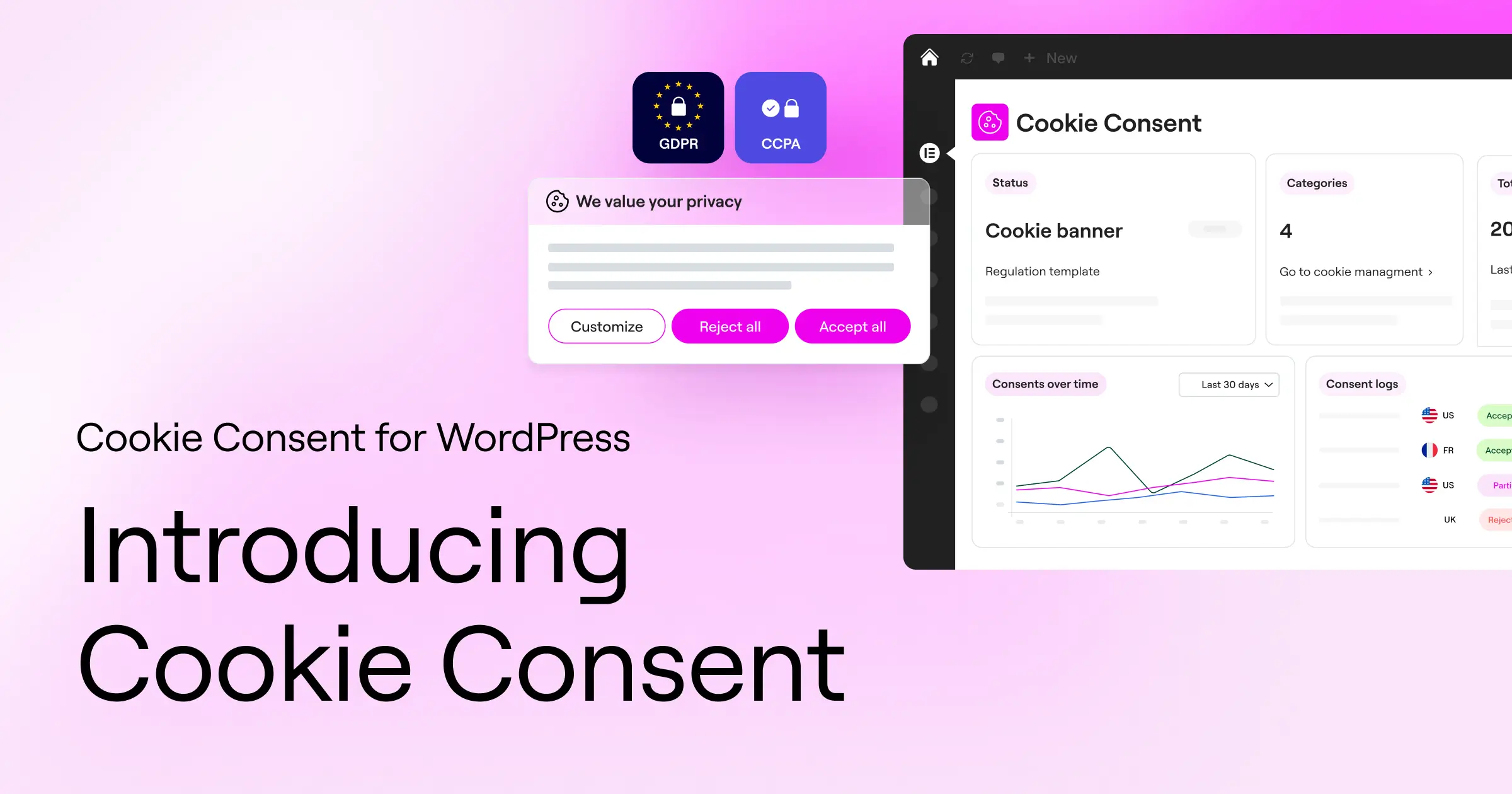
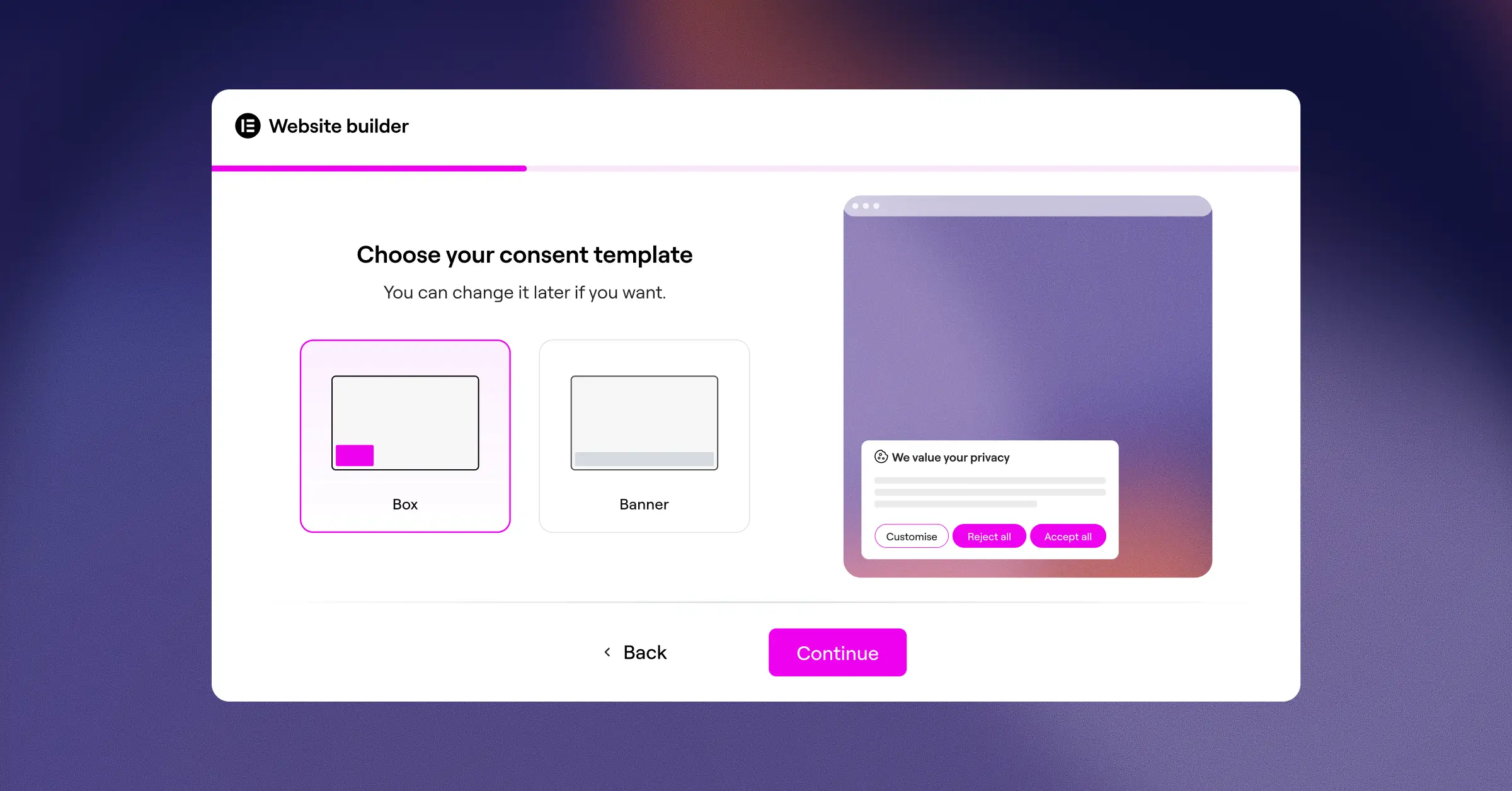
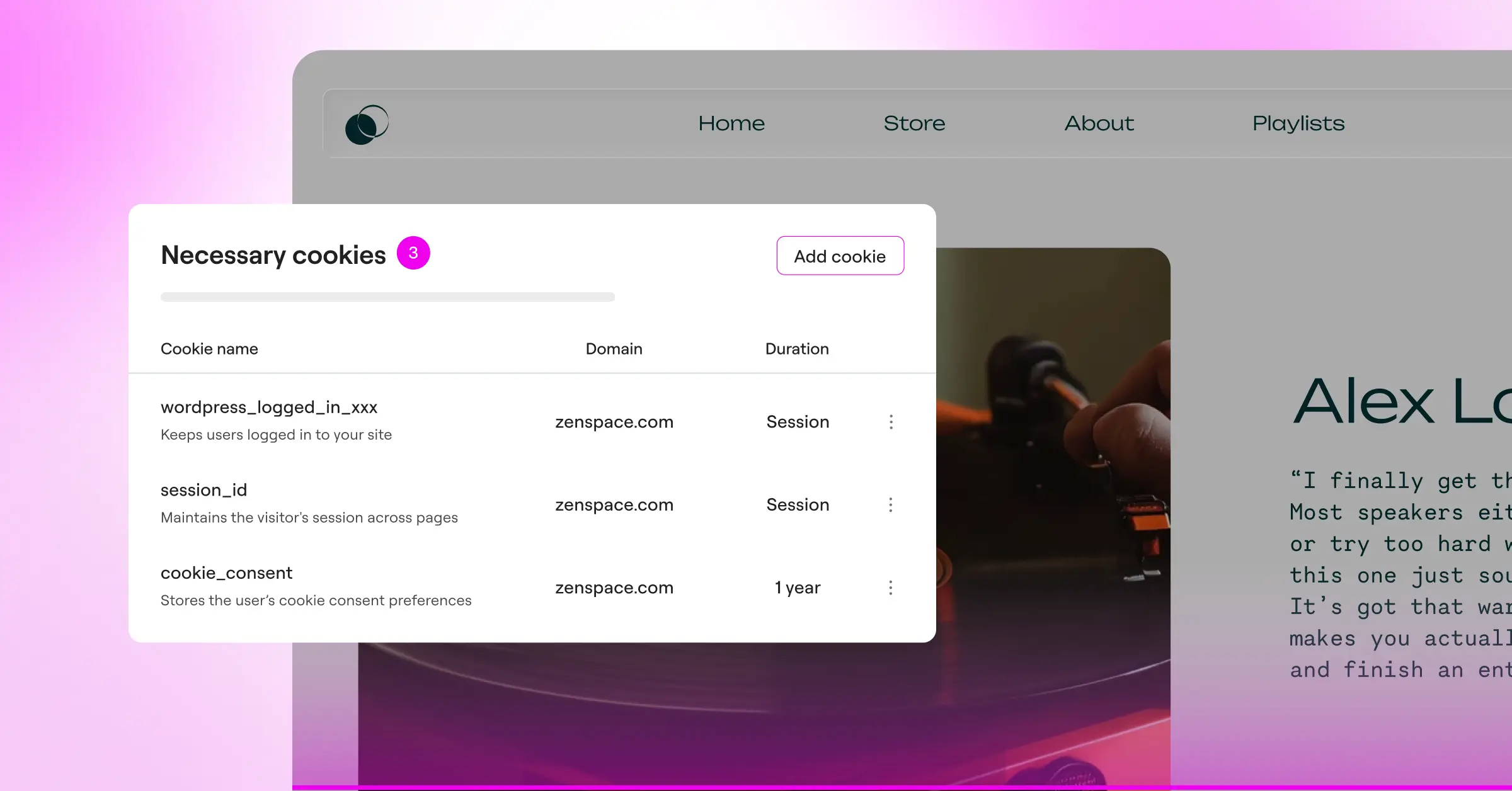
We’re kicking off with Cookie Consent, the built-in consent management capability from Elementor, handling privacy requirements right from your WordPress dashboard with no external platforms involved.
Because it’s native, you’re not juggling third-party tools that might clash with your theme. It handles scanning and design in one place, working naturally with the rest of the Elementor ecosystem.
Core Features
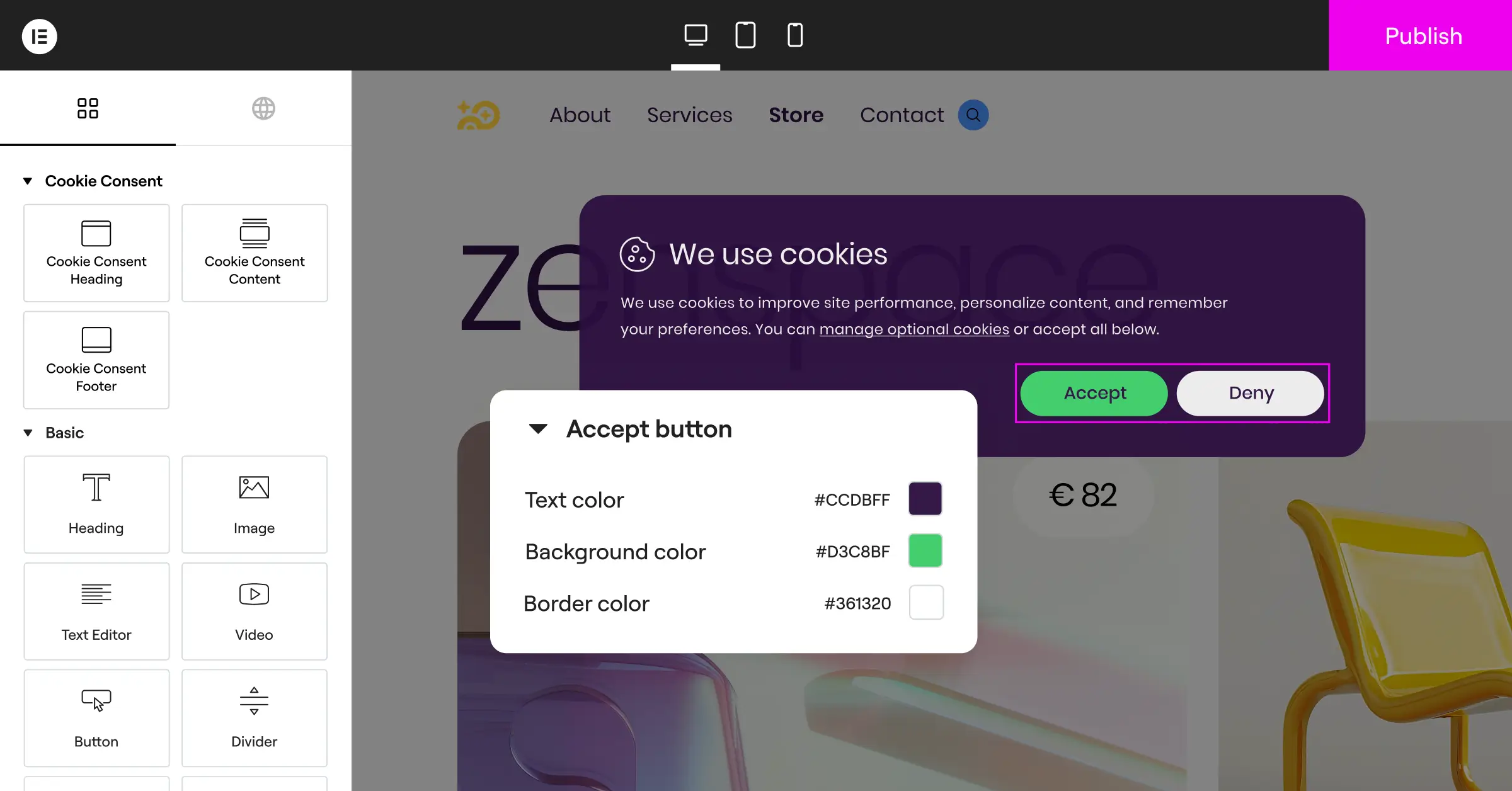
- Builds custom consent banners with your existing WordPress design tools.
- Scans your site automatically to find active cookies.
- Categorizes trackers so scripts don’t load before a visitor agrees.
- Stores detailed consent logs on your own server for compliance audits.
- Supports Google Consent Mode v2 so your analytics and ads keep running properly.
- Applies geo-targeting to show banners only to visitors from specific regions.
Pros and Cons
- Pro – No external dashboards or separate accounts to manage.
- Pro – Fully integrated into your existing design flow.
- Pro – Free tier is available and included as part of Elementor’s compliance toolkit.
- Con – Works best on sites using the Elementor core system.
Verdict
A strong, native choice that keeps things clean and quick.
2. Cookiebot
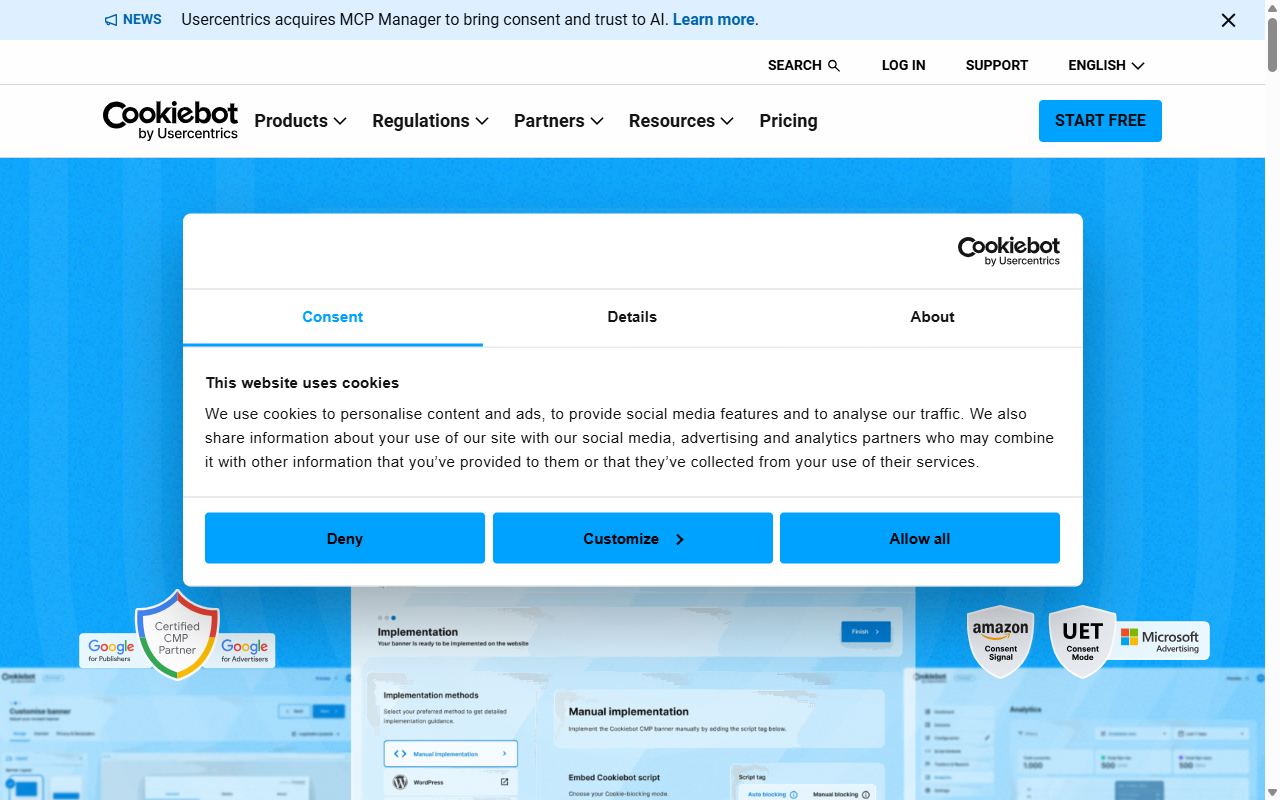
Cookiebot is a well-known cloud-based service that scans your site for trackers and builds a customized banner from what it finds.
Its automated crawler indexes your site monthly, updates your cookie policy, and sorts cookies into categories. Just remember you’ll manage settings from Cookiebot’s web manager, outside WordPress.
Core Features
- Detects tracking scripts automatically with a deep cloud-based crawler.
- Displays clear consent options based on the visitor’s geographic location.
- Holds historical consent records in a secure, remote database.
- Generates an automated cookie declaration page you can embed on your site.
Pros and Cons
- Pro – Solid automatic scanning and categorization.
- Pro – Reliable cloud infrastructure.
- Con – The free plan is strictly capped at 50 website pages, which is limiting for growing sites.
- Con – Requires an external account and dashboard login.
Verdict
Reliable for smaller, static sites under 50 pages; busy sites will outgrow the free tier fast.
3. CookieYes
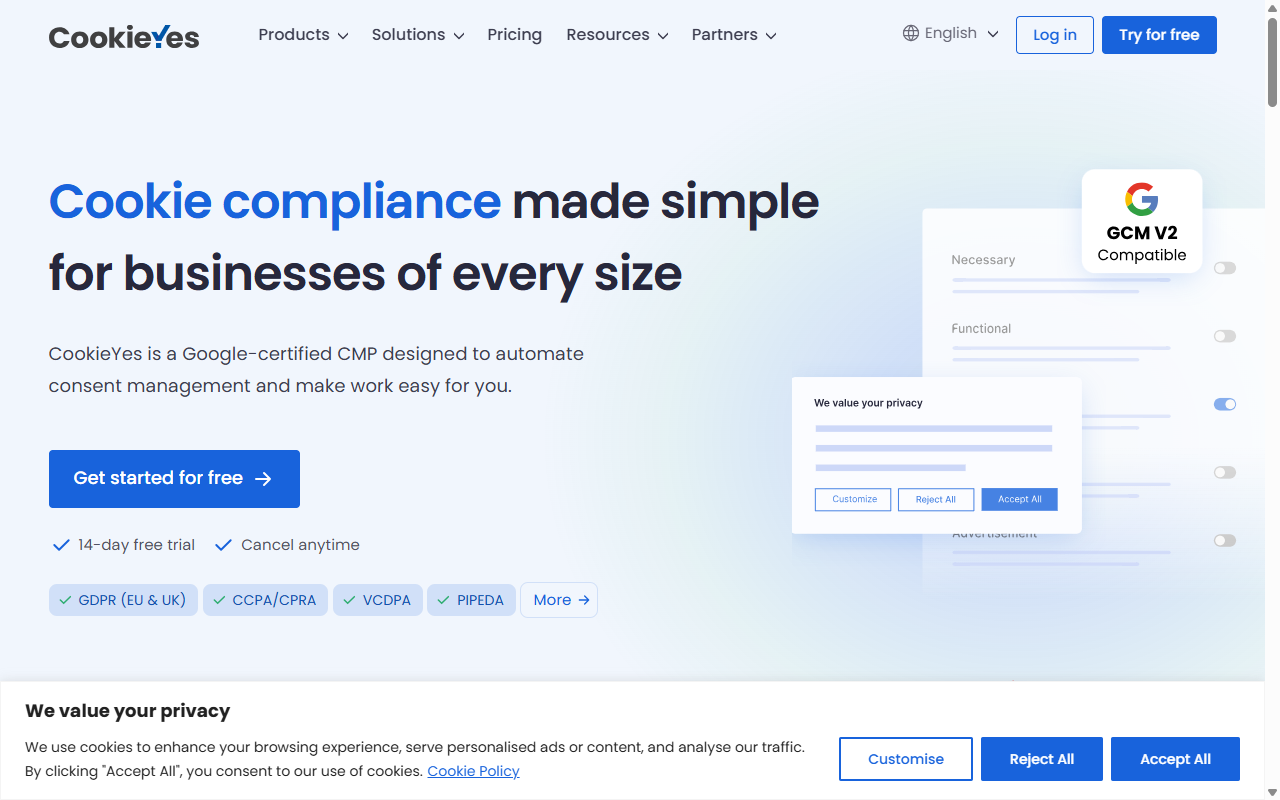
CookieYes pairs a WordPress helper tool with a centralized cloud service, approachable for beginners who need a quick setup.
The free plan is generous, covering up to 25,000 pageviews a month with a clean interface. (Worth noting: you’ll still need an external account for full access.)
Core Features
- Manages visitor consent choices through an intuitive step-by-step assistant.
- Blocks tracking codes automatically until the visitor accepts.
- Translates your compliance messages into over 30 languages.
- Records consent status to help you demonstrate compliance during audits.
Pros and Cons
- Pro – Generous monthly pageview limit on the free plan.
- Pro – Clean, attractive interface and templates.
- Con – Requires connecting to an external account.
- Con – Advanced styling and analytics are behind paid tiers.
Verdict
Good for medium-sized blogs wanting an attractive, multilingual banner, if you don’t mind an external portal.
4. Complianz
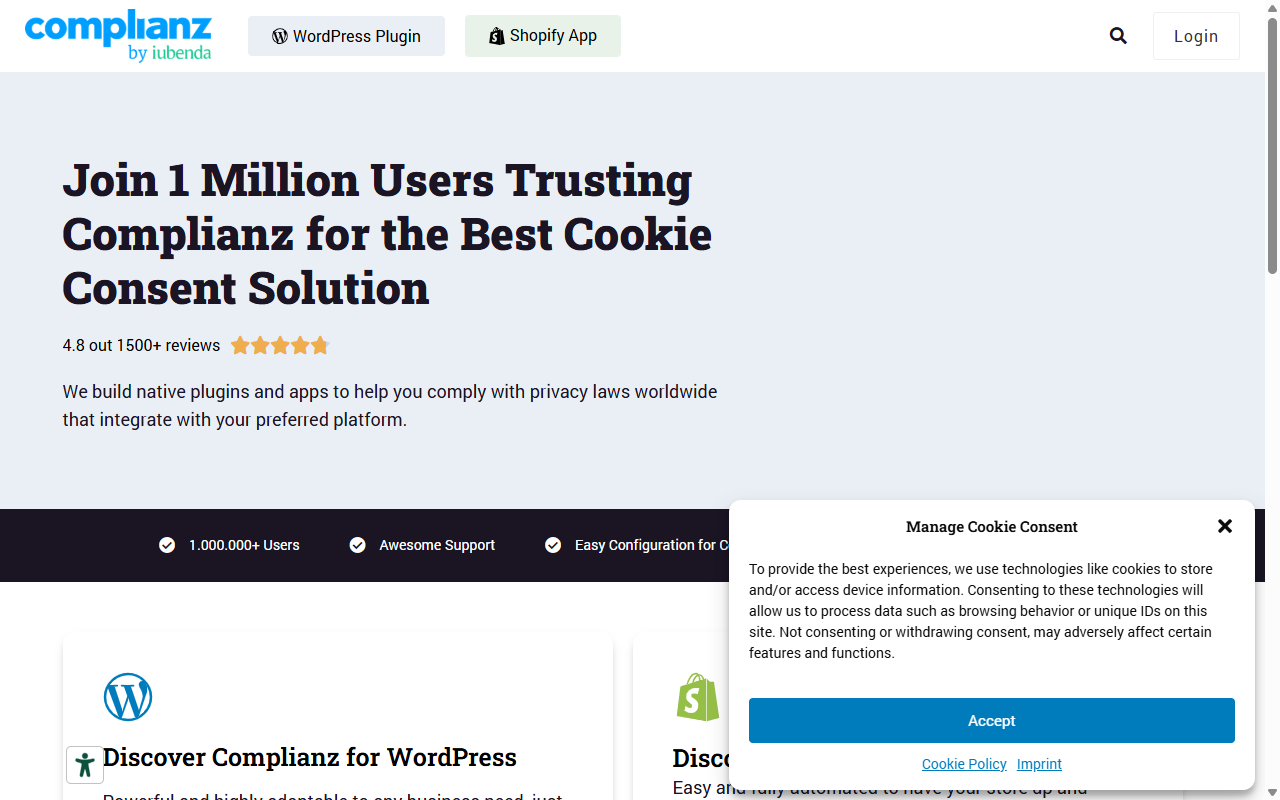
Complianz is built for the WordPress community, walking you through your privacy setup step by step like a guided assistant.
The wizard covers your business, audience, and data collection, then generates your legal documents and configures your banner automatically.
Core Features
- Configures your cookie settings using an interactive, interview-style wizard.
- Generates personalized cookie policy documents that update as regulations change.
- Integrates with major WordPress platforms, including eCommerce checkouts.
- Blocks third-party embeds like YouTube and Google Maps until user approval.
Pros and Cons
- Pro – Runs entirely on your own WordPress site without external accounts.
- Pro – Generates quality legal documents at no cost.
- Con – The setup wizard can feel long for simple sites.
- Con – Some compliance regions require paid add-ons.
Verdict
Solid if you want a guided setup and automated legal documents built into your dashboard.
5. iubenda
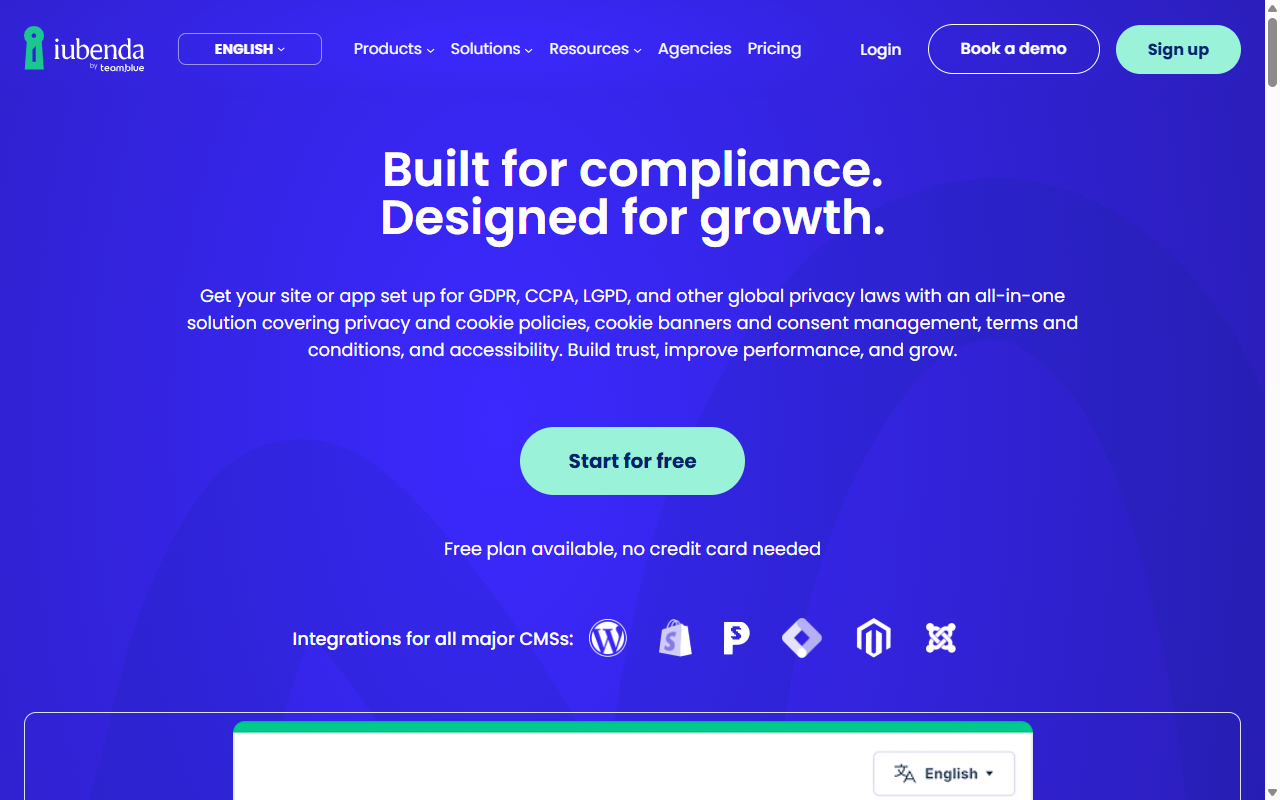
iubenda is a full compliance suite covering privacy policies, terms of service, and cookie consent together, connecting to WordPress via code snippets.
Its legal-first team tracks privacy laws worldwide and updates your policies automatically. The cookie banner is just one piece of the suite, but professional and reliable.
Core Features
- Links your consent banner directly to dynamically updated privacy policies.
- Tracks international privacy law changes to keep your site current.
- Saves visitor consent selections inside a secure, cloud-hosted record.
- Adapts the banner presentation to match local legal requirements.
Pros and Cons
- Pro – Complete compliance suite covering privacy policies and terms.
- Pro – Policies update automatically when global regulations shift.
- Con – The free plan is quite limited and may feel like a trial version.
- Con – Setup can be confusing given the many technical legal options.
Verdict
Reasonable for privacy policies alongside cookie banners, though you’ll likely need a paid plan for full features.
6. Termly
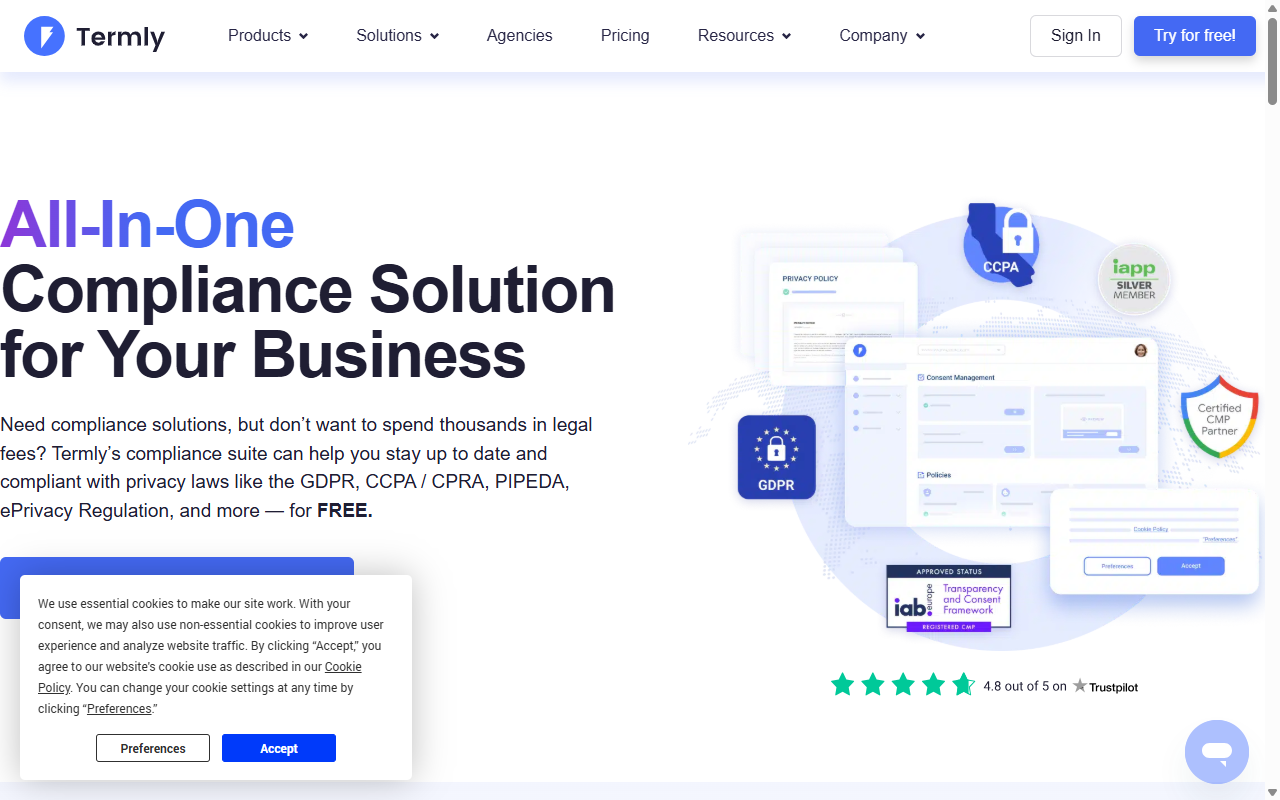
Termly is built for small businesses, startups, and independent site owners, simplifying data privacy through step-by-step builders.
The free plan scans one domain and covers up to 10,000 pageviews a month, though styling configurations live in their cloud portal.
Core Features
- Scans your website weekly to detect new cookies and trackers.
- Builds professional banners using pre-designed templates.
- Keeps your privacy policies aligned with GDPR, UK GDPR, and CCPA.
- Simplifies user data access requests through a clean management interface.
Pros and Cons
- Pro – Clean, well-designed interface that’s straightforward to use.
- Pro – Policy generators included in the dashboard.
- Con – The 10,000 pageviews per month limit can be reached quickly on busy sites.
- Con – The free plan displays Termly branding on your banner.
Verdict
Good for new business sites and startups needing clean banners and legal policies fast, branding and all.
7. OneTrust
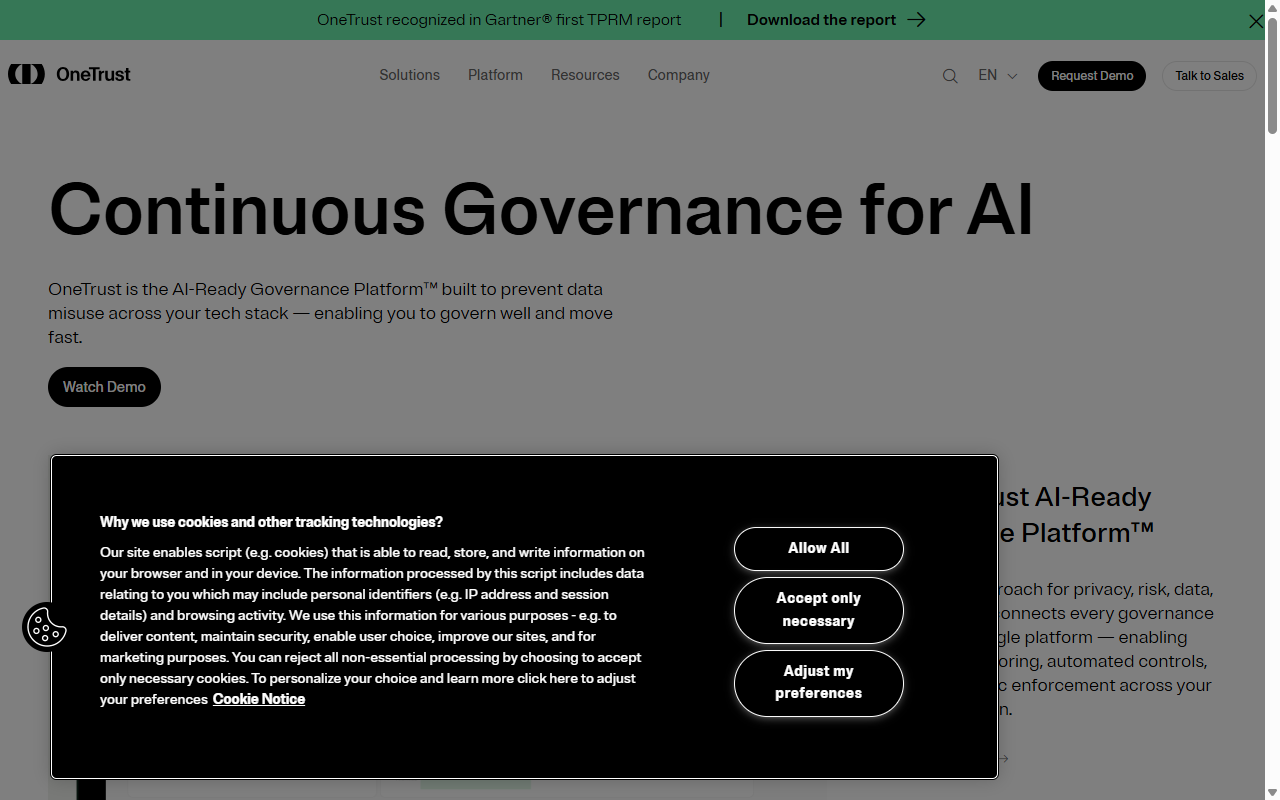
OneTrust is a major enterprise compliance player, offering advanced tools for large organizations managing privacy across many sites and jurisdictions.
It offers basic tiers smaller sites can use, though it’s a detailed platform that can feel like overkill for most WordPress sites.
Core Features
- Scales compliance settings across multiple large domains.
- Maps data tracking flows to show your legal compliance posture.
- Manages consumer request portals for data deletion requests.
- Includes detailed reporting dashboards for legal and compliance teams.
Pros and Cons
- Pro – Detailed compliance tools used by major brands.
- Pro – Extensive customization and localization options.
- Con – Steep learning curve for beginners.
- Con – Setup can take considerable time and effort.
Verdict
Built for enterprises with dedicated legal teams; typical WordPress users need simpler native tools.
8. Osano
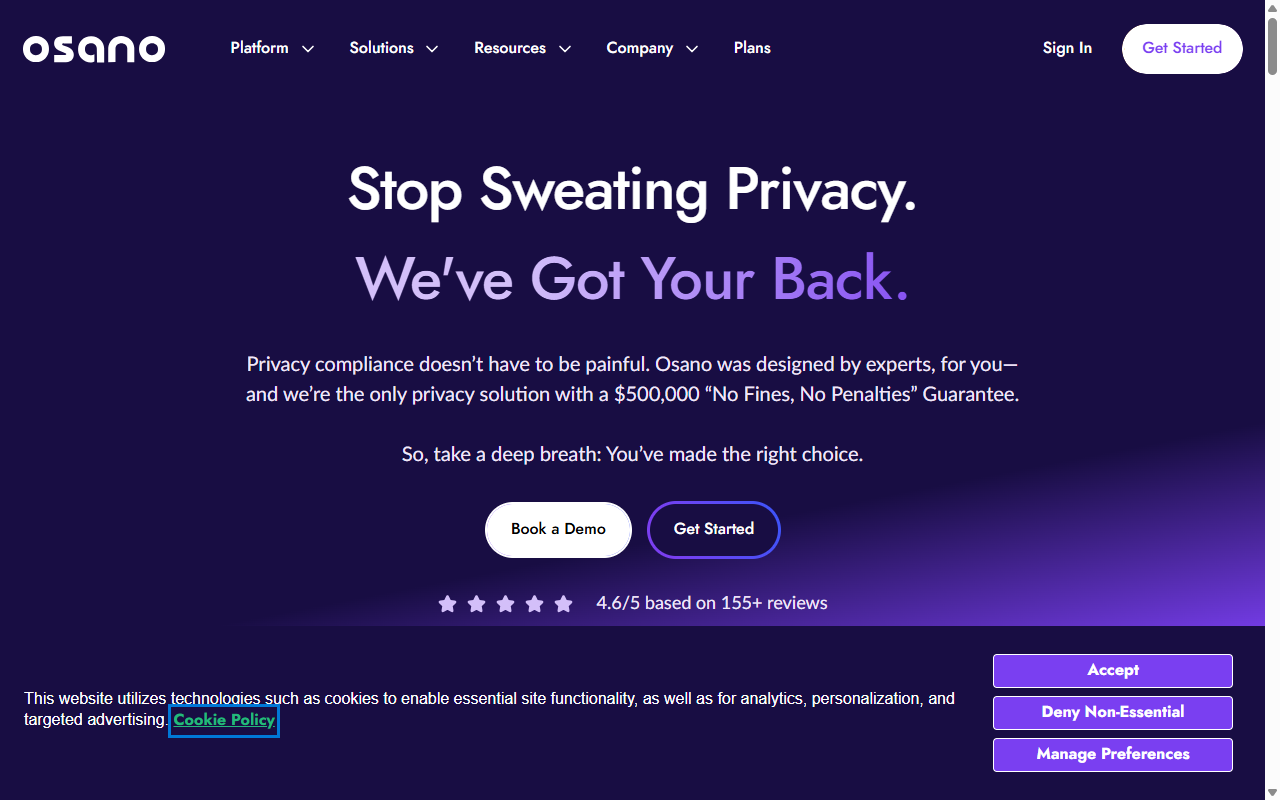
Osano is a privacy platform focused on vendor monitoring and data safety, flagging which scripts on your site carry privacy implications.
It’s straightforward to install, though like other SaaS tools it runs externally. The free plan covers a basic banner for small, low-traffic sites.
Core Features
- Blocks unapproved third-party scripts to help prevent unwanted data collection.
- Displays geo-targeted cookie banners using visitor IP tracking.
- Evaluates vendor safety levels using their proprietary rating system.
- Simplifies compliance with a lightweight, cloud-hosted script snippet.
Pros and Cons
- Pro – Strong focus on vendor tracking and data safety.
- Pro – Fast cloud delivery keeps banners loading quickly.
- Con – The free plan visitor limit of 5,000 per month is the lowest on this list.
- Con – More advanced features require a paid subscription.
Verdict
Solid for sites that prioritize vendor security and privacy tracking, though the free plan is limited.
9. WP GDPR Compliance
WP GDPR Compliance is a lightweight WordPress utility adding consent checkboxes to other tools on your site, rather than focusing purely on banners.
If you run contact forms, comments, or eCommerce checkouts, this tool connects with popular form solutions to add the consent steps visitors need.
Core Features
- Integrates compliance checkboxes into major contact and comment forms.
- Permits visitors to easily request access to their stored personal data.
- Deletes user information from your database automatically when requested.
- Adds clean consent prompts without relying on slow external scripts.
Pros and Cons
- Pro – Free and open-source.
- Pro – Integrates well with native WordPress features.
- Con – Doesn’t include the visual banner design options of other tools.
- Con – Requires some manual setup to connect with all your forms.
Verdict
A lightweight utility to pair with your primary banner, keeping form-level compliance simple and fast.
10. Klaro
Klaro is a developer-focused, open-source consent manager built for anyone who wants direct code access and prefers hosting compliance tools locally.
Because it’s lightweight and customizable, Klaro suits custom WordPress projects, configured through a simple JavaScript file for full control over which scripts get blocked or allowed.
Core Features
- Runs entirely from open-source code hosted on your own server.
- Saves browser processing by executing logic client-side.
- Allows deep, developer-level configuration via JavaScript files.
- Keeps tracking organized without requiring external database connections.
Pros and Cons
- Pro – No monthly caps or fees.
- Pro – Lightweight and privacy-respecting by design.
- Con – Requires direct code editing to configure.
- Con – No visual editor or automated setup wizard for beginners.
Verdict
Best for developers and technically-minded owners who want a zero-cost, open-source setup and don’t mind code.
How to Choose the Right Cookie Consent Tool
With so many options, the right fit comes down to your design needs, tech comfort, and traffic. Three practical steps to help you decide:
- Evaluate your platform – Already building with Elementor? The native Cookie Consent capability is a natural starting point that matches your design and keeps your admin unified.
- Check your traffic – Considering an external tool like CookieYes or Termly? Keep monthly pageviews under their free plan limits, or your banner may stop showing.
- Verify your integration needs – Using Google services? Confirm your tool fully supports Google Consent Mode v2 so your analytics stay accurate.
Frequently Asked Questions
Do I really need a cookie consent banner if my site is small?
Yes. GDPR and similar laws care about visitor location, not business size. If someone from the EU or California visits and you use analytics or tracking pixels, you must offer consent choices. A free tool early on protects you and builds trust.
What is Google Consent Mode v2 and why does it matter?
It lets your site communicate visitors’ privacy choices directly to Google tools like Analytics and Ads. If a visitor declines cookies, Google’s services adapt and model performance without identifying them. (Sounds technical, but it matters for accurate data.) Support for this mode is essential if you serve European traffic.
Is it better to use a native WordPress tool or an external SaaS tool?
A native WordPress tool is easier to manage day to day, with simple setup, no external dependence, and no traffic caps. External tools suit large enterprises, not regular sites.
Will a cookie consent banner slow down my website?
It can, if the tool isn’t well-optimized. External options loading scripts from remote servers may delay page rendering. Native and open-source options run on your own server, keeping load times fast.
Can I customize the design of my consent banner to match my brand?
Most quality consent tools let you adjust colors, text, and button styles. A native capability like Cookie Consent inside the Elementor ecosystem gives full design access, so your banner feels like part of your site, not a pop-up.
What happens if I exceed the pageview limit on a free consent tool?
On many free plans, crossing your monthly limit means your banner stops showing until the next billing cycle or upgrade. A native WordPress tool without pageview limits sidesteps that risk.
Do these tools also generate privacy policies?
Some do. Complianz and iubenda include policy generation assistants. Others focus purely on banners and script blocking; pair a banner-only tool with a free policy builder or native toolkit to stay covered.