Running a WordPress site means balancing good design with strict privacy rules, and GDPR and CCPA call for clear, compliant banners. Termly is well known for managing consent, but many site owners tire of a separate dashboard and a climbing bill. Here’s a look at the alternatives that keep your site compliant without slowing you down.
Key Takeaways
- WordPress-native options skip slow external dashboards and keep your data close to home.
- Your consent tool needs Google Consent Mode v2 support to keep marketing and analytics accurate.
- Customization keeps your brand looking professional without a mismatched cookie banner.
- Entry-level plans and bundled capabilities suit smaller sites or those already using advanced builders.
- Automatic cookie scanning is essential to stay audit-ready when privacy regulators check your site.
Why WordPress Owners Search for Termly Alternatives
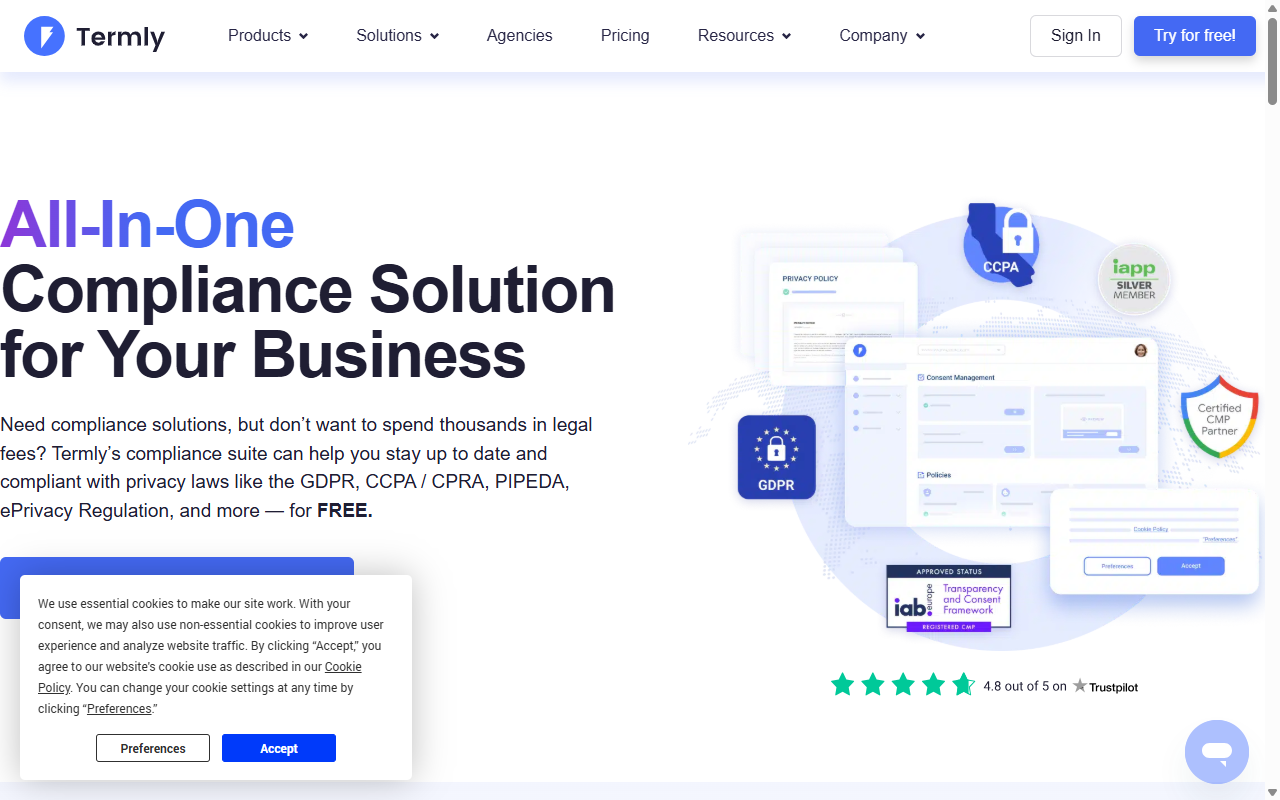
Termly is a popular cloud-based compliance platform, but it runs entirely outside your WordPress dashboard. Changing banner styling, checking consent logs, or adjusting settings means logging into a separate platform, an extra step on a busy day.
Styling is another common concern. Since the editor lives outside WordPress, matching fonts, colors, and button shapes to your theme can take extra work. And a banner that looks like an afterthought chips away at visitor trust fast.
If you run multiple client sites or get decent traffic, those fees add up fast. That’s why owners often look for something more integrated and easier to manage day to day. Here are two of the main reasons people move away from Termly:
- External Dashboard Friction – Managing compliance from a separate portal feels disconnected from your everyday WordPress updates.
- Design Control Limitations – Customizing your banner’s look often feels more restrictive than working in a native builder.
Comparison of the Best Termly Alternatives
Here’s a comparison of the top platforms: how each integrates with your site, how fast it is to set up, and who it serves best.
| Tool Name | Platform Style | Google Consent Mode v2? | Best For | Setup Complexity |
|---|---|---|---|---|
| Cookie Consent | WordPress-Native | Yes | Elementor users & agencies | Very Low (Under 5 mins) |
| Cookiebot | Cloud SaaS | Yes | Large corporate websites | Medium |
| CookieYes | Hybrid Cloud | Yes | Multi-CMS site owners | Medium |
| Complianz | WordPress-Native | Yes | Legal documentation focus | High (Long setup wizard) |
| iubenda | Cloud SaaS | Yes | Global multi-language sites | High |
| OneTrust | Enterprise SaaS | Yes | Large enterprise legal teams | Very High |
| Osano | Cloud SaaS | Yes | Mid-market compliance officers | Medium |
A Detailed Look at 7 Best Alternatives for Cookie Consent & Compliance
1. Cookie Consent
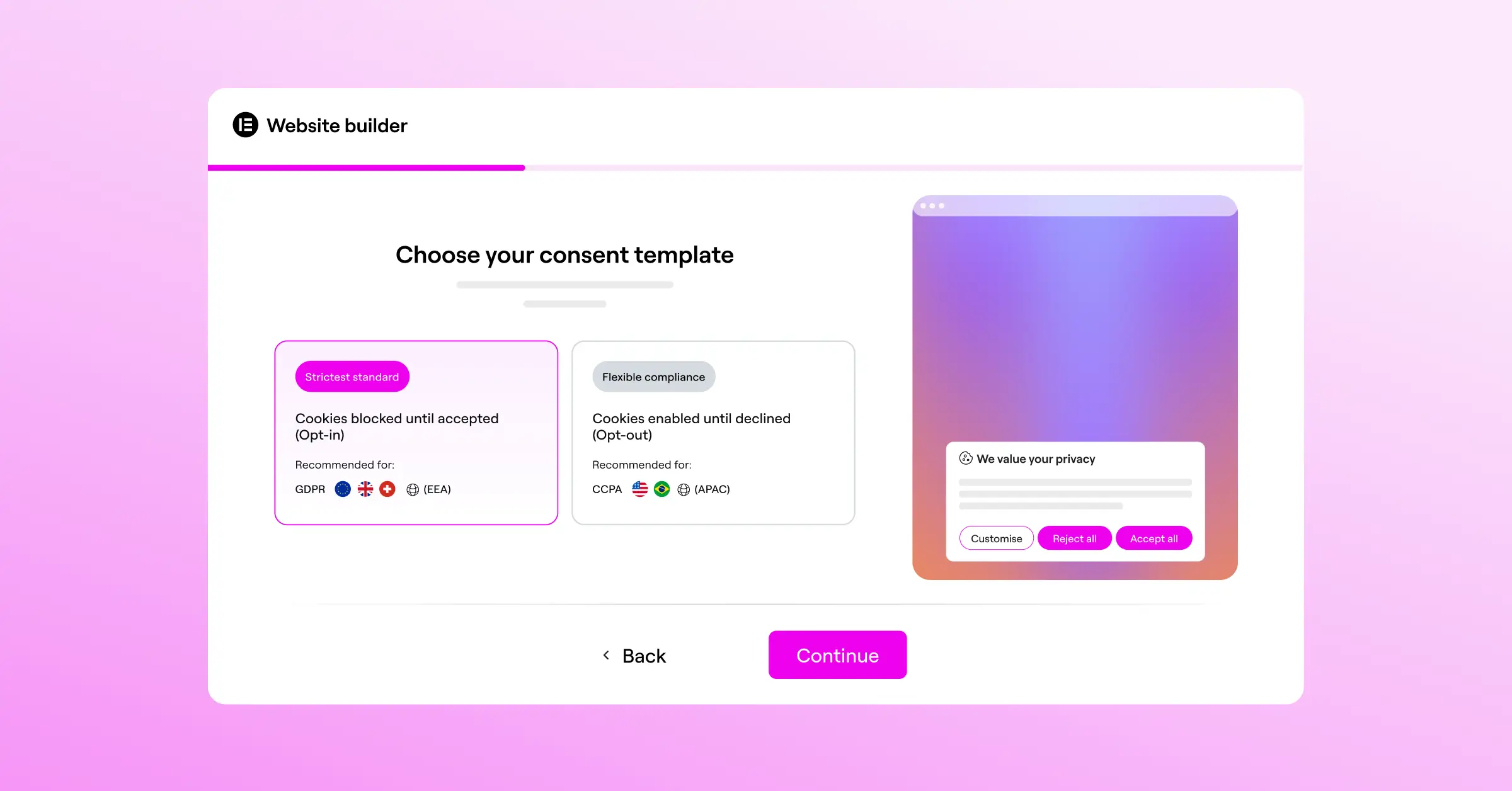
Our top pick is the native Cookie Consent capability, built by Elementor for WordPress. If you’re already building with Elementor, you handle privacy compliance right inside WordPress: no external accounts, no copied scripts, no separate dashboard. Setup takes under five minutes, with full control from the start.
Because it lives in your WordPress dashboard, there’s no third-party script lag slowing your site. You get a modern cookie consent solution supporting Google Consent Mode v2 and Global Privacy Control, and it’s included in Elementor One, a budget-friendly pick.
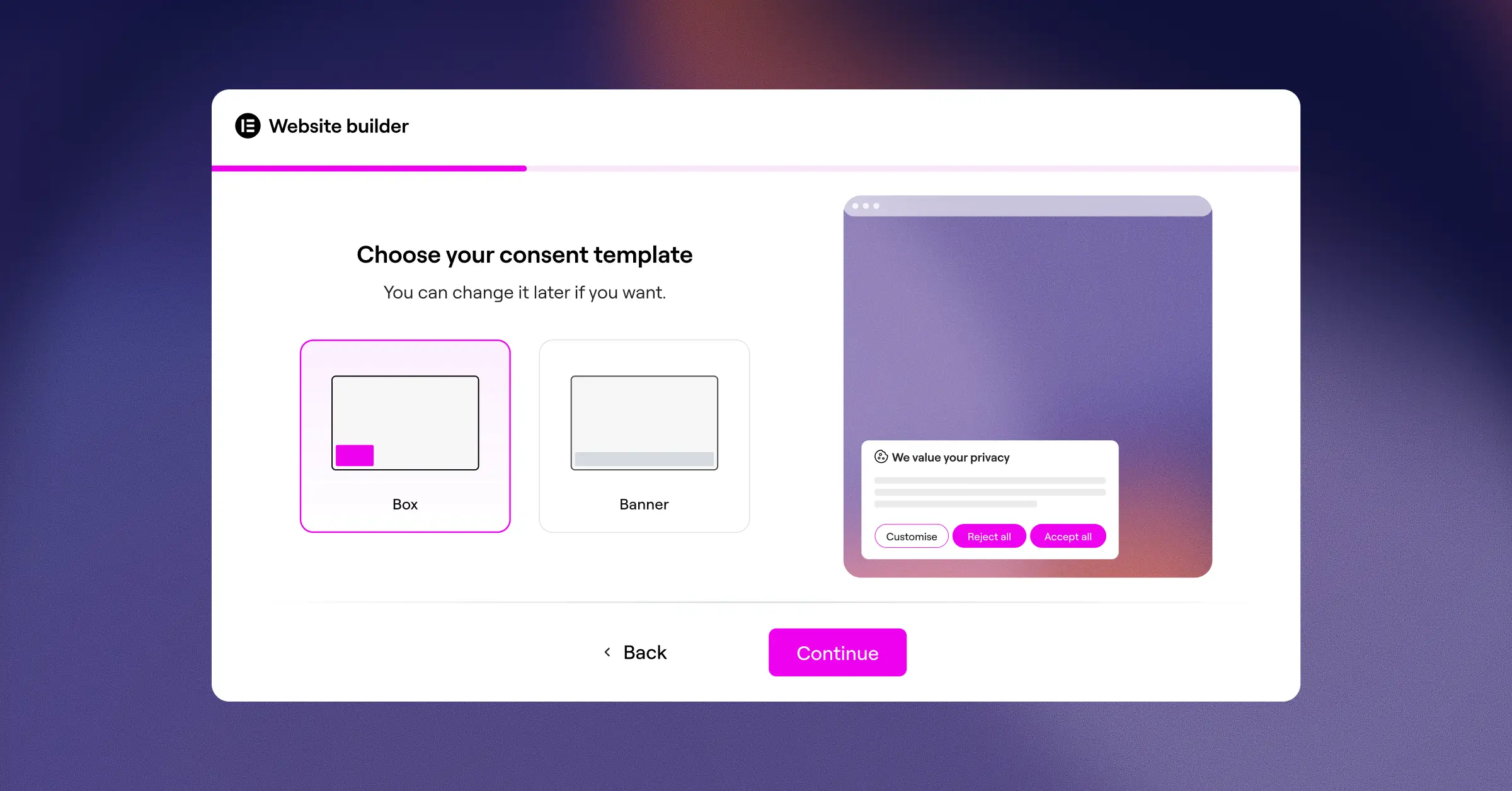
- Manages your privacy compliance entirely from the WordPress dashboard without external redirects.
- Scans and categorizes your site cookies automatically to keep your lists accurate.
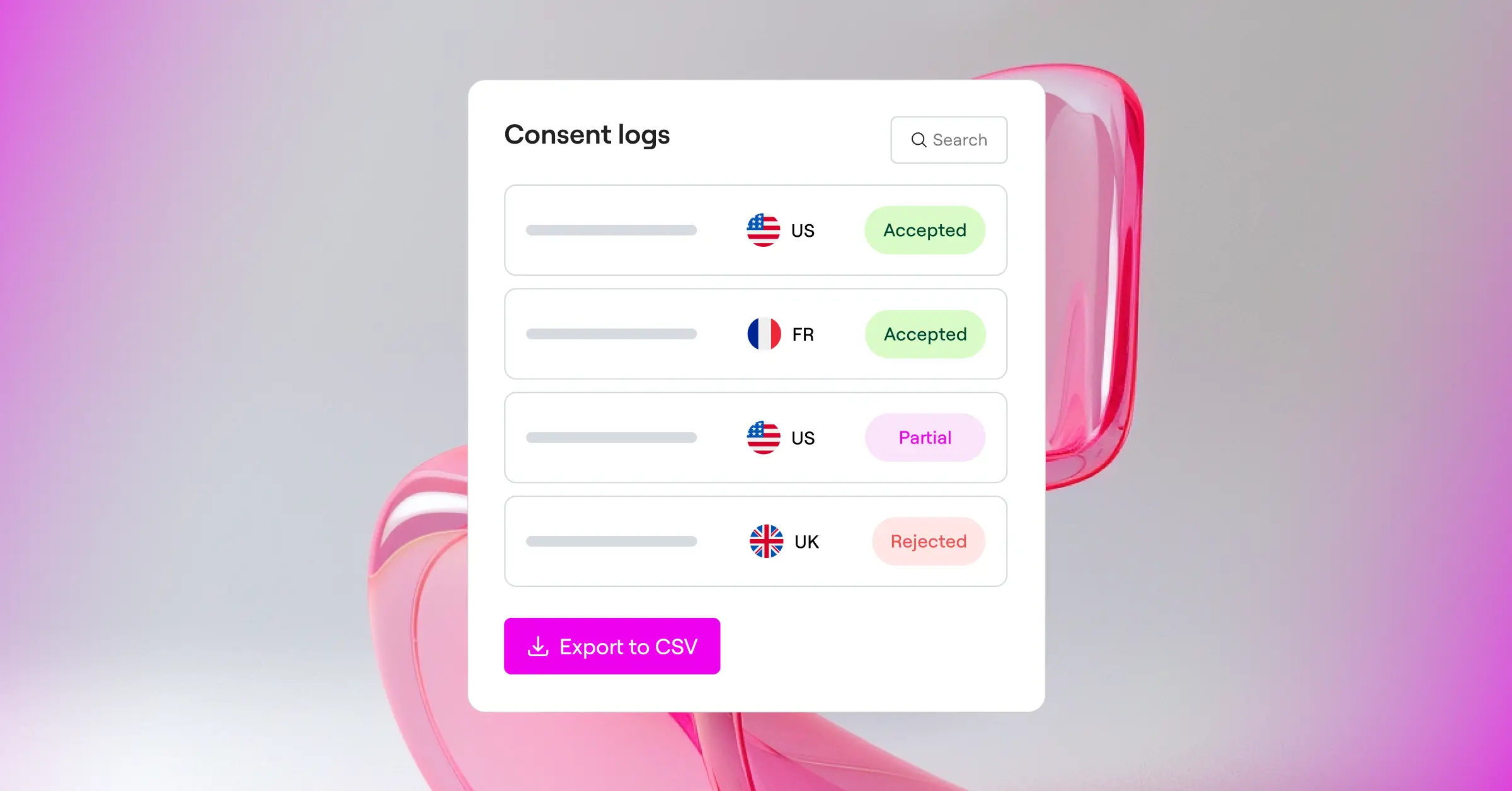
- Stores detailed consent logs locally so you’re always prepared for legal audits.
- Supports Google Consent Mode v2 out of the box for accurate marketing measurement.
- Adapts to any brand with full design customization using your existing site theme.
- Identifies user location to show geo-targeted banners to European or Californian visitors only.
Pros & Cons
The biggest benefit here is zero dashboard friction. You design your banner in the interface you already know, matching your branding naturally. It’s fast and keeps your database clean, though not a fit if you’re running a non-WordPress platform.
Our Verdict
For WordPress owners and designers who want something simple, attractive, and deeply integrated, this is the top choice. It removes the hassle of an external compliance subscription while keeping your design clean and professional.
2. Cookiebot
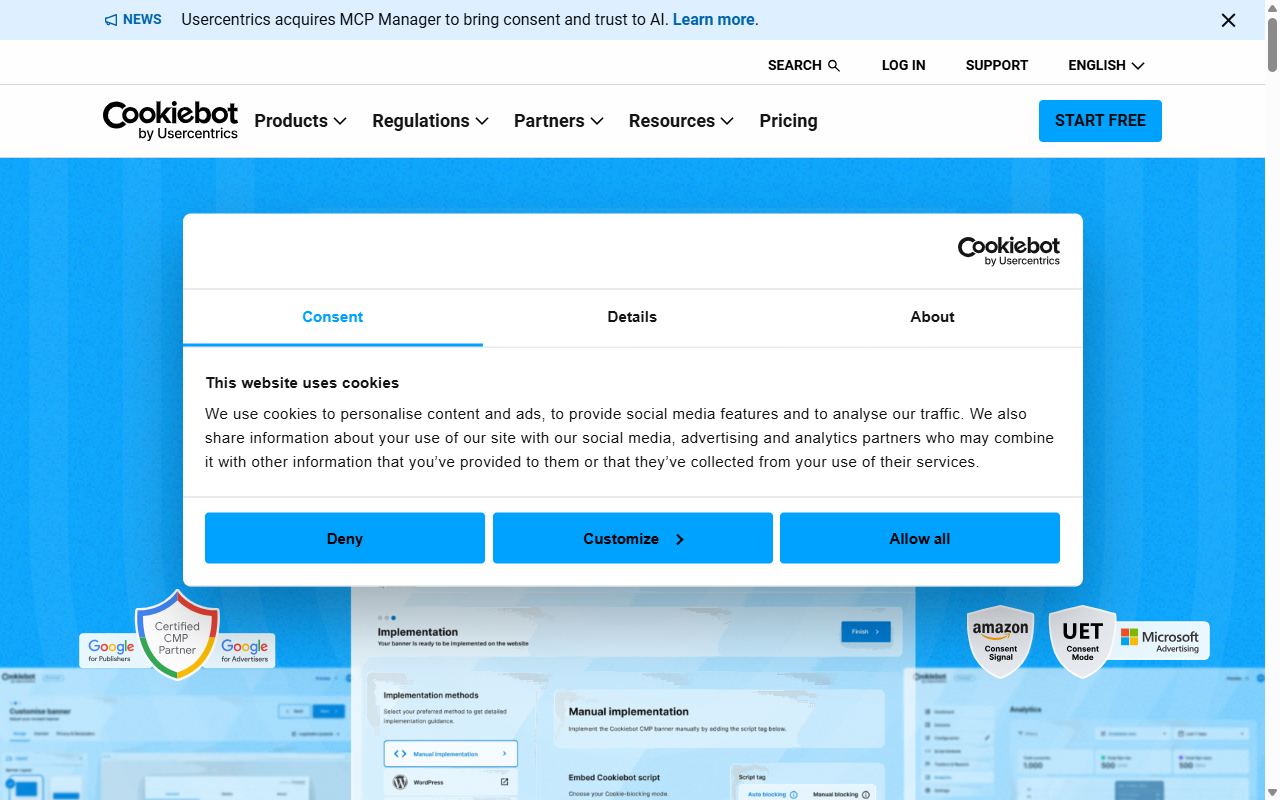
Cookiebot is an established cloud-based consent tool used on millions of websites, known for accurate, automated scanning that finds and blocks tracking cookies until visitors give permission. You manage it through an external cloud dashboard, then add it to your site with a script.
It works well for businesses that want a reliable, ongoing compliance process, with solid support and smooth Google Tag Manager integration. Styling on lower tiers can feel basic, and per-domain pricing is worth weighing for several smaller sites.
- Scans your website to find, categorize, and document every active cookie.
- Generates a detailed cookie declaration document that you can embed on your privacy page.
- Saves user consent choices in an encrypted cloud database for easy compliance reporting.
- Translates your banner into dozens of languages automatically based on browser settings.
Pros & Cons
The automated scanner handles complex scripts without breaking your site, and the reporting is thorough. But since it’s a cloud service, you’ll step outside WordPress to make changes, and the monthly cost climbs as your site grows.
Our Verdict
Cookiebot is a solid choice for business sites that want detailed scanning and don’t mind a monthly fee for an external service.
3. CookieYes
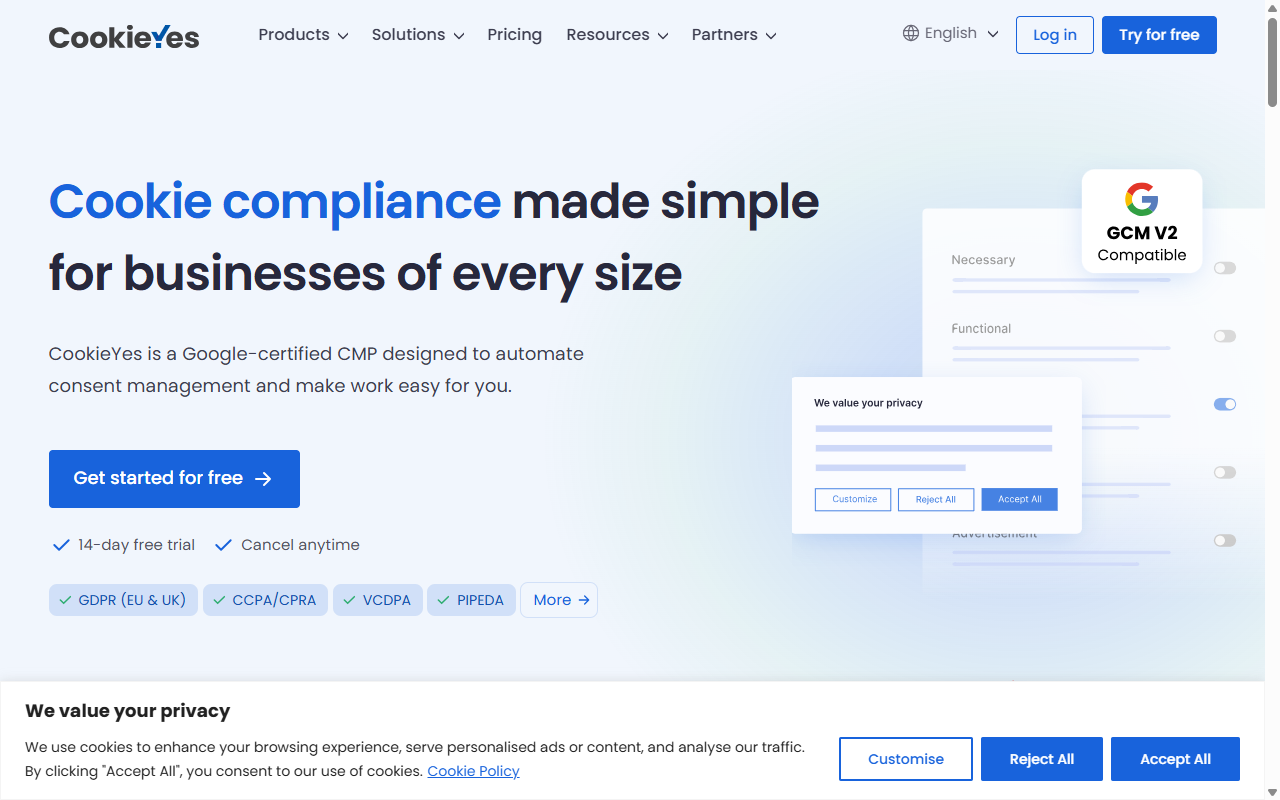
CookieYes is a friendly, hybrid consent platform that works across many content management systems, with a clean web-app interface for your banner, blocking behavior, and consent logs, plus a popular entry-level plan for smaller sites.
With support for Global Privacy Control and Google Consent Mode v2, it keeps your marketing tools accurate while respecting visitor choices. It’s a straightforward option if you want something approachable and don’t need a native WordPress dashboard.
- Connects with WordPress, Shopify, Wix, and custom codebases through a single code snippet.
- Blocks tracking scripts automatically until the visitor interacts with your banner.
- Logs historical consent records securely to help you prove compliance during audits.
- Gives developers custom CSS styling blocks for deeper visual control.
Pros & Cons
It’s easy to use, with an intuitive interface, and the entry-level plan suits smaller blogs well. The dashboard is still external, though, and that plan caps how many pages it scans, so larger sites need to upgrade eventually.
Our Verdict
CookieYes is a reliable option for multi-platform owners who want a simple web application to handle consent across different site types.
4. Complianz
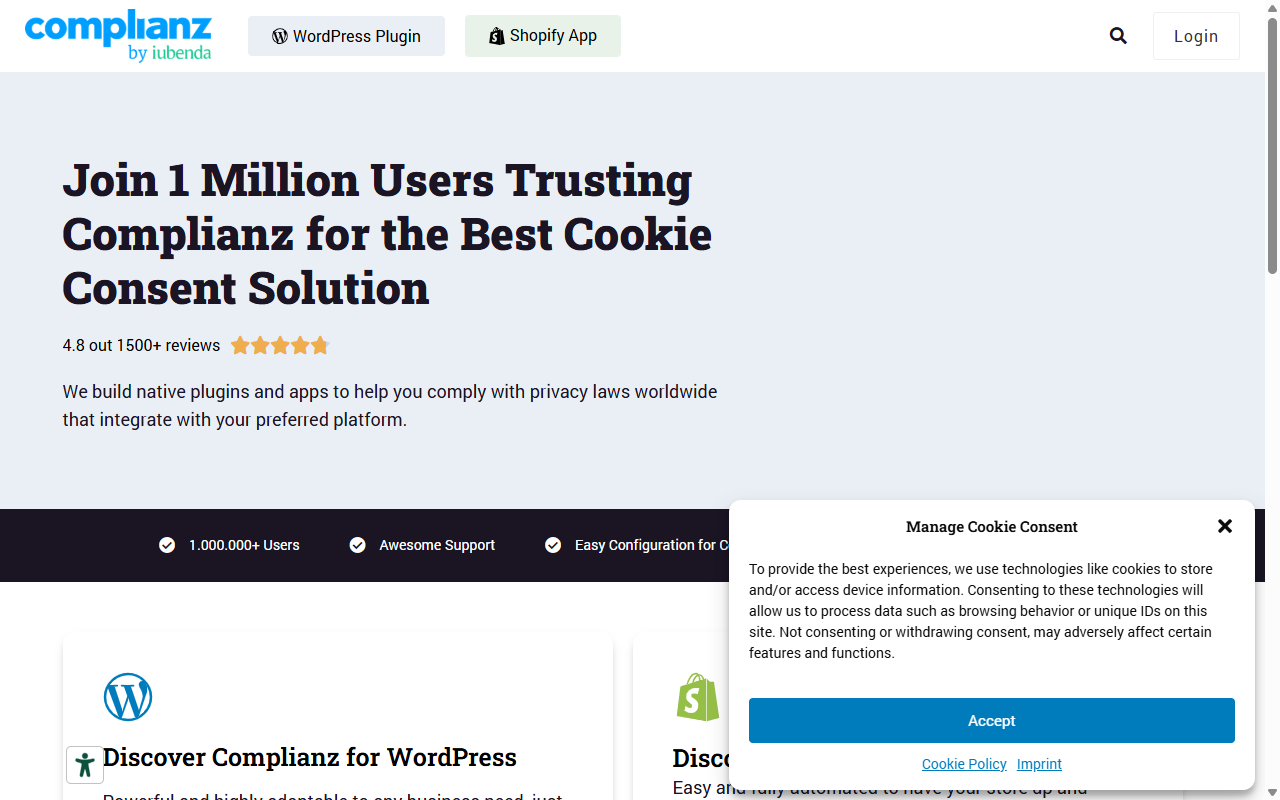
Complianz is a consent solution built for the WordPress community, with a legal-first approach to compliance. Instead of just handing you a banner, it walks you through a wizard that helps generate legal documents like privacy policies and cookie disclosures.
Because it’s native to WordPress, you don’t need an external account. The configuration is thorough, which can feel like a lot for a simple banner, but it’s solid for teams that want the legal documentation right.
- Guides you through a localized wizard matching compliance rules to your region.
- Generates legally sound privacy policies and cookie declarations directly inside WordPress.
- Integrates with popular contact form solutions to manage consent before data submission.
- Disables social media embeds and maps automatically until the visitor agrees to them.
Pros & Cons
The legal documentation depth is excellent, and everything stays inside your site. The long setup wizard can feel time-consuming, though, and the interface has a bit of a learning curve for beginners.
Our Verdict
If you need custom-generated legal documents and want a guided, native WordPress wizard, Complianz is a strong option to consider.
5. iubenda
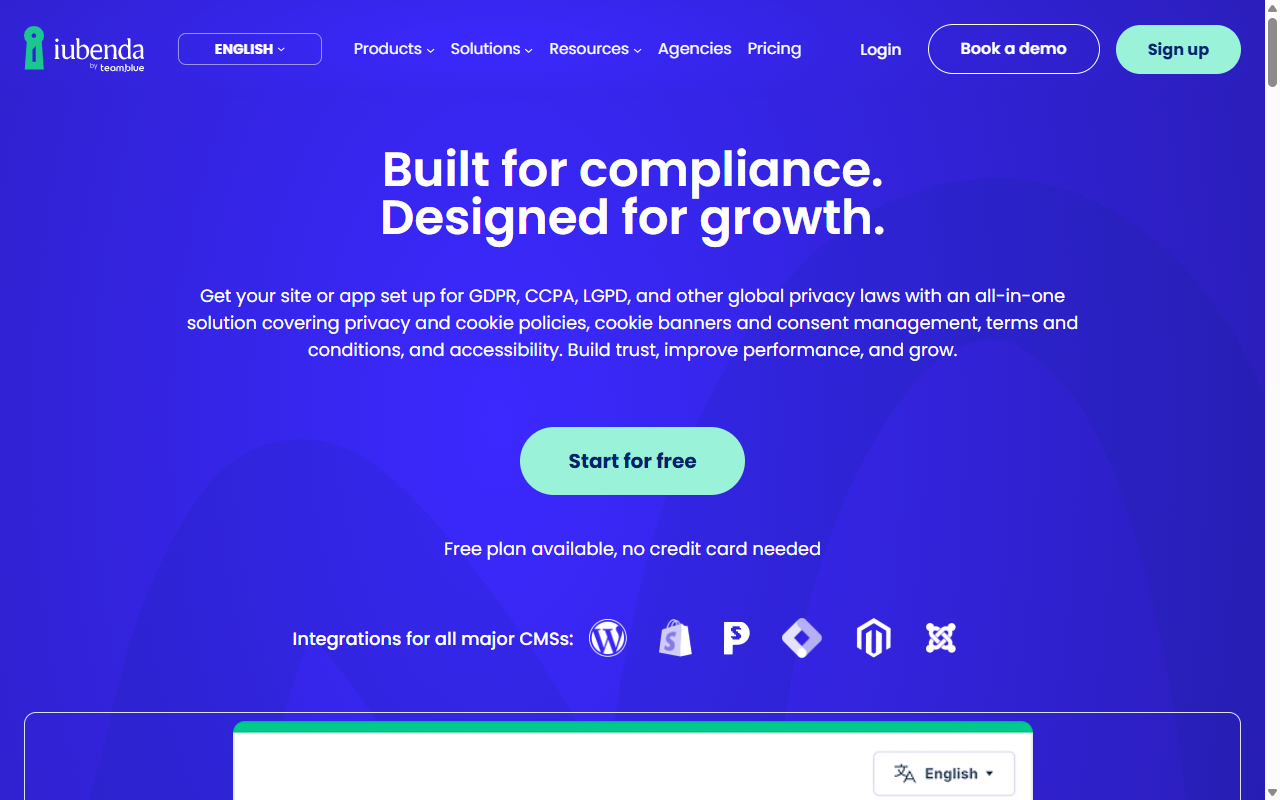
iubenda is a broad compliance suite built for professional web agencies and businesses with complex needs. It goes beyond cookies to cover terms and conditions, privacy policies, and mobile app privacy rules through a cloud dashboard.
It scales well and handles multiple languages, letting you build your legal foundation across many properties at once. The interface suits users with some legal or technical background, so expect a learning curve.
- Builds professional privacy and terms policies that auto-update when compliance laws change.
- Tracks consent across multiple websites and domains from one central agency portal.
- Supports highly specific regional privacy frameworks including CCPA, GDPR, and LGPD.
- Allows extensive code integration for sites using advanced custom JavaScript.
Pros & Cons
It’s thorough and works well for agencies managing multiple client sites across regions. The setup is complex, and separate licenses for every legal document add up over time.
Our Verdict
iubenda is a good choice for agencies and international businesses that want a single cloud-based suite covering all forms of legal documentation.
6. OneTrust
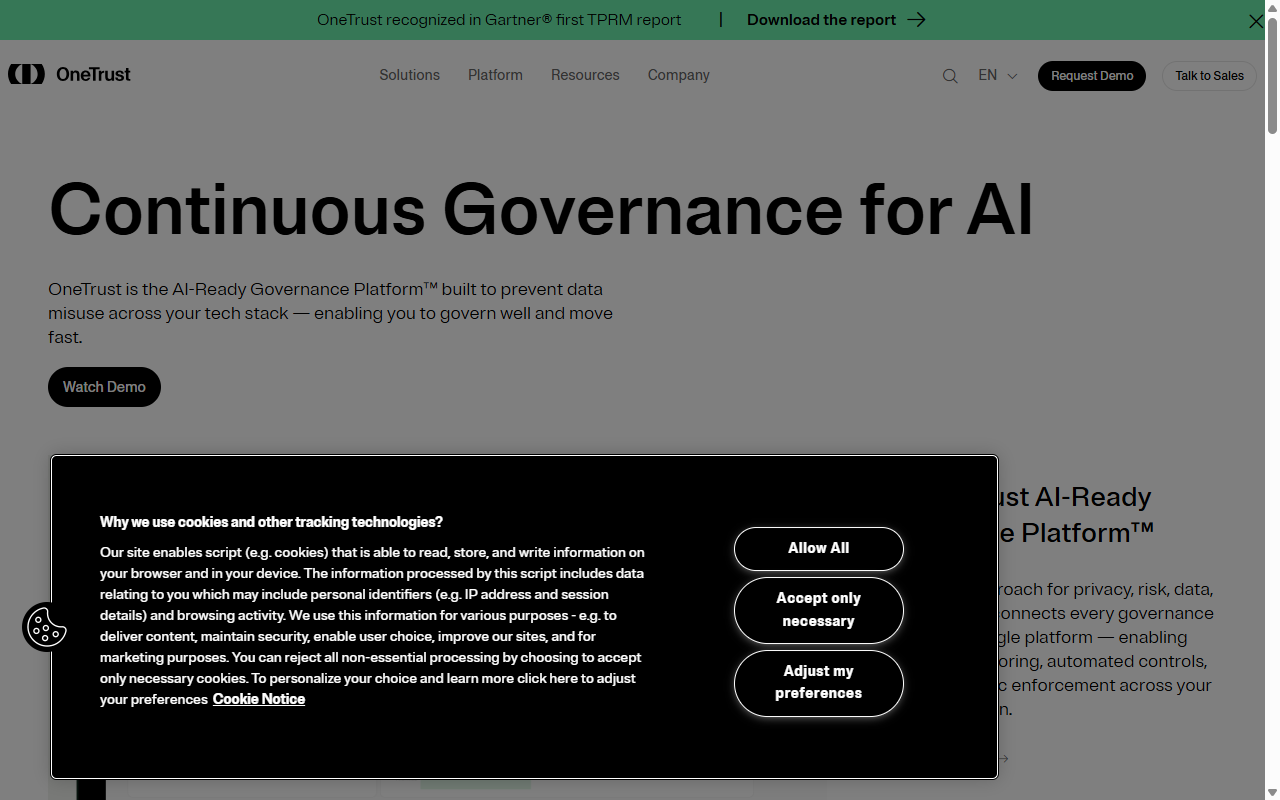
OneTrust is a large-scale privacy platform built for enterprise organizations and legal compliance teams. It’s not built for small blogs, but it’s a capable option for a large corporate website or high-traffic e-commerce operation with strict auditing needs.
OneTrust covers everything from cookie compliance and vendor risk to consumer privacy portals, through an advanced cloud dashboard that takes time to learn. Its scope means a higher budget and longer setup, built for organizations with complex compliance needs.
- Monitors privacy risks across large corporate portfolios with automated system audits.
- Classifies cookies using a broad database of known web scripts.
- Operates a portal for processing consumer data requests and deletion filings.
- Delivers detailed reporting dashboards for internal compliance officers and legal counsel.
Pros & Cons
The system is thorough and built for demanding legal audits. It’s too complex and pricey for a standard WordPress site or local business, best suited for organizations with dedicated compliance teams.
Our Verdict
OneTrust is the right fit for enterprise-level organizations that need deep legal auditing tools and have the budget and team to support them.
7. Osano
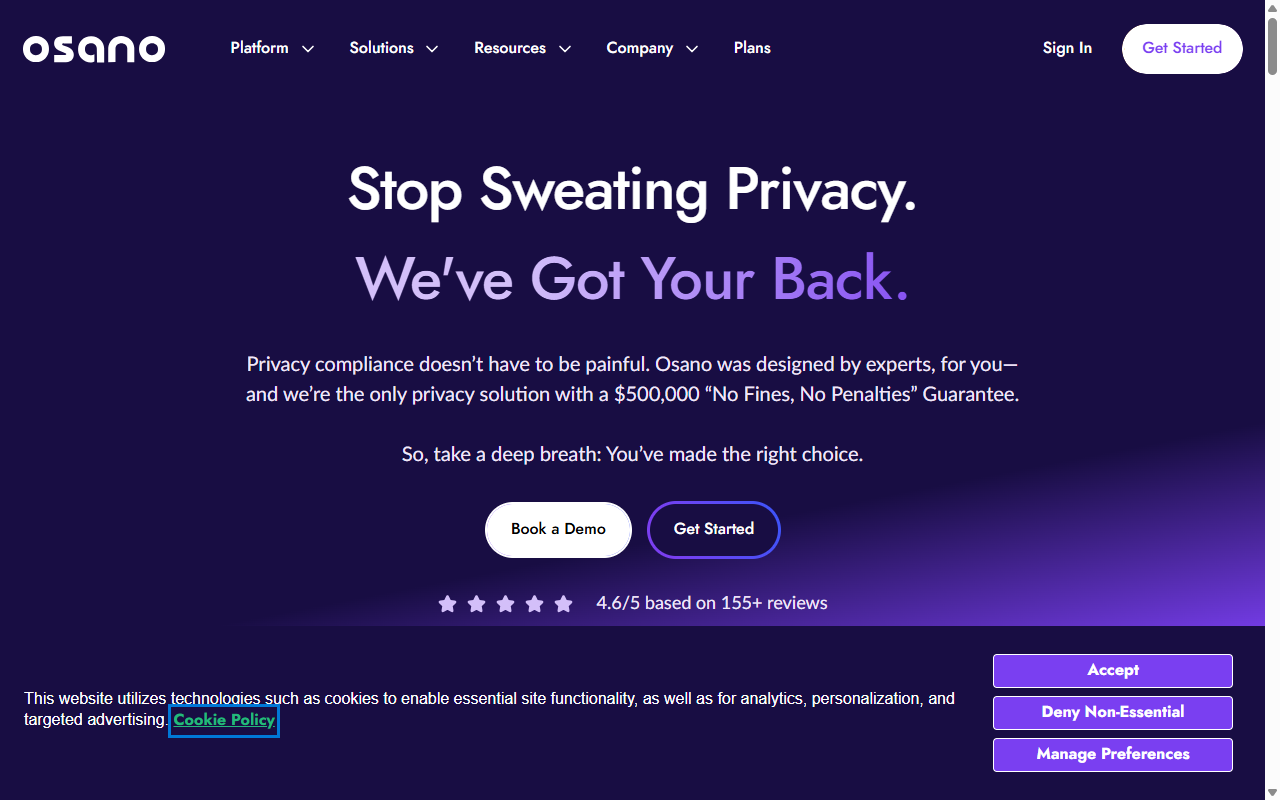
Osano positions itself as an easy-to-use compliance platform for mid-market businesses that want a secure way to block data trackers and stay compliant, with a hands-off approach that manages script blocking automatically.
The dashboard is clean and modern. It’s external, but it integrates with WordPress through a single script tag, a practical option without a heavy enterprise feel.
- Guarantees compliance by checking your setup against global privacy regulations.
- Blocks unauthorized tracking scripts before your page even loads.
- Monitors your external vendors for unexpected user data sharing.
- Displays clear, well-designed consent banners that look professional on mobile and desktop.
Pros & Cons
It’s secure and straightforward for mid-sized business teams to manage. The platform is cloud-based, so you’ll still be stepping outside WordPress to make changes, and costs scale as your business grows.
Our Verdict
Osano is a solid, premium cloud option for growing businesses that want a secure compliance platform with minimal ongoing maintenance.
“True privacy compliance isn’t about slapping a banner on your homepage. It’s about understanding what scripts are running, logging consents reliably, and ensuring that your site respects user choice without adding unnecessary performance weight.”
– Itamar Haim, Web Compliance Specialist
How to Transition from Termly to a Native WordPress Solution
If a native option is your best path forward, the switch is easier than it looks. You won’t lose your settings or break your design, just follow a clear process into your WordPress dashboard.
We’d recommend a clean migration. It keeps site speed high and stops two cookie banners from loading at once, which would confuse visitors and could flag a compliance issue. Here’s how in four steps:
- Deactivate Termly Scripts – Log into Termly, remove your site domain, and delete any Termly script tags from your WordPress header files or tag manager.
- Activate Your Native Capability – Enable your new native cookie consent tool in your WordPress dashboard (if you use Elementor’s Cookie Consent, you’ll find it under your compliance settings).
- Run a New Cookie Scan – Run your first automated scan to categorize your plugins, analytics trackers, and social media scripts.
- Style and Publish – Match colors, fonts, and button shapes to your site design, test the banner on mobile, and publish.
Once your new native system is running, managing changes gets faster. Update policies, change banner text, or adjust your color scheme alongside your other site edits, saving real time weekly.
Essential Checklist for Cookie Consent Compliance
No matter which tool you choose, your setup needs to meet modern legal expectations. Regulators in Europe and California look for specific behaviors, and a box that says “We use cookies” isn’t enough anymore.
Your setup needs to put the visitor in control of their own data before any tracking happens. To make sure you’re not missing anything, run through this quick compliance checklist:
- Prior Consent – Keep all non-essential cookies and tracking scripts blocked until the user actually clicks the accept button.
- Granular Choice – Let users choose to accept some cookies (like analytics) while rejecting others (like marketing trackers).
- Easy Withdrawal – Give visitors an obvious, always-visible button to change their privacy settings or withdraw consent anytime.
Keep these rules in mind, and you’ll protect your business from legal risk while showing your audience you respect their privacy, a simple way to build trust.
Frequently Asked Questions
Is Termly completely free to use?
Termly has a basic entry-level plan, but it caps pageviews, cookie scans, and legal policies. Growing sites or advanced features like geo-targeting and Google Consent Mode v2 mean upgrading to a paid plan.
Can I manage cookie consent natively in WordPress?
Yes. Tools like Elementor’s Cookie Consent capability let you design your banner, manage cookie logs, and run scans from your WordPress dashboard, without ever logging into an external cloud account.
What is Google Consent Mode v2 and why do I need it?
Google Consent Mode v2 communicates your visitors’ privacy choices directly to Google services like Analytics and Ads. If your site serves visitors in the EU or UK, Google requires this setup to keep tracking accurate and compliant.
Do cookie consent tools slow down my website load times?
Some external cloud-based tools add a slight delay since they rely on third-party servers to load the banner script. Native tools generally load faster since they run on your own server and use your existing theme resources.
What happens if I do not have a cookie consent banner?
If you get visitors from regions with strict privacy laws like the EU or California and don’t provide a consent mechanism, you could face legal warnings, penalties, or fines from regulators. Ad platforms and analytics services may also restrict your account if they detect unconsented tracking.
Can I customize my consent banner to match my website brand?
Yes. Most modern tools offer styling options, but how deep it goes depends on the platform. Native systems built into your site editor tend to give the easiest design integration, using your existing global fonts, colors, and button styles.
Should I use a cloud SaaS or a WordPress-native tool?
If you run multiple sites on platforms like Shopify and Wix, a cloud SaaS tool makes sense. But if your site runs entirely on WordPress, a native option is generally better, simplifying your workflow and putting content and compliance in one admin area.