Table of Contents
Look, building a website used to mean weeks of staring at a blank screen. That’s changed completely in 2026, and you don’t need a computer science degree to launch a professional web presence anymore.
But throwing generic prompts at a chat bot won’t give you a conversion-optimized business tool. You need a specific, repeatable workflow. the team created 214 sites over my career. The process I’m sharing here cuts build times by 80 percent while keeping you in total control of the final product.
Key Takeaways
- Speed – AI design tools cut initial site creation time by 60% to 80% compared to manual coding.
- Adoption – 73% of small businesses are already using or planning to use AI for website creation in 2026.
- Performance – AI image optimization trims page load weight by up to 30%, which directly helps your Core Web Vitals.
- Conversion – Sites using AI-driven personalization see an average 15% bump in conversion rates.
- Efficiency – 92% of web developers now use AI coding assistants to speed up custom script generation.
- Control – An agentic AI framework gives you production-ready code while you keep creative ownership.
Prerequisites for an AI-Powered Website
You can’t build a skyscraper on a swamp, and the same goes here. Before you generate a single line of copy or lay out a single section, you’ll want the right tools in place first. Piecing together random AI generators from all over the web is a good way to end up with broken layouts.
So what do you actually need? Here’s the core stack I’d recommend for 2026.
- A Premium Domain Name – Keep it short and make it memorable.
- Managed Cloud Hosting – Look for architecture built for speed. Host Cloud delivers a 109ms Time to First Byte (TTFB), and standard shared hosting just won’t cut it anymore. Expect to pay $10 to $35 a month for decent managed hosting.
- Elementor Editor Pro – Your foundational visual canvas, a drag-and-drop live editor with responsive controls for every breakpoint.
- Elementor AI – The integrated creative assistant, giving you native access to text, image, and code generation right inside the editor.
- Angie by Elementor – The dedicated agentic AI framework for WordPress. It’s a free plugin, and it’s genuinely useful for automating complex background tasks.
- A Brand Brief – AI needs context, so put together a clear document outlining your target audience, color preferences, and core business goals.
You could try copying and pasting between a handful of external AI tools, but why bother? The market for AI web development is projected to hit $14.27 billion by 2032, and the tools you need are natively integrated now, so you might as well use them.
Meet Angie: Your Agentic AI Developer
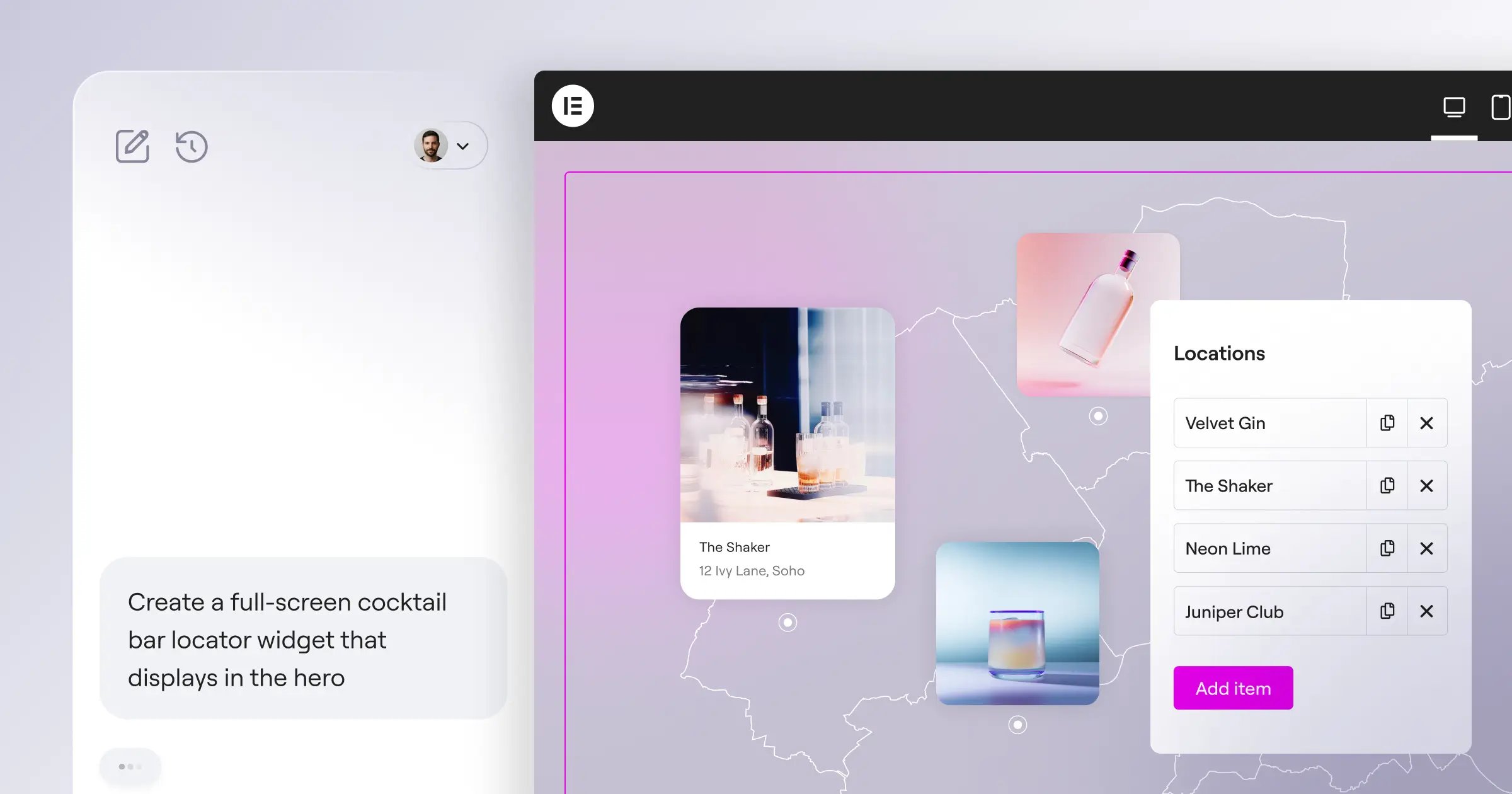
Most AI tools just spit out text, which is helpful, but limited. Angie takes a completely different approach. It’s an agentic AI framework built specifically for WordPress, and instead of just giving you advice, it actually goes and executes the tasks.
How does that work? Angie runs on the Model Context Protocol (MCP), which basically means it automatically inherits your exact site context. You don’t have to explain your theme, your plugins, or your post types. It already knows all of that.
Here’s what you can prompt Angie to do using plain, natural language:
- Generate Custom Widgets – Tell Angie to build a unique Elementor widget, like a custom pricing calculator, and it’s created instantly.
- Create Post Types – Ask it to set up a “Real Estate Listings” custom post type with specific meta fields.
- Write Admin Snippets – Need to change how your WordPress dashboard looks for a client? Angie handles the backend code.
- Build Front-End Apps – You can literally ask it to build a visual, interactive app right on your page.
And here’s the best part: you can safely experiment in a sandbox environment. If you don’t like what Angie built, you just discard it, and it won’t touch your live site. It takes you from a raw idea to production in minutes.
Generating Your Site Structure with AI Layouts
Staring at a blank white canvas is intimidating. We’ve all been there. The Elementor AI Site Planner removes that friction, letting you generate entire sitemaps and wireframes in under 20 minutes.
Let’s walk through the process for building your page structure.
- Define the Container – Open the editor and select the “Build with AI” option. This opens the prompt window.
- Write a Structural Prompt – Be specific. Don’t just say “make a header.” Instead, try something like: “Create a hero section for a landscaping business with a left-aligned H1, a subheadline, two call-to-action buttons, and an overlapping image on the right.”
- Review the Breakpoints – The AI automatically handles the responsive design, configuring the layout across 3+ breakpoints (Desktop, Tablet, Mobile). You won’t need to manually adjust flexbox settings for a phone screen.
- Apply and Refine – Insert the generated container into your page, then tweak the padding and margin. The AI gets you 80 percent of the way there. You handle the final 20 percent.
I’ve noticed beginners often try to generate an entire website in one massive prompt, and that usually backfires. Build section by section instead. It keeps the AI focused and gives you a much cleaner DOM structure.
Crafting High-Conversion Copy with AI Writing
Bad copy kills good design, no matter how nice the layout looks. If your headlines don’t grab attention, the rest doesn’t matter much. Fortunately, 58% of marketers now use AI specifically for content generation.
But you can’t just accept the first draft. The built-in AI writing assistant helps you iterate quickly, based on proven copywriting formulas.
Here are the distinct tones you can apply with one click:
- Professional – Perfect for B2B services, law firms, and medical practices. Keeps the language objective and clear.
- Casual – Great for lifestyle brands and personal blogs. Uses contractions and a conversational rhythm.
- Persuasive – Ideal for landing pages and product descriptions. Focuses heavily on benefits and emotional triggers.
- Urgent – Use this for limited-time offers and sales banners, since it drives immediate action from readers.
And if you’re targeting a global audience, the tool handles 25+ language translations natively, so you don’t need a heavy third-party translation plugin slowing down your database. Just highlight the text, select the language, and you’re done.
Pro tip: always ask the AI to “make it shorter.” Website visitors don’t read much, they skim instead, and short, clear sentences win every time.
Generating and Editing Visual Assets
Stock photos look like stock photos, and everyone recognizes them right away. In 2026, you shouldn’t be paying for generic images of people shaking hands in a boardroom.
The Elementor AI Image Generator supports 29+ different art styles, so you can create exactly what you need, natively.
Here’s how to generate production-ready visuals:
- Select the Aspect Ratio – Before prompting, choose your dimensions. Need a square for Instagram? Just go with 1:1. Need a wide hero background instead? Choose 16:9 for that.
- Engineer the Prompt – Be painfully descriptive. Something like: “A hyper-realistic photograph of a modern minimalist coffee shop interior, warm morning lighting, shot on 35mm lens, 8k resolution.”
- Apply Generative Fill – Got an image that’s almost perfect but too narrow? Use the generative expand feature to widen the background without stretching the subject.
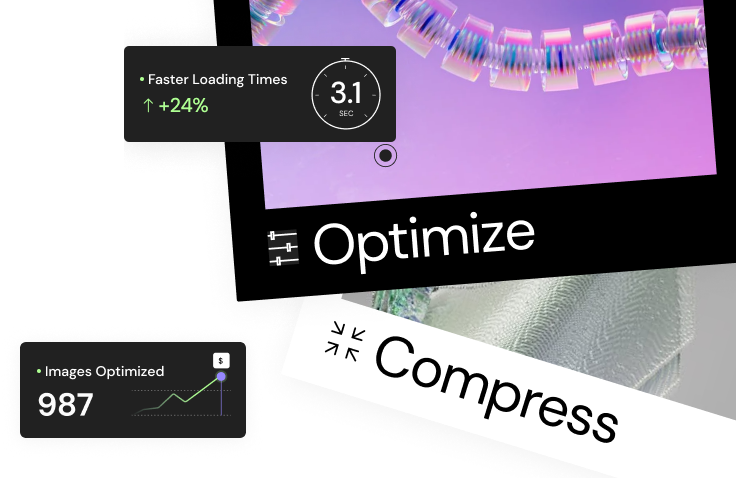
- Optimize Automatically – This part matters. The built-in Image Optimization automatically converts files to WebP or AVIF formats, cutting page load weight by up to 30%.
Why does that 30 percent matter so much? Because Google heavily penalizes slow sites, and heavy images are the number one cause of failed Core Web Vitals. Let the AI handle the compression for you.
Enhancing Functionality with AI-Generated Code
You aren’t restricted to default settings. If you want a specific hover animation or a custom JavaScript interaction, you don’t need to hire a developer for $150 an hour.
Data shows that 92% of developers are already using AI coding tools, and you should be too. The AI Code Assistant writes valid, secure code based on plain English requests.
Here’s what you can easily generate:
- Builds Custom CSS Hover Effects – Ask the AI to make a button scale up by 10% and cast a neon shadow when hovered.
- Triggers Scroll Animations – Prompt it to fade in a specific container only when the user scrolls past 50% of the viewport.
- Pulls API Integrations – Need to pull live weather data into a custom widget? Angie can write the PHP and JavaScript to fetch and display that data securely.
- Generates Dynamic Form Logic – Create custom scripts that hide or show specific form fields based on previous user selections.
Always test custom code on a staging environment first. Even though the AI writes clean syntax, you still need to verify it doesn’t conflict with other active scripts on your site.
Comparing AI Website Building Costs in 2026
Budgets matter here too, and there’s a big difference between a fragmented tech stack and a unified platform. Let’s look at the current market costs for AI web building tools.
| Tool Name | AI Features Included | Monthly Cost (Approx) | Best For |
|---|---|---|---|
| Wix Studio | Automated layout adjustments, basic text gen | $16/mo | Beginner portfolios |
| Framer | High-fidelity design generation, localization | $15/mo | UI/UX prototypes |
| Elementor One | AI Site Planner, Angie Agentic AI, Text/Image/Code Gen, Hosting, Opt. | $14/mo ($168/yr) | Professional web creators |
| Custom Agency Build | Human developers using AI copilots locally | $500+ /mo | Enterprise applications |
Notice the value here. Elementor One isn’t just a site builder, it’s a unified website creation platform. You get the hosting, the editor, the AI planner, and the accessibility tools all under one subscription. Managing 17 different plugin licenses? Nobody has time for that.
Optimizing for SEO and Performance
A beautiful website that nobody visits is a digital paperweight, and Search Engine Optimization isn’t optional. Fortunately, AI simplifies the most tedious parts of on-page optimization.
Websites using AI-generated, semantically optimized meta descriptions see an average 10% increase in Click-Through Rates (CTR), and that’s traffic you didn’t have to work as hard for.
- Generates Automated Meta Titles – Prompt the AI to write titles strictly between 50-60 characters, including your primary keyword.
- Writes Alt Text – Accessibility matters here too. AI can scan your images and write descriptive alt text instantly. (The Web Accessibility tool scans for 180+ WCAG issues.)
- Suggests Content Silos – Ask the AI to analyze your existing pages and suggest internal linking opportunities to build topical authority.
- Builds Schema Markup – Generate valid JSON-LD schema for local businesses, FAQs, or product reviews without touching the raw code.
Semantic search algorithms in 2026 demand highly specific, intent-driven content. Slapping generic AI copy onto a page won’t rank. You must guide the AI to generate structured meta data and natural phrasing that strictly aligns with user search patterns. That’s how you capture traffic.
Itamar Haim, SEO Team Lead at Elementor. A digital strategist merging SEO, AEO/GEO, and web development.
Maintaining Your AI-Generated Website
Building the site is just step one. Launching isn’t the finish line. 64% of business owners believe AI will improve customer relationships by providing faster, more accurate web interactions, but that only happens if the site keeps working.
You can’t just set it and forget it. The web changes every day.
- Monthly Accessibility Audits – Run the Web Accessibility scanner every 30 days. Content changes, and new editors might forget to add alt tags, so keep an eye on it.
- Plugin Updates – Even though a unified platform cuts down on plugin bloat, you still need to update your core WordPress installation. Set up automated backups first.
- A/B Testing Copy – Your first AI-generated headline might be good. Your second might be better. Keep testing new variations to push that conversion rate higher.
Human oversight is still your greatest asset. Think of the AI as your tireless intern. You’re the creative director, so review the work, refine the strategy, and keep pushing the boundaries.
Frequently Asked Questions
Why does my AI-generated image look distorted?
This usually happens when your prompt contradicts the selected aspect ratio. For example, asking for a full-body portrait in a 16:9 wide frame forces the AI to fill empty space. Be specific about lighting and framing, and use the generative fill tool to fix small artifacts rather than re-rolling the entire image.
Can AI build a fully functional e-commerce store?
It can build the entire front-end layout and generate product descriptions well. But complex backend logic, like shipping APIs and payment gateway routing, still needs some manual configuration inside WooCommerce. AI will style the cart and checkout, but you have to plug in your actual bank details yourself.
How does the Elementor AI Site Planner actually work?
Think of it as a rapid prototyping engine. You describe your business, and it generates a complete sitemap, then populates those pages with wireframe containers and drafted copy. It skips the traditional mockup phase, saving you hours of client negotiation.
Is AI-generated code safe for production websites?
Yes, as long as you review it. Angie generates clean, standard WordPress PHP and JavaScript, and it doesn’t use deprecated functions. Still, you should always test new custom widgets or admin snippets in a staging environment before pushing them to your live server.
How do I handle client handoff for an AI-built site?
You hand it off just like a manually built site. The final output is standard HTML, CSS, and WordPress code. Your client doesn’t need to know how to prompt the AI unless they want to generate their own blog posts. The underlying structure is completely standard.
What happens if I cancel my AI subscription?
Everything you’ve already generated stays on your site. The images, the text, the CSS, and the layouts are permanently yours. You simply lose the ability to generate new elements directly inside the editor. Your site won’t break.
Can I use AI to fix website accessibility issues?
Yes, absolutely, and tools like Web Accessibility scan for over 180 WCAG issues, flagging missing ARIA labels, poor contrast ratios, and empty links. You can then use AI to generate the fixes, though you should never claim full legal compliance without a human checking the work.
How do AI translations compare to human translators?
For standard web copy, they’re surprisingly accurate. The AI understands context and idiom far better than older dictionary-based tools, and it handles 25+ languages easily. For highly technical medical or legal documents, you might still want a human editor to review the final output.
Will AI replace web developers entirely?
Not entirely, since it mostly replaces the boring, repetitive tasks. Developers used to spend hours writing basic flexbox grids or custom post type declarations. Now AI handles that grunt work, freeing developers to focus on complex user experiences and high-level strategy.
Why is a unified platform better than separate AI plugins?
It comes down to speed and context. If you use a separate AI text generator, a separate image generator, and a separate coding assistant, they don’t talk to each other. A unified system like Elementor One shares context, so the AI knows what theme you’re using and what colors your brand needs.
Looking for fresh content?
By entering your email, you agree to receive Elementor emails, including marketing emails,
and agree to our Terms & Conditions and Privacy Policy.