Privacy compliance can feel like one more thing on an already full plate, especially with rules that keep shifting. You need a reliable way to handle user consent without slowing your site down or clashing with your design. The good news: the right tool is easier to find than it sounds, and if you’re after the best free cookie consent alternative for WordPress, you’re in the right place.
Key Takeaways
- Native tools save time by managing compliance right inside WordPress, no external dashboard needed.
- Google Consent Mode v2 support is essential for sites using Google services in Europe.
- Design flexibility matters, since your banner should feel like part of your brand.
- Entry-level plans have limits, so pick a tool that can grow with your traffic.
Why Finding the Right Cookie Consent Tool Matters in 2026
Privacy regulators are watching websites more closely than ever. If your WordPress site draws visitors from the EU, UK, or California, you need to give them clear choices about how their data gets tracked. A dedicated cookie consent tool keeps you on the right side of laws like GDPR and CCPA while keeping things smooth for visitors. Here’s how the best free alternatives stack up.
1. Cookie Consent (Elementor)
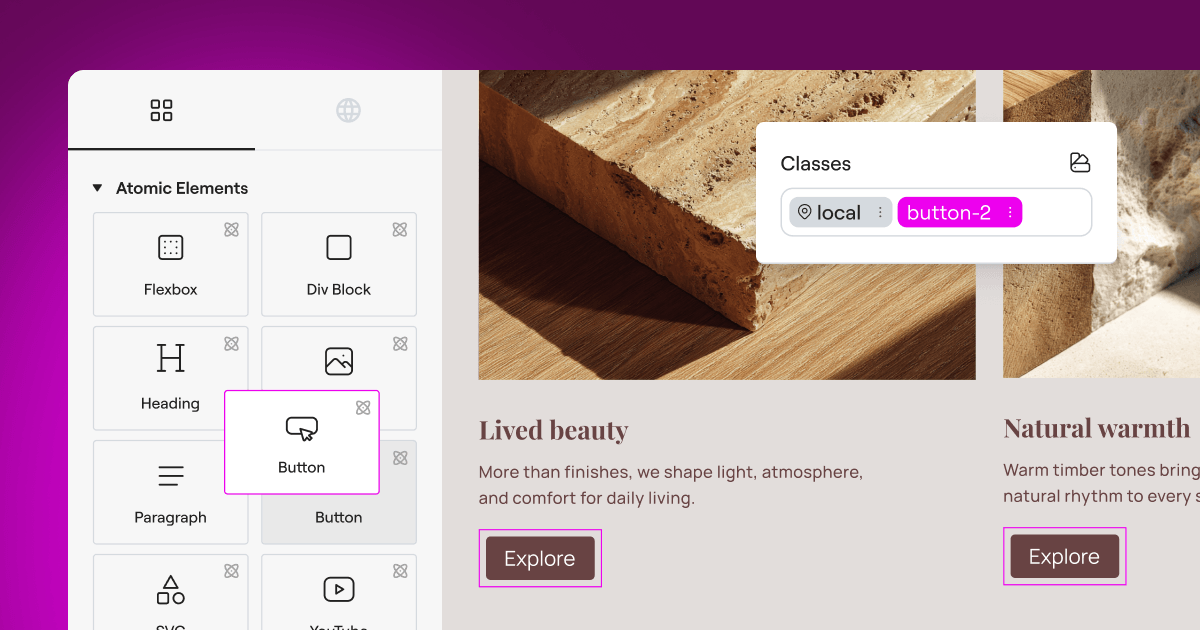
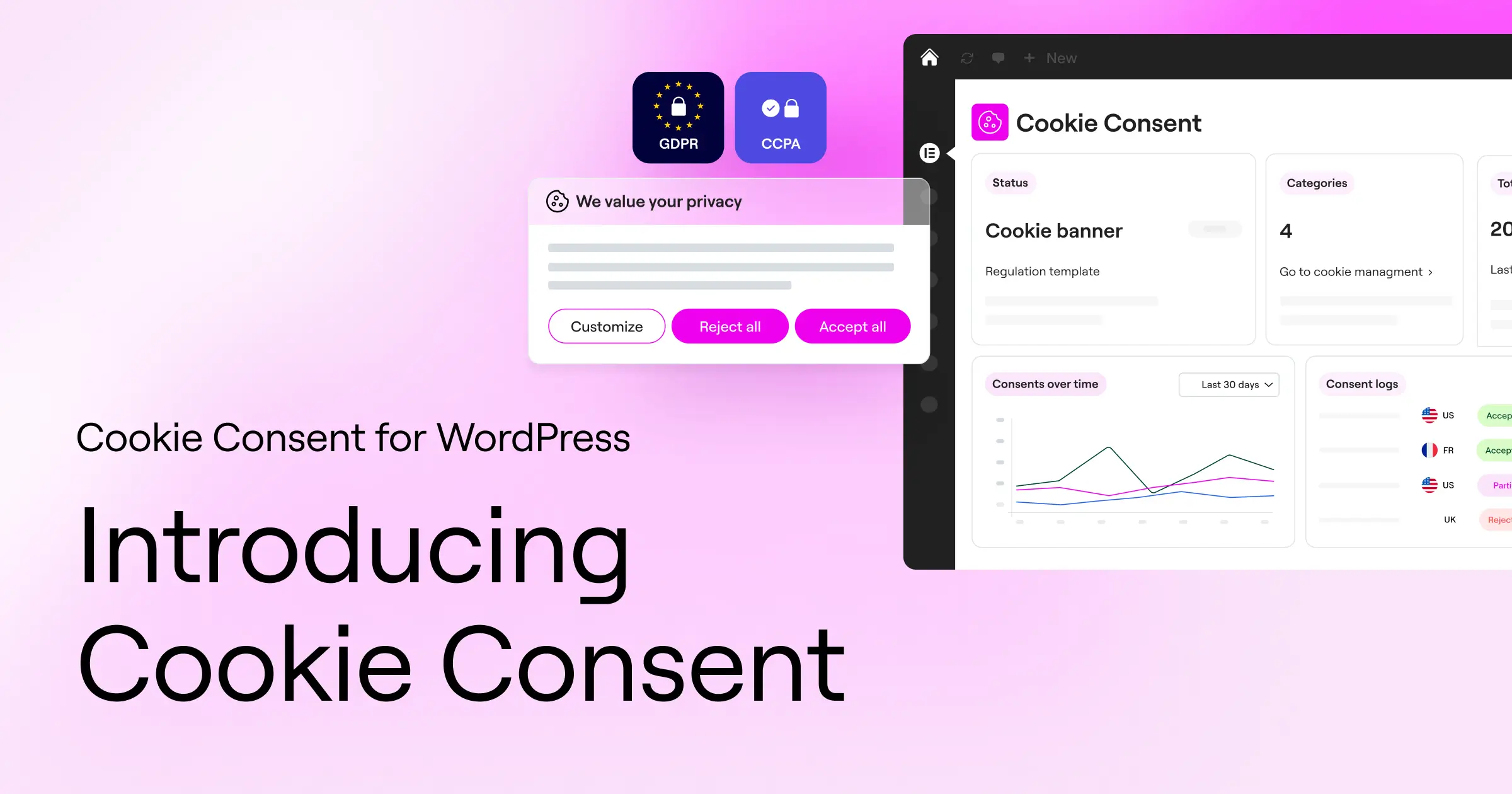
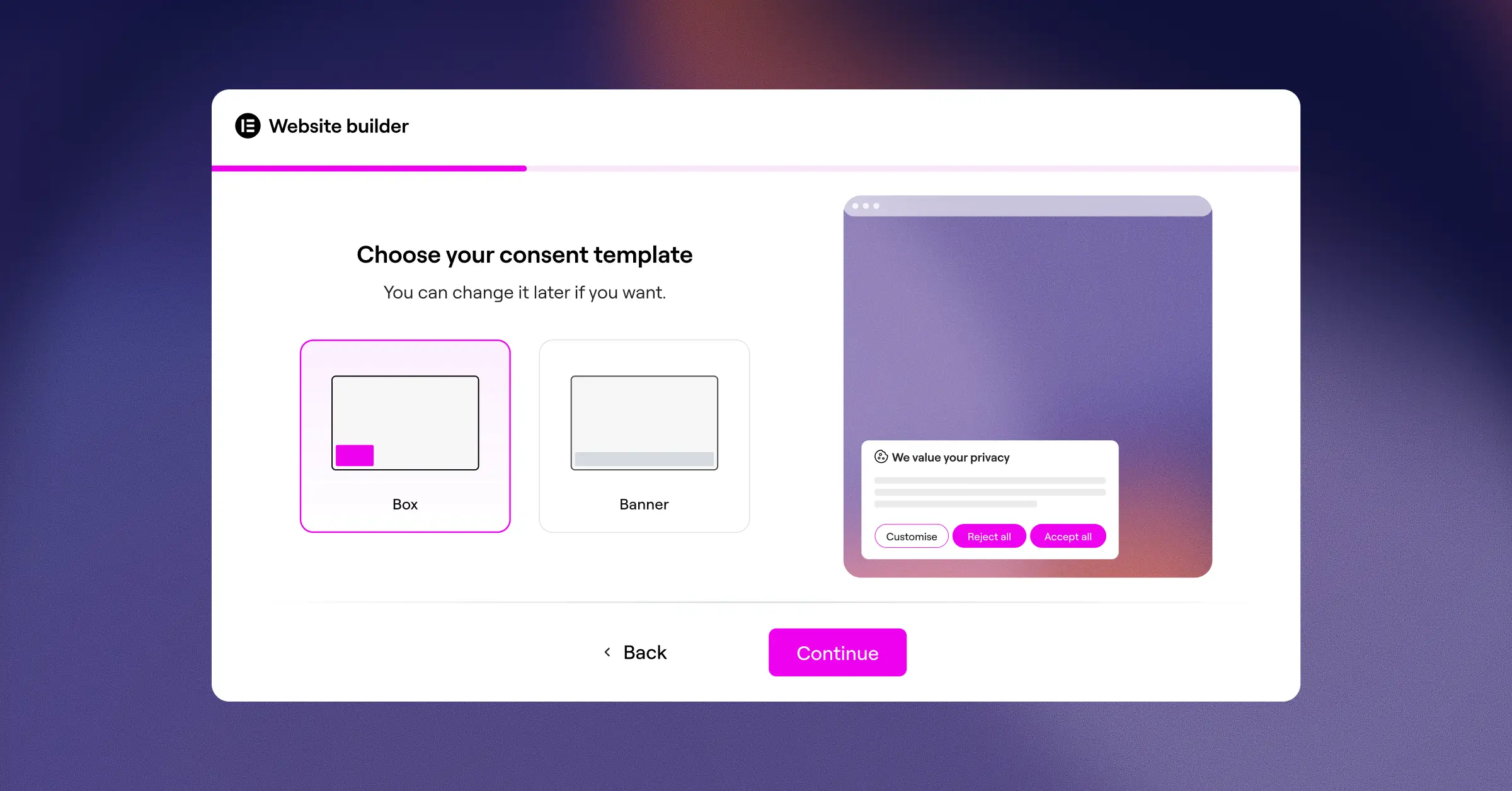
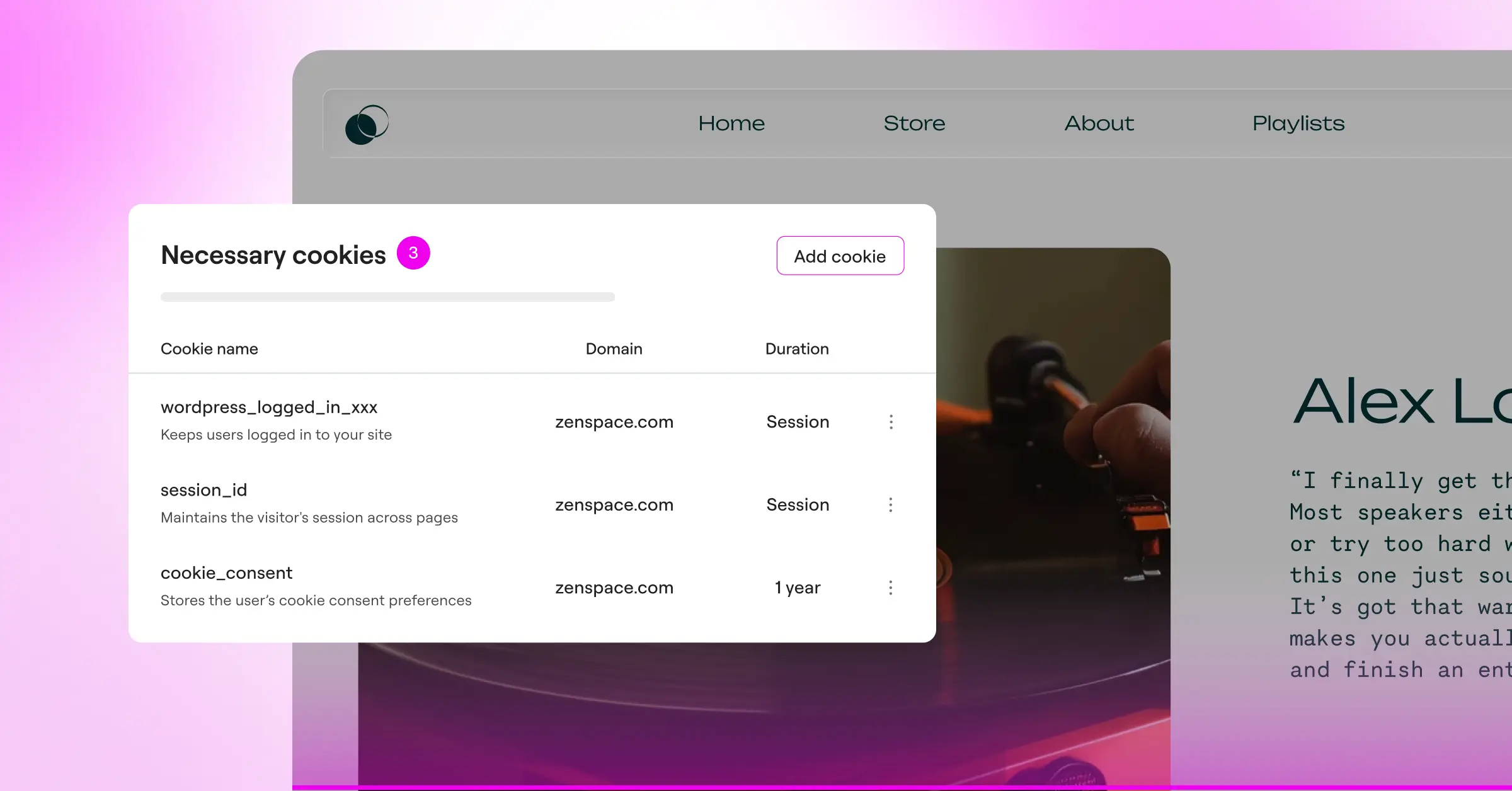
When you want one clean workflow, Elementor‘s built-in Cookie Consent capability handles privacy requirements without leaving your website builder. It sits inside your WordPress dashboard, so you never bounce to a third-party site to check logs or tweak a banner. Setup takes under five minutes: scan your site, get your banner live, and organize scripts, with full creative control over fonts, colors, and layouts, no custom CSS needed.
Key Features
- Keeps your site compliant with GDPR and CCPA right from the WordPress dashboard.
- Builds consent banners from cloud templates that look great on any device.
- Scans cookies and scripts automatically to keep your categorized lists current.
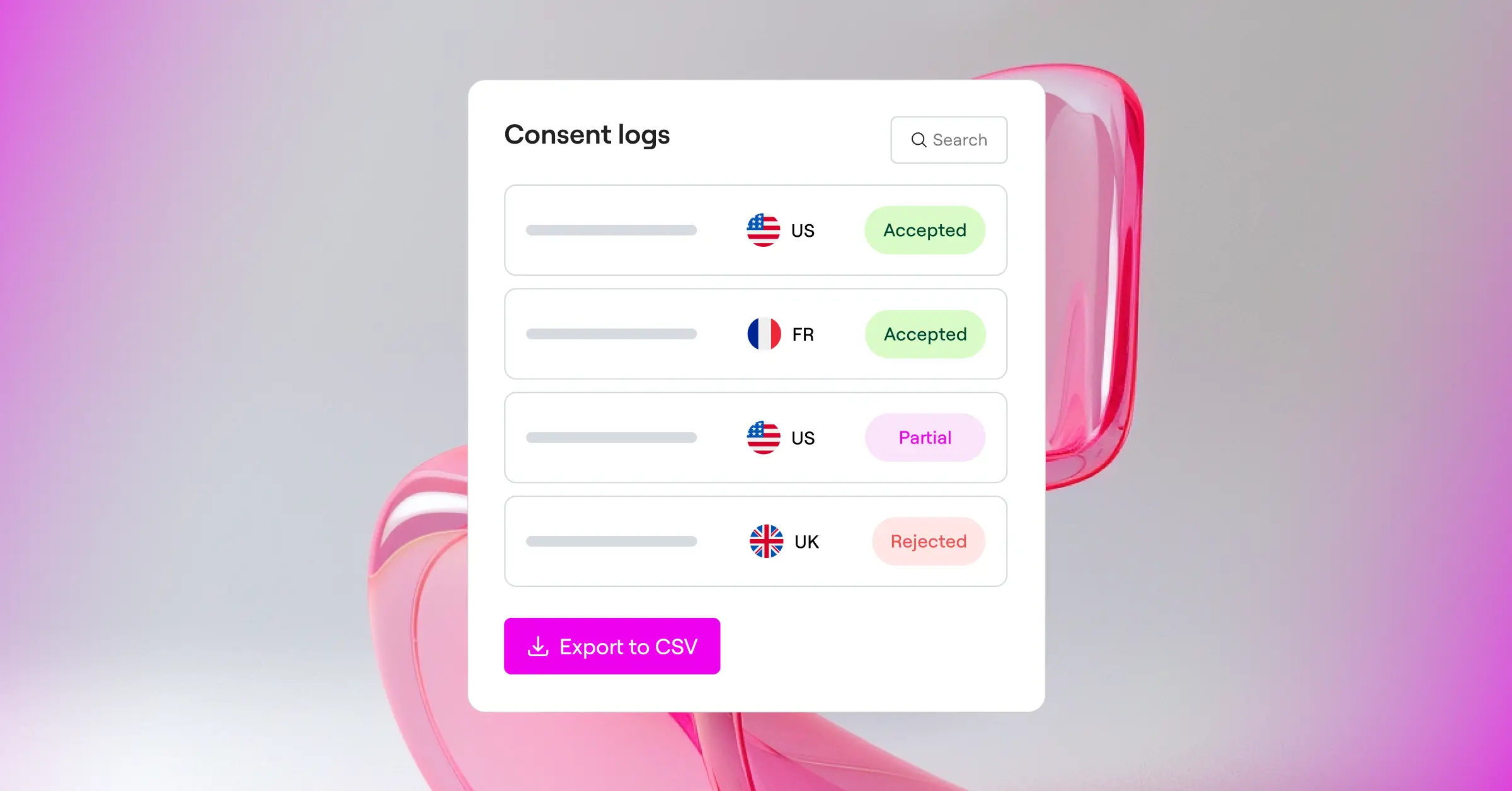
- Logs user consents for a clear, reliable audit trail.
- Supports Google Consent Mode v2 and Global Privacy Control (GPC) out of the box.
- Targets visitors by region so banners only show where needed.
- Generates a built-in policy document so your privacy page stays current.
Cookie Consent also comes bundled in Elementor One alongside Web Accessibility and other tools, with a free tier to start.
Pros and Cons
- Pro – Zero external dashboards to manage.
- Pro – Full design customization matching your theme.
- Pro – Easy five-minute setup, no coding needed.
- Pro – Multilingual banners and geo-targeting built in.
- Con – Best suited for sites in the Elementor ecosystem.
Verdict: The best pick for a design-forward, native setup instead of a clunky third-party platform.
2. CookieYes
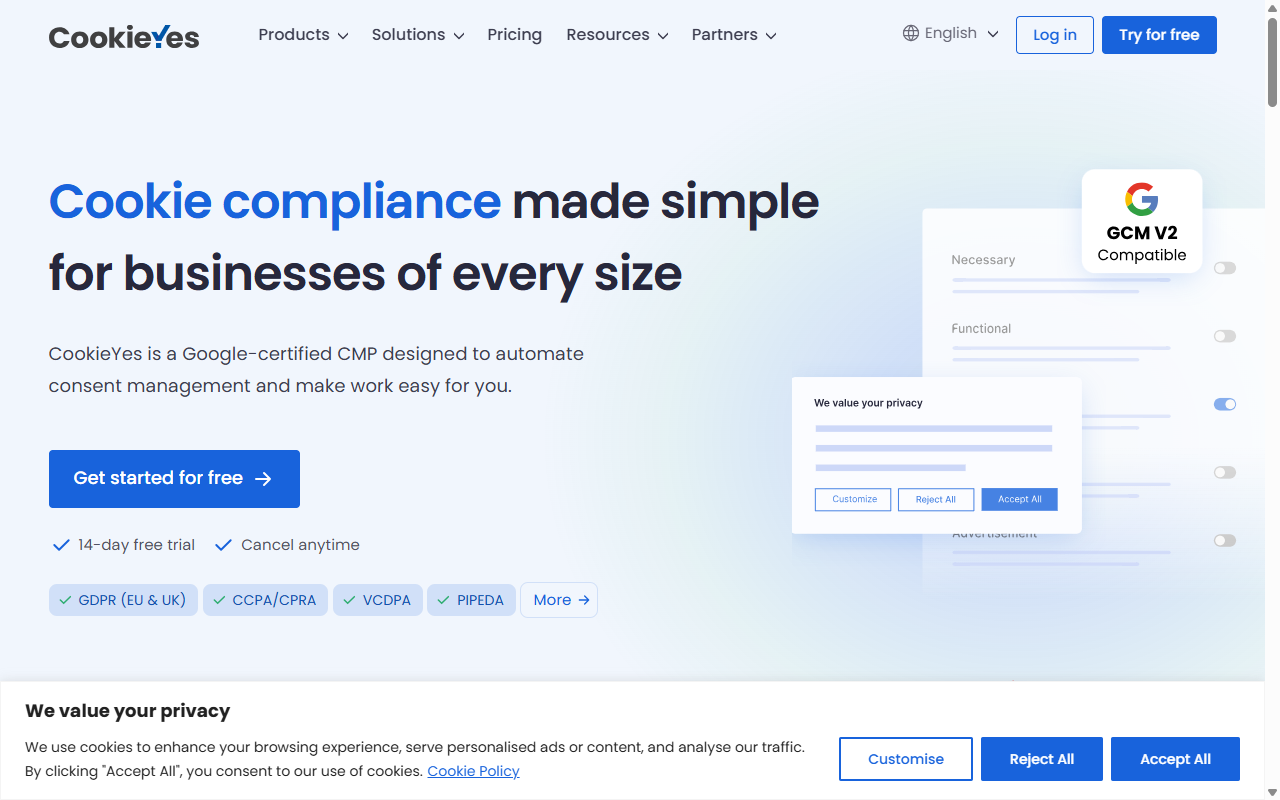
CookieYes is a widely recognized cloud-based service with a popular WordPress integration, valued for handling consent across many sites from one dashboard. The entry-level plan suits smaller blogs, though it caps monthly pageviews, and it categorizes cookies reliably while supporting major privacy standards.
Key Features
- Scans websites for cookies automatically to build a categorized cookie list.
- Supports major global privacy laws, including GDPR, CCPA, and LGPD.
- Displays banners based on the physical location of your website visitors.
- Generates basic privacy policy texts to help you get started.
Paid tiers are available for sites with higher traffic or those needing more customization.
Pros and Cons
- Pro – Clean and modern admin dashboard.
- Pro – Reliable auto-blocking of scripts before user consent.
- Con – The entry-level plan limits you to a set number of monthly pageviews.
- Con – Requires managing your settings on an external website.
Verdict: A reliable external platform for small sites mindful of monthly pageview limits.
3. Cookiebot
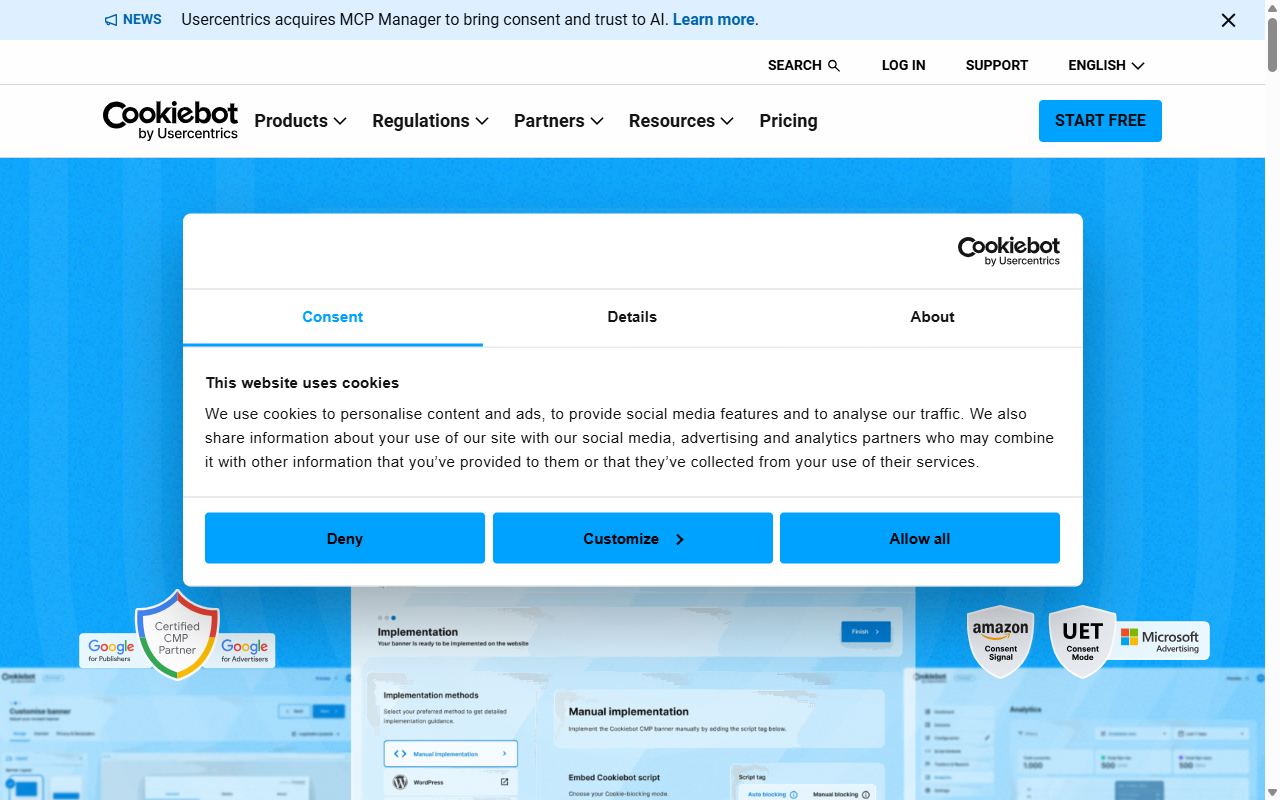
Cookiebot is an enterprise-grade compliance solution with a dedicated WordPress integration, specializing in deep, automated scans of your site’s tracking technologies. The entry-level plan caps at under 50 pages, fine for portfolio or local business sites, though larger sites outgrow it fast.
Key Features
- Scans your site monthly to detect hidden tracking scripts.
- Holds historical consent data securely in cloud-hosted storage.
- Adapts banners depending on where your visitor is browsing from.
- Works closely with Google Tag Manager to handle script firing.
Premium plans remove the page limit and unlock additional customization and compliance features.
Pros and Cons
- Pro – Highly accurate and automated cookie detection scanner.
- Pro – Good support for complex script setups and Google services.
- Con – The 50-page limit on the entry-level plan is quite restrictive for growing sites.
- Con – Design options in the entry-level plan are hard to customize without CSS knowledge.
Verdict: Best for small, static sites that need automated, hands-off scanning and precise records.
4. Complianz
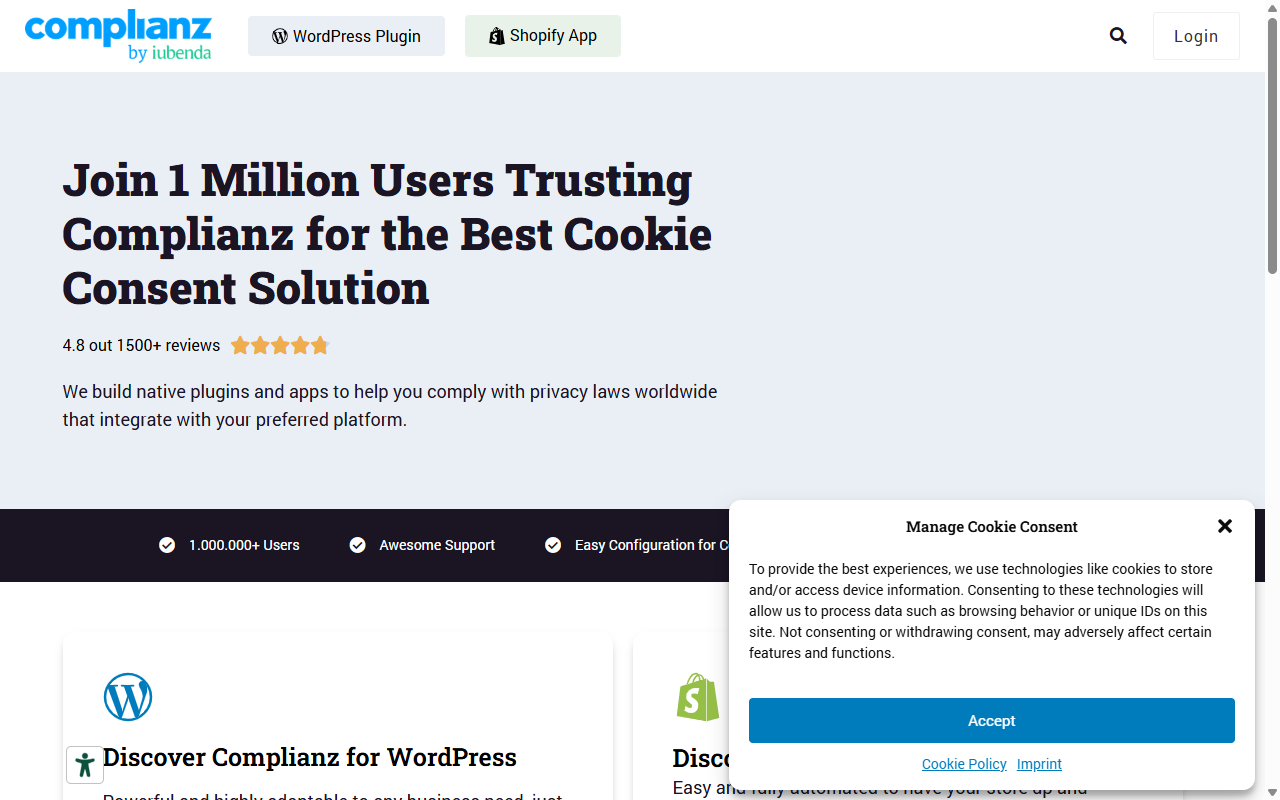
Complianz is a privacy suite built for the WordPress ecosystem, with a setup wizard covering everything from cookie consent to policy generation. Because it’s hosted on your server, visitor consents stay on your own infrastructure, which matters if data residency is a priority.
Key Features
- Configures your privacy setup through an interactive wizard.
- Blocks popular tracking scripts automatically until the visitor opts in.
- Integrates with major contact form tools and social media embeds.
- Generates legally sound cookie policy documents for your site.
Premium plans unlock automated scanning, multi-region support, and ongoing legal document updates.
Pros and Cons
- Pro – Completely native to WordPress with no external cloud accounts needed.
- Pro – Good integration with standard WordPress tools and themes.
- Con – The setup wizard is highly detailed and can feel overwhelming for beginners.
- Con – Advanced styling and geo-targeting are locked behind the premium version.
Verdict: A strong pick for an on-server, wizard-driven workflow if you don’t mind a steeper learning curve.
5. iubenda
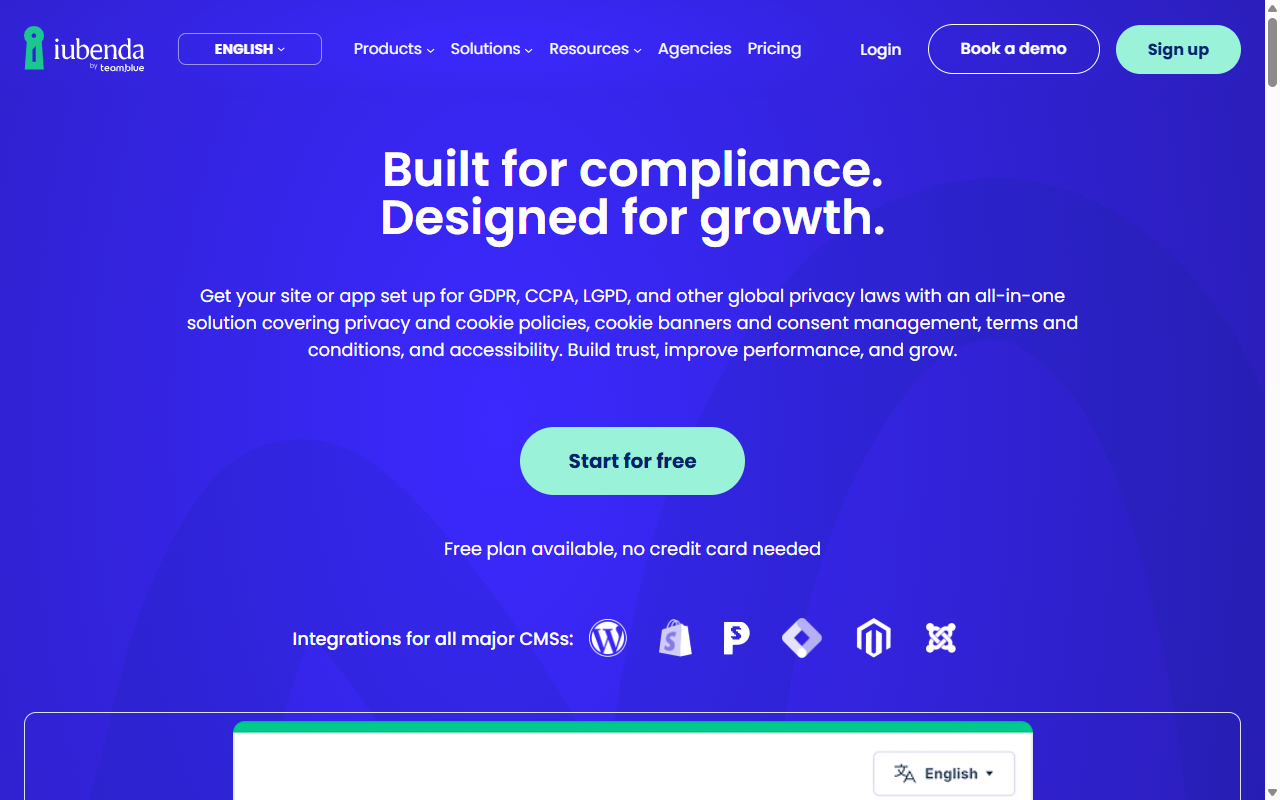
iubenda is a compliance suite that helps site owners generate privacy policies, terms of service, and cookie banners from one platform, connected to WordPress via a lightweight integration. The entry-level plan gives a basic banner and auto-blocking; broader legal generation lives on paid plans.
Key Features
- Generates legal policies that update automatically when global laws change.
- Manages consent preferences across desktop and mobile.
- Supports multiple languages for global audiences.
- Integrates with popular analytics tools to manage script consent.
Paid plans offer complete policy generation and custom branding.
Pros and Cons
- Pro – Professional legal backing covering more than just cookies.
- Pro – Handles privacy and terms policies alongside your cookie banner.
- Con – The interface can feel complex given the number of options available.
- Con – Free customization options are quite limited compared to native tools.
Verdict: Good for international businesses wanting one platform for legal documents plus a cookie banner.
6. Termly
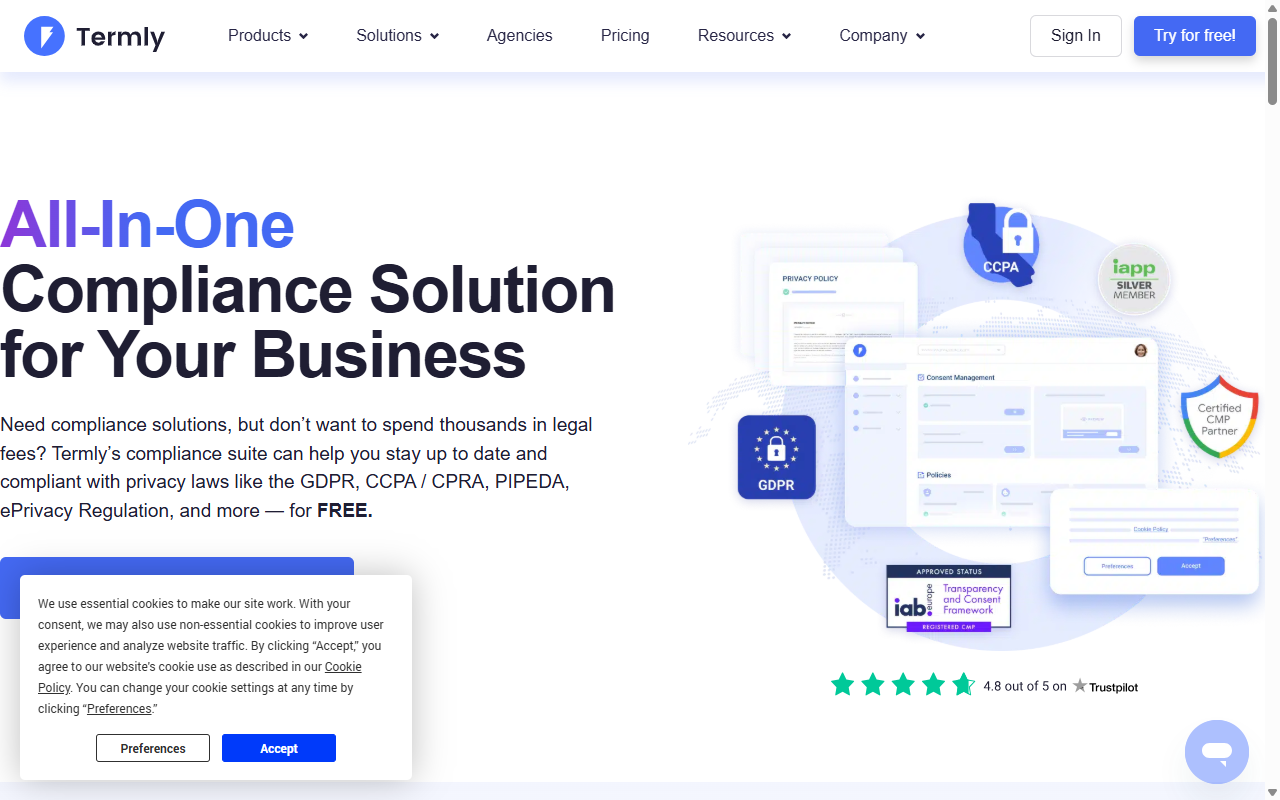
Termly is a compliance suite for small businesses and startups: a clean dashboard for cookie banners, privacy policies, terms of service, and disclaimer pages, connected to WordPress through a simple integration. The entry-level plan has monthly limits worth watching.
Key Features
- Scans your website for active tracking cookies on a regular basis.
- Builds professional banners that comply with GDPR, CCPA, and UK laws.
- Generates custom consent reports for your records.
- Hosts consent logs securely to meet audit standards.
Paid subscriptions remove limits and unlock premium styling options.
Pros and Cons
- Pro – Intuitive design and easy setup process.
- Pro – Good resource center and legal templates for beginners.
- Con – The 10,000 consent view limit on the entry-level plan can be reached quickly.
- Con – Requires an external account to manage your settings.
Verdict: A good entry-level pick for startups that want a clean dashboard and simple compliance documents.
7. OneTrust
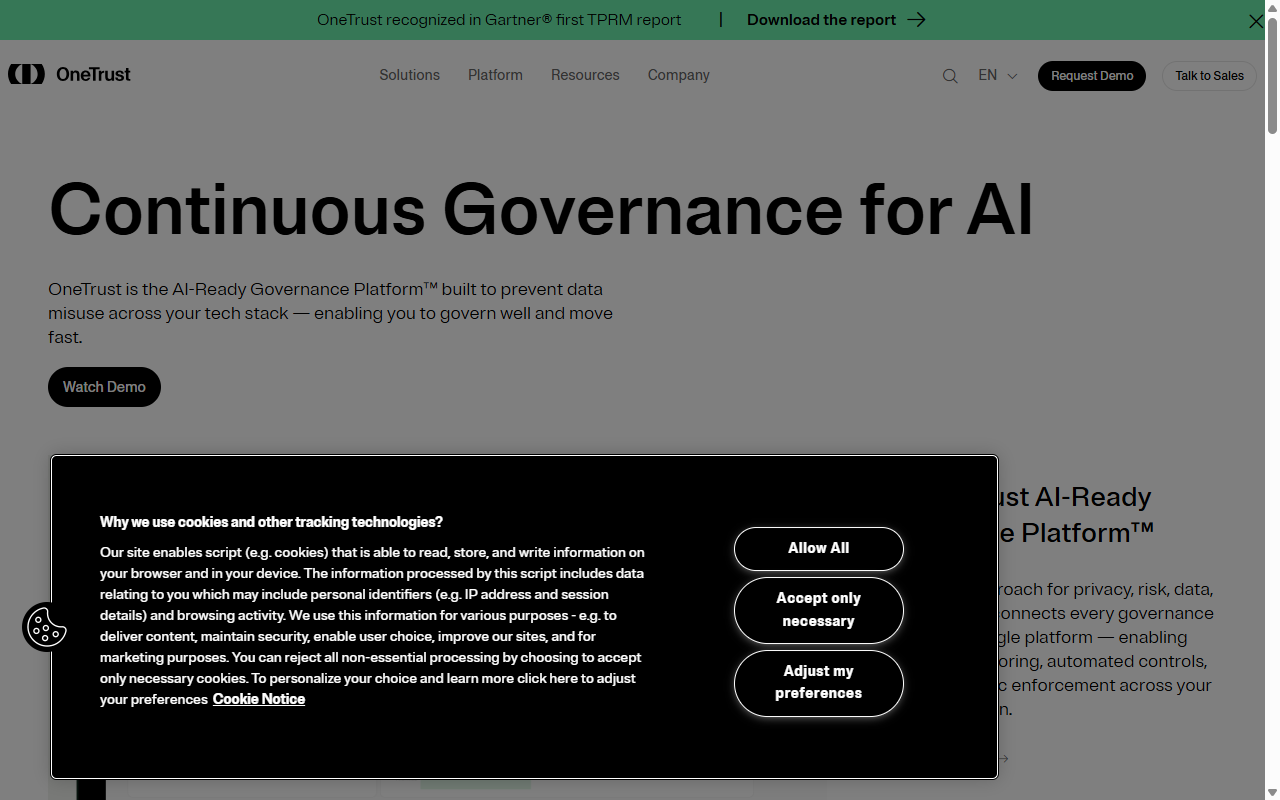
OneTrust is a major name in enterprise privacy. Its simplified OneTrust Choice platform gives smaller sites access to enterprise-grade compliance infrastructure, though its enterprise mindset can make the interface feel technical next to more approachable tools.
Key Features
- Manages complex consent records across international regulatory frameworks.
- Performs detailed audits of your site’s trackers and scripts.
- Delivers detailed reports on user opt-in and opt-out trends.
- Connects with enterprise consent management systems.
Pros and Cons
- Pro – Backed by one of the strongest privacy compliance teams in the industry.
- Pro – Detailed compliance reporting and tracking logs.
- Con – The setup process is highly technical and has a steep learning curve.
- Con – Can feel like overkill for standard WordPress blogs or small online shops.
Verdict: Best for high-growth, enterprise sites needing complex compliance reporting and audit trails.
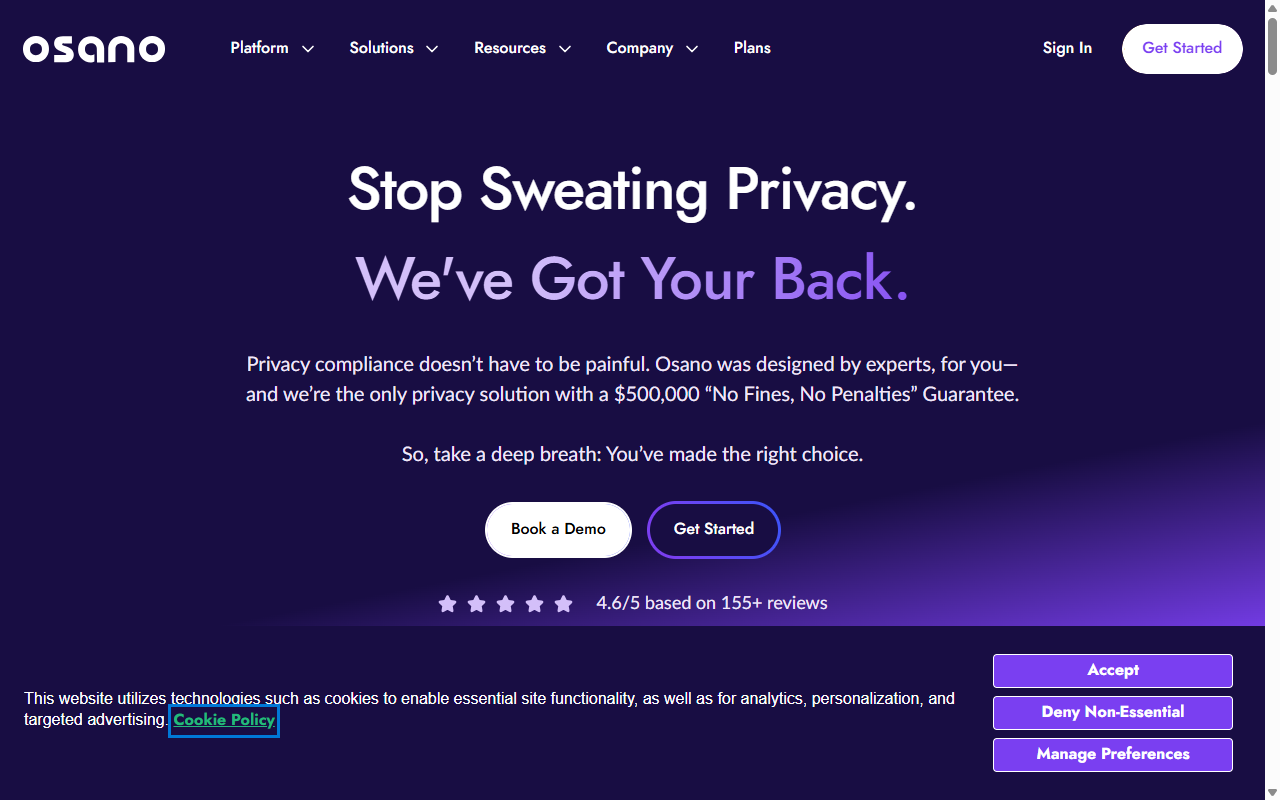
8. Osano
Osano is a data privacy platform known for simplicity and building user trust, with a lightweight cookie consent tool that’s easy to install on WordPress and keeps banners fast-loading. The entry-level plan is a solid start, though deep geo-targeting sits behind paid enterprise plans.
Key Features
- Blocks unauthorized trackers automatically before user consent is secured.
- Keeps banners lightweight so your site’s speed stays optimal.
- Translates banners into dozens of languages automatically.
- Monitors vendor compliance to flag external script activity.
Premium tiers add advanced geo-targeting, consent logs, and multi-user access.
Pros and Cons
- Pro – Banners load fast and don’t lag.
- Pro – Automated language translation works well out of the box.
- Con – The entry-level plan lacks advanced customization and consent logging.
- Con – Requires managing your configurations on an external website.
Verdict: Solid for site owners who prioritize fast page speeds and clean, automated translations.
9. WP GDPR Compliance
WP GDPR Compliance is a classic, open-source tool that skips external services entirely, running inside your WordPress database with no monthly fees or pageview limits. The trade-off is more manual setup, since there’s no automated scanner.
Key Features
- Integrates directly with standard WordPress comments, WooCommerce, and contact forms.
- Saves consent choices locally inside your own WordPress database.
- Lets users request access to or deletion of their stored data.
- Operates entirely on your server with zero external data sharing.
Pros and Cons
- Pro – No monthly traffic limits or hidden paywalls.
- Pro – Keeps all user data on your own server for complete privacy control.
- Con – Requires manual setup and testing for your scripts.
- Con – Design options are basic and require custom CSS to look modern.
Verdict: A reliable, budget-friendly option for technical users who want full control of their data.
10. GDPR Cookie Consent (WebToffee)
This is one of the most popular cookie banner tools in the WordPress repository, built for getting a clean banner live fast. The entry-level plan gives standard layouts, basic categorization, and a simple dashboard, plenty if you don’t need a full suite.
Key Features
- Displays a clean cookie consent bar at the top or bottom of your site.
- Categorizes cookies into necessary and non-necessary groups.
- Generates a shortcode to display a cookie list on your privacy page.
- Lets users change their consent preferences at any time.
A premium version adds automatic cookie scanning, geo-location, and advanced banner styles.
Pros and Cons
- Pro – Reliable and actively maintained by a dedicated team.
- Pro – Simple, lightweight, and easy to configure.
- Con – The entry-level plan requires you to enter and categorize cookies manually.
- Con – Google Consent Mode v2 support is only available on the premium plan.
Verdict: A dependable, no-nonsense cookie banner option without any external subscription.
Direct Comparison: Free Cookie Consent Tools
Here’s how the top contenders stack up, covering setup, hosting style, and key feature support.
| Tool Name | Setup Type | Hosting Model | Google Consent Mode v2 | Best For |
|---|---|---|---|---|
| Cookie Consent (Elementor) | Under 5 Minutes | WordPress Native | Yes (Built-in) | Complete design control and smooth native workflow |
| CookieYes | Quick (External Account) | SaaS Cloud | Yes (Paid/Free limited) | Multi-site management from one cloud dashboard |
| Cookiebot | Moderate | SaaS Cloud | Yes | Small sites under 50 pages needing auto-scans |
| Complianz | Wizard-driven | WordPress Native | Yes (Pro/Premium) | Detailed legal documentation on-server |
| GDPR Cookie Consent | Manual | WordPress Native | Yes (Pro only) | Simple, lightweight manual cookie banners |
How to Choose the Right Tool for Your WordPress Site
Finding the right tool doesn’t have to be a guessing game. A few practical steps make it much less stressful.
- Evaluate your design needs. If you want your banner to match your typography, brand colors, and layouts, Elementor’s Cookie Consent capability gives design flexibility with no coding. See Elementor’s theme building tools.
- Check your page count and traffic. Many cloud tools cap free accounts (like Cookiebot’s 50-page limit or CookieYes’s pageview caps), meaning upgrade pressure as you grow.
- Identify your target audience. If you serve visitors globally, look for geo-targeting, showing banners only to users in regions with active privacy laws.
When selecting a cookie consent tool, prioritize integrations that don’t compromise your site’s loading speed. A native solution that manages compliance directly within your existing WordPress workflow keeps your site fast, avoids third-party script lag, and keeps you compliant without frustrating your visitors.
– Itamar Haim, Web Compliance Specialist
Setting Up Your Cookie Consent Tool: A Quick 3-Step Guide
Most site owners are surprised how quickly compliance can get running with a native tool. Here’s the process:
- Run the scan. Let your tool scan for cookies, tracking pixels, and scripts like Google Analytics that need categorizing.
- Customize your banner. Pick a template and match the design to your theme. With Elementor’s Cookie Consent, handle this inside your WordPress dashboard without touching code.
- Publish and monitor. Go live and check that your consent logs are recording correctly and scripts fire in the right order.
If you already use Elementor’s website builder, cookie consent slots right into your existing workflow in a few extra minutes.
Frequently Asked Questions
Is a cookie consent banner legally required for my WordPress site?
If your site has visitors from the EU, UK, California, or other regions with active privacy laws, you generally need explicit consent before dropping non-essential tracking cookies.
What happens if I don’t use a cookie consent tool?
Going without a consent mechanism leaves you open to privacy audits and regulatory warnings, and makes modern ad and analytics tools harder to use.
Will a cookie consent banner slow down my WordPress website?
Some heavy external tools add script requests that delay loading. Native solutions built into WordPress minimize that and keep performance solid.
Can I customize the design of my free cookie banner?
Yes, though it varies by tool. Some cloud tools lock design behind premium plans. Native tools like Elementor’s Cookie Consent capability give free design control, no coding needed.
What is Google Consent Mode v2 and do I need it?
Google Consent Mode v2 communicates your visitors’ privacy choices to Google services like Analytics and Ads, and matters if you serve users in the European Economic Area.
Do I need to save consent logs?
Yes. Under frameworks like the GDPR, you need to prove a user gave active consent if reviewed. Good tools log this automatically.
Can I target my cookie banners based on where my visitors live?
Yes, it’s called geo-targeting: showing a detailed banner to users in the EU or California while keeping things clean elsewhere. It’s built into Elementor’s cookie consent tool, nothing extra to configure.