Running a WordPress site means juggling design, content, security, and somewhere in there, privacy compliance. You want visitors to feel safe, but nobody wants to spend hours in an external dashboard just to show a consent banner.
CookieYes has been a popular choice for years, and it’s a reliable tool. But the way we build sites has changed, and site owners are now looking for something simpler and more integrated, without extra logins or slower pages. Finding the right fit is easier than you’d think, and we’ve done the legwork.
Key Takeaways
- Native integrations keep your website management inside a single dashboard, cutting setup time and dashboard fatigue.
- Google Consent Mode v2 support is required for any site using Google services to serve traffic within Europe.
- Cookie Consent by Elementor gives you a fast, WordPress-native way to manage compliance right from your existing workspace.
- External SaaS tools are capable, but often come with monthly fees that scale with page counts or domain numbers.
- Reliable consent logging matters for audit readiness, giving you documented proof of compliance if a regulator ever comes knocking.
The Evolution of Consent: Why Look for a CookieYes Alternative?
For years, the standard approach to privacy compliance was simple: sign up for an external cloud service, copy a script tag, paste it into your header, done. It worked, but it added friction, since a separate dashboard means another account, another interface, another billing cycle.
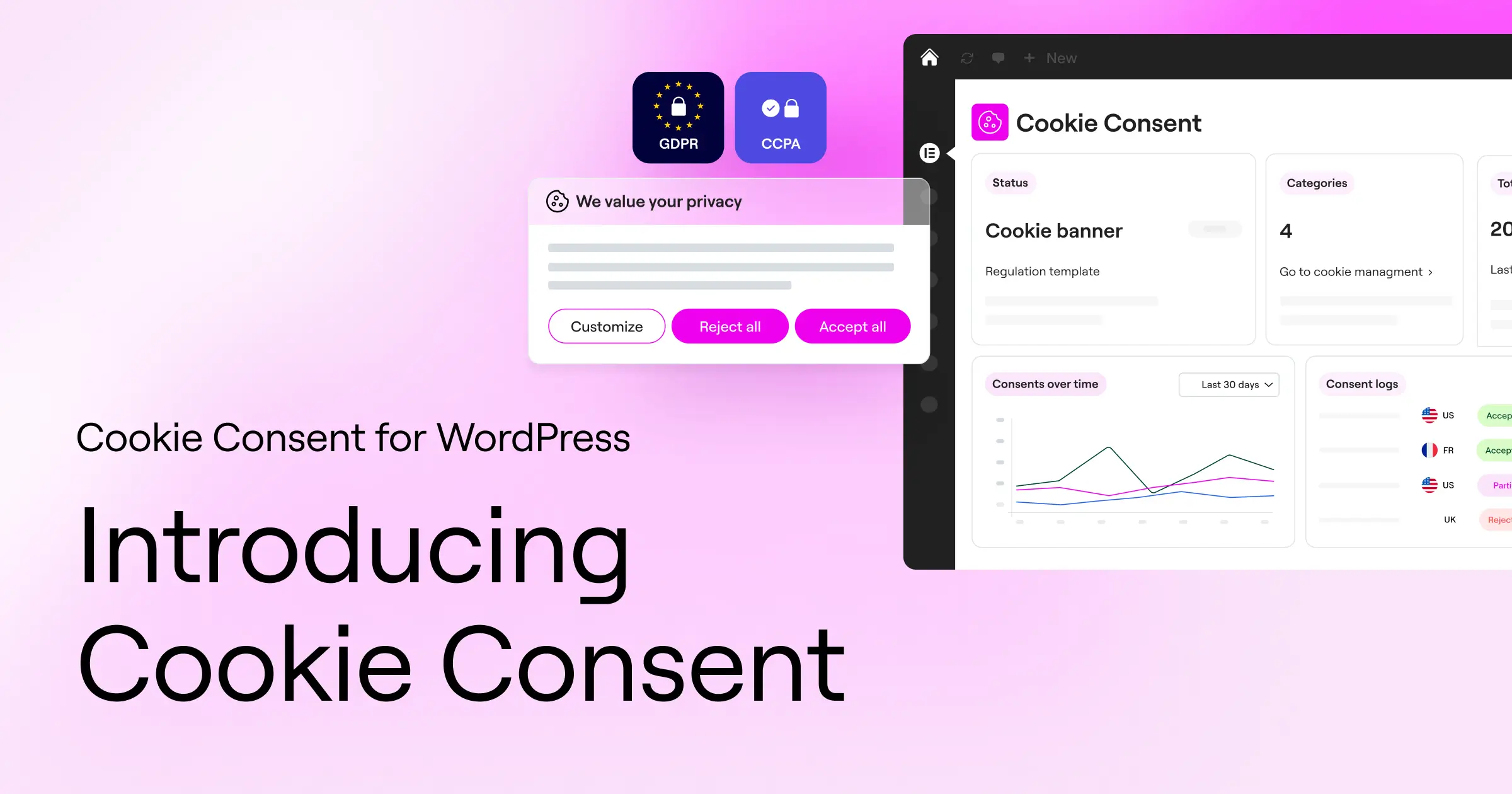
Performance matters too. Every external script your site calls before rendering a page adds to load time, and since mobile speed and search rankings are closely tied together, every millisecond counts. Leaning on heavy external scripts to show a basic banner isn’t the most efficient path anymore.
The regulatory picture has gotten stricter too. Between GDPR in Europe, CCPA/CPRA in California, and various state-level privacy laws in the US, compliance isn’t something you set up once and forget. You need a tool that updates automatically, categorizes scripts correctly, and supports standards like Consent Mode v2 and Global Privacy Control, without a developer on call.
What to Look for in a Modern Cookie Consent Alternative
Before picking a replacement, it helps to know what actually makes a privacy tool useful day to day. The goal is staying compliant without adding stress to your workflow. (It’s simpler than it sounds once you know what to look for.)
Is it native to your workspace?
If you’re already running WordPress, managing cookie preferences from that same space saves real time every week. A WordPress-native tool means no extra browser tab just to check consent logs or tweak your banner styling.
Does it support Google Consent Mode v2?
If you run Google Analytics, Google Ads, or any other Google tag, this one’s essential. Google requires Consent Mode v2 for any site tracking visitors in the European Economic Area. Your alternative needs to signal consent choices to Google tags dynamically, keeping marketing data clean and compliant.
How much styling control do you have?
Your privacy banner is often the first thing a new visitor sees. A generic pop-up that clashes with your fonts and colors can hurt your credibility right away. Look for a tool that lets you customize the look, placement, and language of your banner from your main site-building environment.
Top 7 CookieYes Alternatives Ranked and Reviewed
Let’s look at the strongest alternatives available for WordPress creators right now. We’ve weighed these options on ease of use, integration style, and feature set to help you pick what fits your project.
1. Cookie Consent (by Elementor)
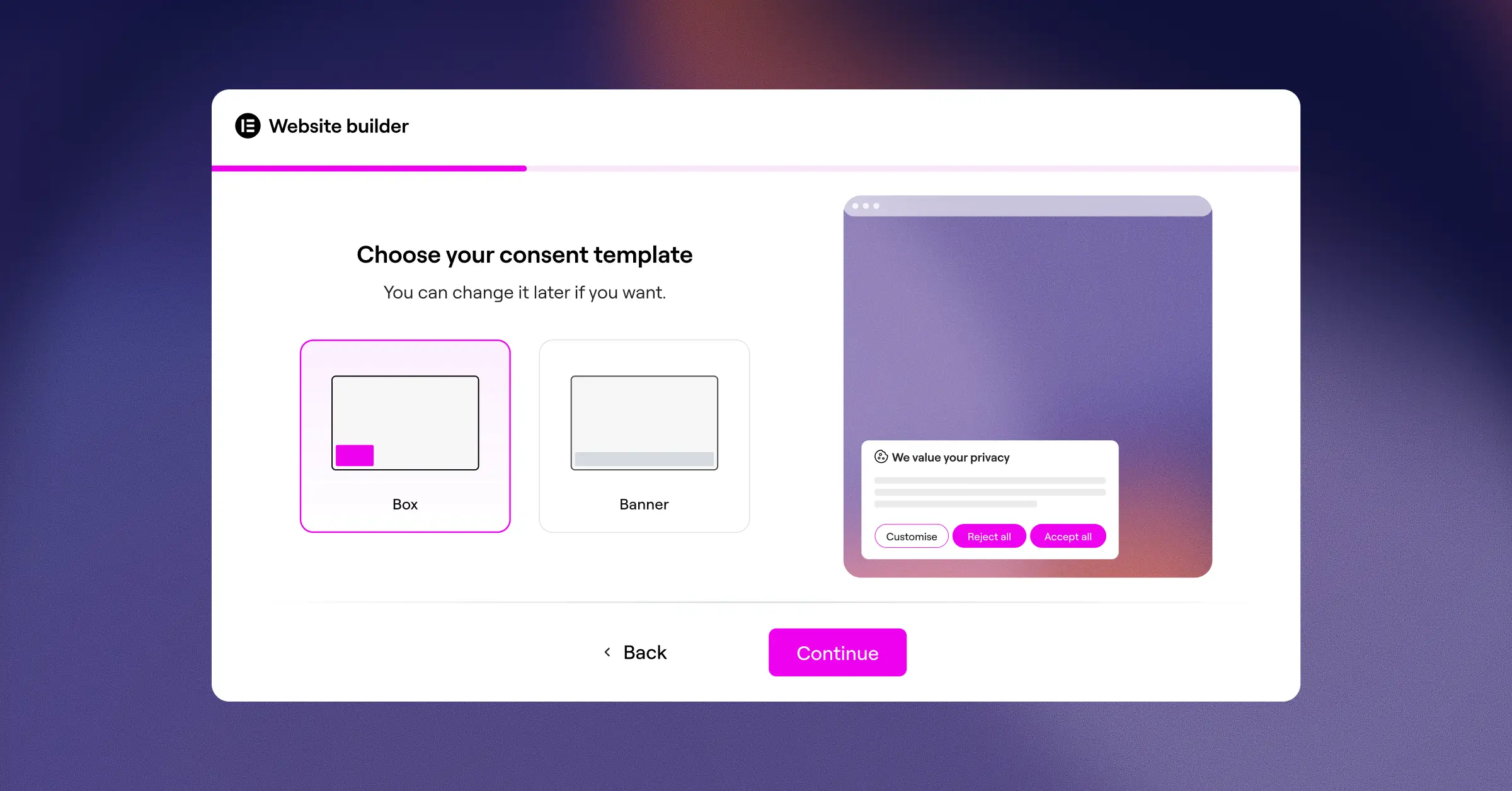
If you want a modern, tightly integrated system, the Cookie Consent capability by Elementor is a strong option. Built natively for WordPress, it handles your privacy compliance right from your familiar dashboard: no external platforms, no separate logins, no disconnected billing. It’s a clean, practical way to stay compliant while keeping your workflow simple.
- Builds custom consent banners directly inside your WordPress dashboard.
- Scans and categorizes cookies automatically to keep your site compliant.
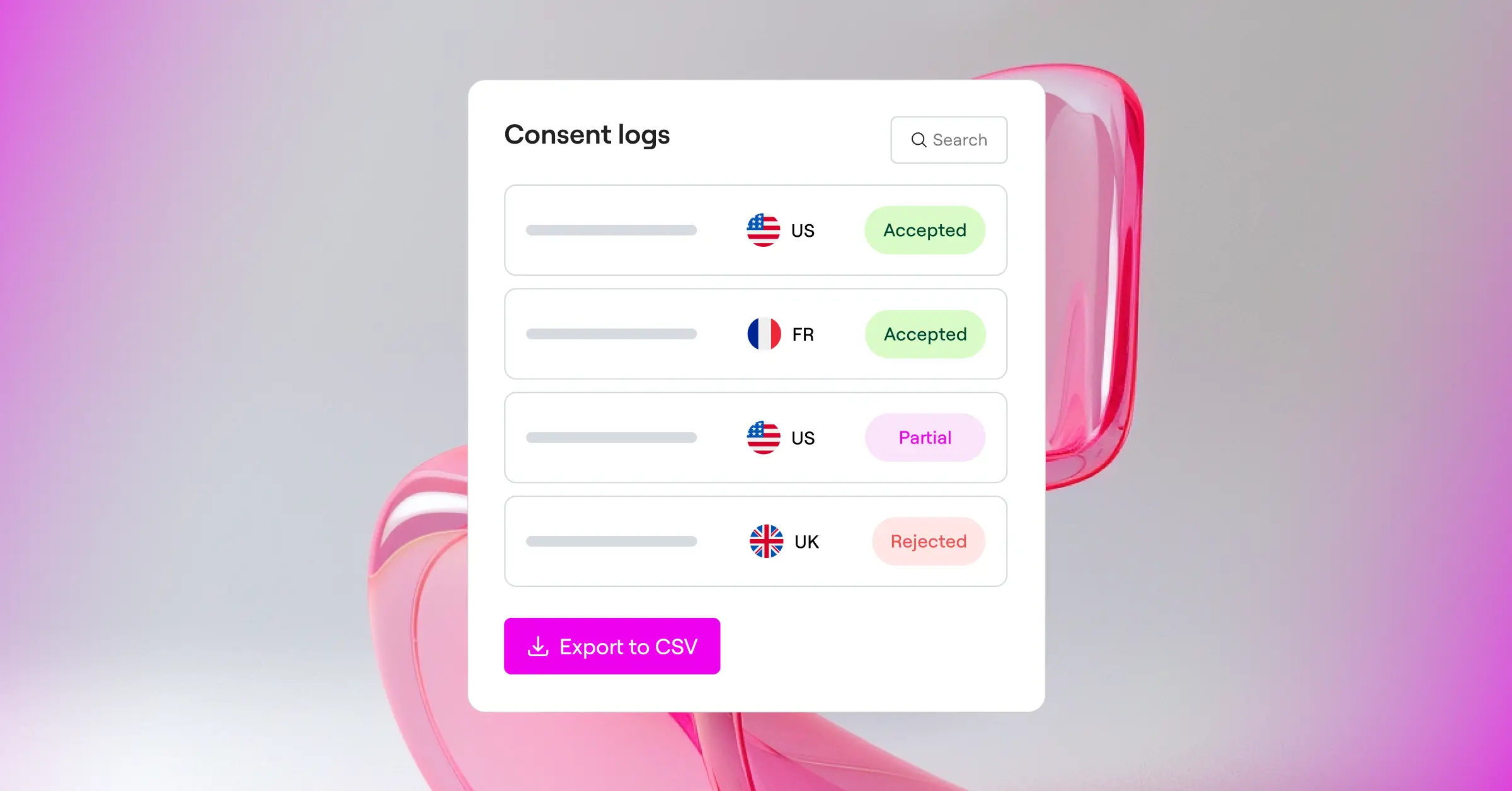
- Logs visitor consent for a reliable, audit-ready trail.
- Supports Google Consent Mode v2 and Global Privacy Control out of the box.
- Targets specific visitor regions with built-in geo-targeting rules.
- Simplifies document creation with a built-in privacy policy generator.
Pros:
- Fully native to WordPress, no external dashboards.
- Intuitive design customization that matches your brand.
- Fast setup, done in under five minutes.
- Includes cloud-based templates for quick banner styling.
Cons:
- Built specifically for creators working within the WordPress ecosystem.
Our Verdict: The top choice for WordPress creators who want to drop external SaaS dashboards and manage privacy compliance in one unified, modern workspace.
2. Cookiebot
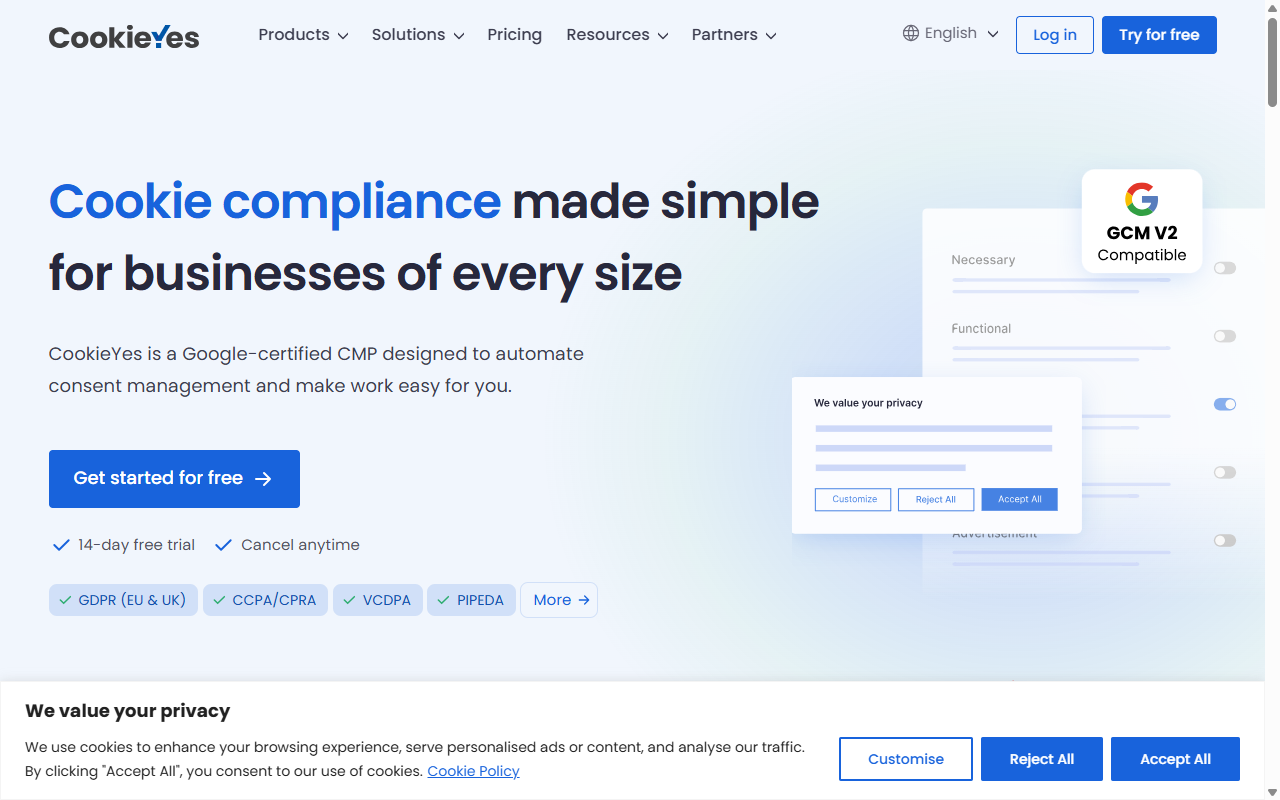
Cookiebot is a well-known cloud-based platform built around automated scanning and cookie management. It runs as an external SaaS service: you configure most settings inside the Cookiebot cloud portal, then connect it to your WordPress site. It’s detailed and handles large enterprise sites with ease.
- Scans your site automatically each month to find trackers.
- Stores user consent data in an encrypted cloud database.
- Blocks tracking scripts automatically until a user gives consent.
- Generates a detailed cookie declaration page for your privacy policy.
Pros:
- Highly accurate automated cookie scanner.
- Deep experience with global privacy standards.
- Supports multilingual banners natively.
Cons:
- Settings are configured through an external cloud dashboard.
Our Verdict: A capable option for enterprise sites with complex, multi-domain compliance needs and a preference for cloud-based management.
3. Complianz
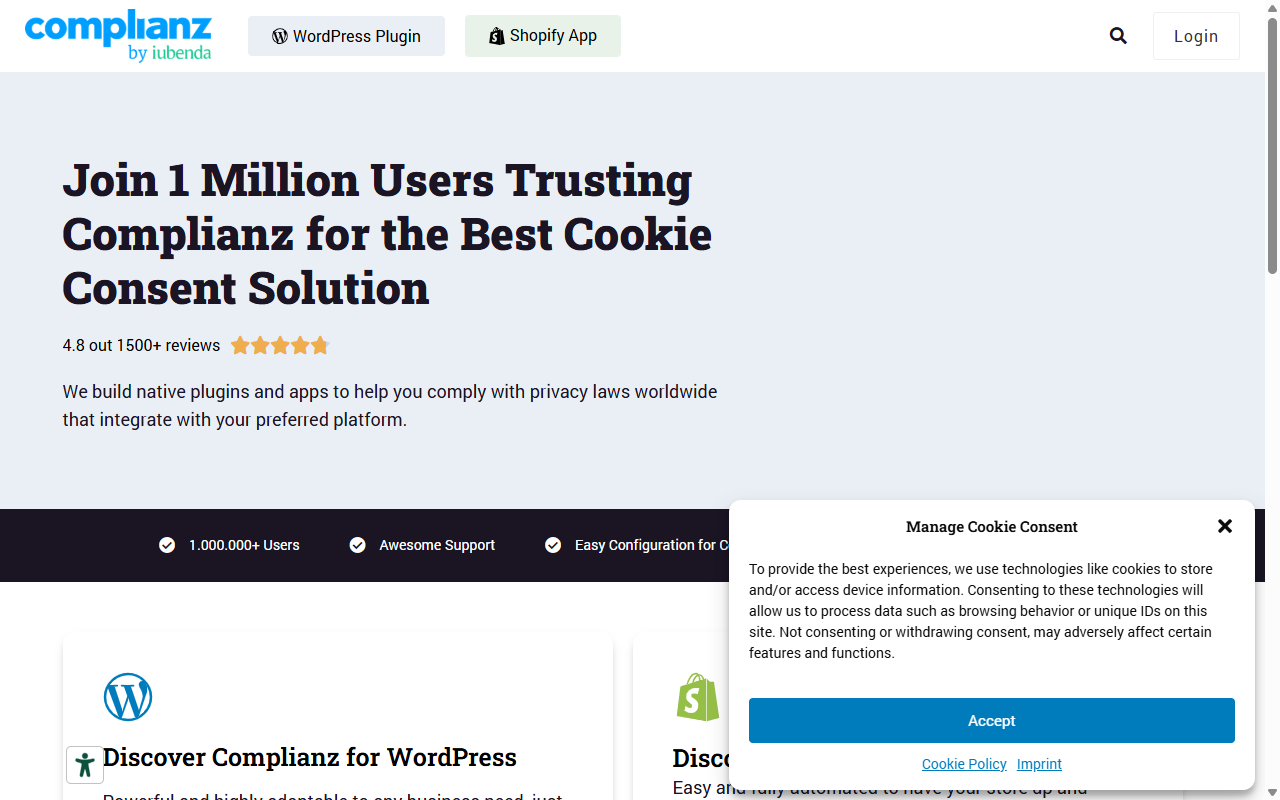
Complianz is a privacy tool built specifically for WordPress. It uses a step-by-step wizard that asks about your business and site habits to generate a customized cookie policy and banner setup.
- Configures consent settings through an interactive, step-by-step wizard.
- Integrates with popular WordPress analytics and tracking tools.
- Generates legally verified documents like cookie policies and disclaimers.
- Detects localized tracking scripts and storage systems automatically.
Pros:
- Wizard-based setup is approachable for beginners.
- Generates complete legal documents, not just banners.
- Runs entirely within your WordPress environment.
Cons:
- The setup wizard can feel long and detailed.
- Customizing banner styles sometimes needs CSS knowledge.
Our Verdict: A good fit if you prefer a structured, wizard-led setup that also helps you draft real legal policies alongside your banner.
4. iubenda
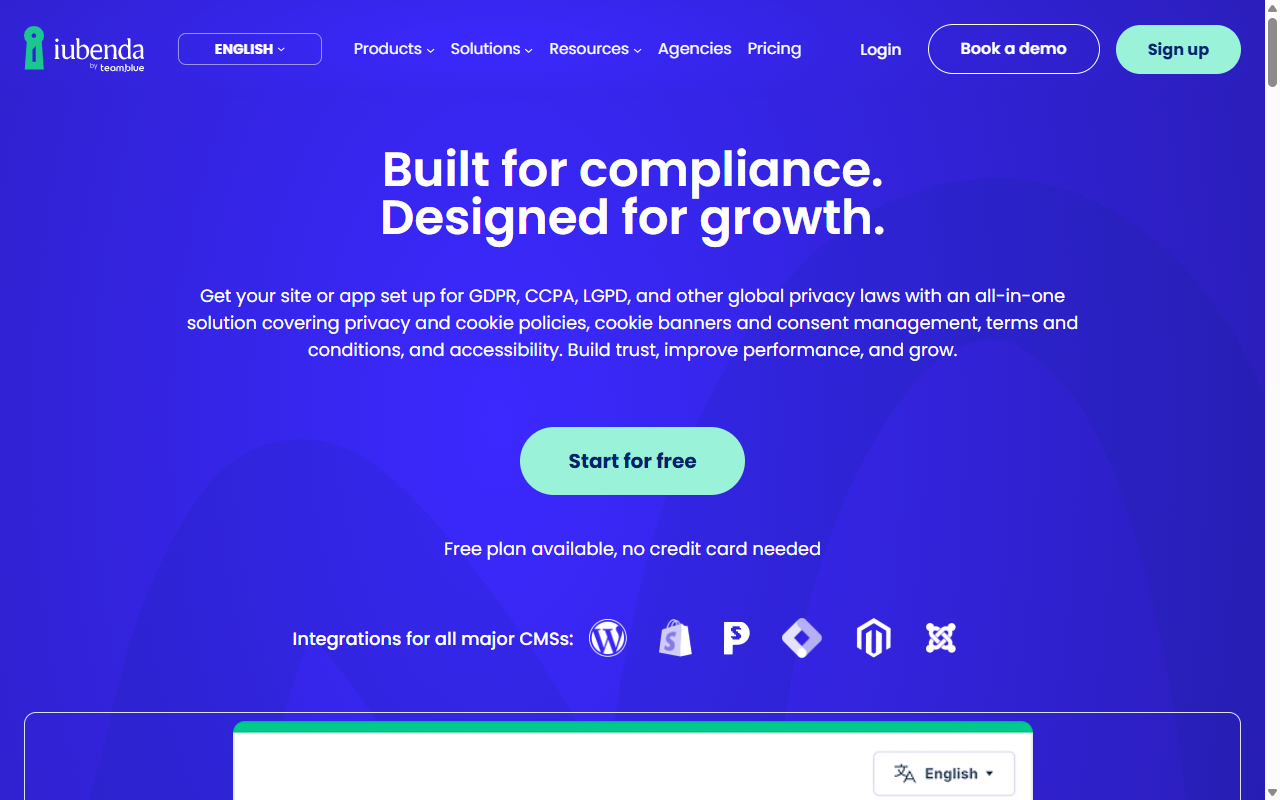
iubenda is a complete legal compliance suite covering cookie banners, privacy policies, and terms of service. It’s cloud-hosted: you configure your banner and legal documents in the iubenda dashboard, then embed them on your site with integration codes.
- Generates auto-updating privacy and cookie policies drafted by legal professionals.
- Stores consent certificates in an encrypted, cloud-based archive.
- Detects changes in global privacy laws to update policies automatically.
- Delivers fully translated legal documents in over ten languages.
Pros:
- Broad legal coverage beyond cookie consent.
- Policies maintained and updated by legal professionals.
- Strong multi-language and international support.
Cons:
- Requires managing assets in an external cloud workspace.
- Can feel like overkill if you only need a simple banner.
Our Verdict: A solid choice for businesses needing a full legal overhaul, including terms of service and attorney-maintained privacy documents.
5. Termly
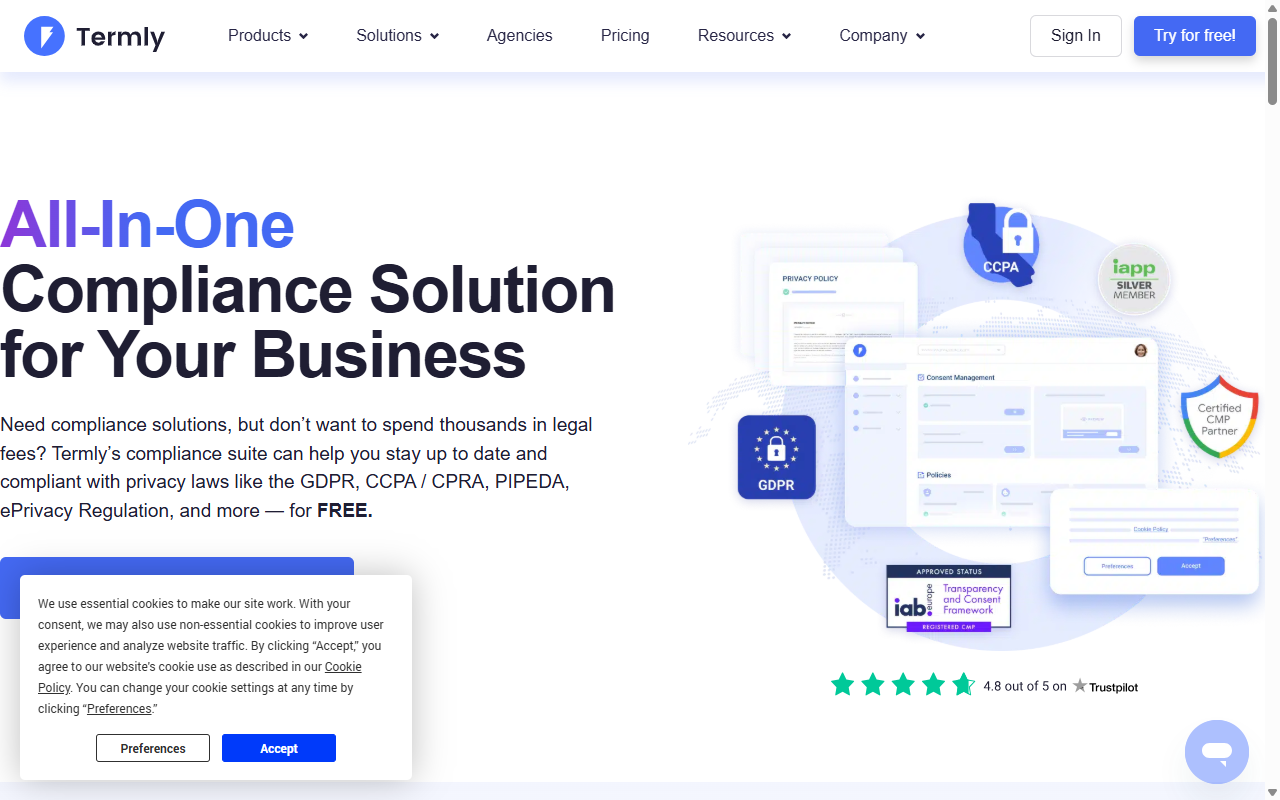
Termly is a cloud-based compliance generator aimed at small businesses and startups. It gives you a clean interface for generating privacy policies, terms of use, and cookie consent banners through simple questionnaires.
- Creates customizable legal policies based on your industry.
- Scans your site to categorize tracking technologies automatically.
- Generates clean, responsive cookie banners that fit modern screens.
- Hosts your legal documents on secure cloud servers for automatic updates.
Pros:
- Approachable, well-organized interface.
- Generates policies quickly using plain-English questions.
- Works well for simple sites with standard compliance needs.
Cons:
- Legal documents are hosted externally, which some owners prefer to avoid.
- Entry-level plan limitations are fairly strict.
Our Verdict: A practical option for small businesses wanting a fast, cloud-hosted path to basic legal documents and consent banners.
6. OneTrust
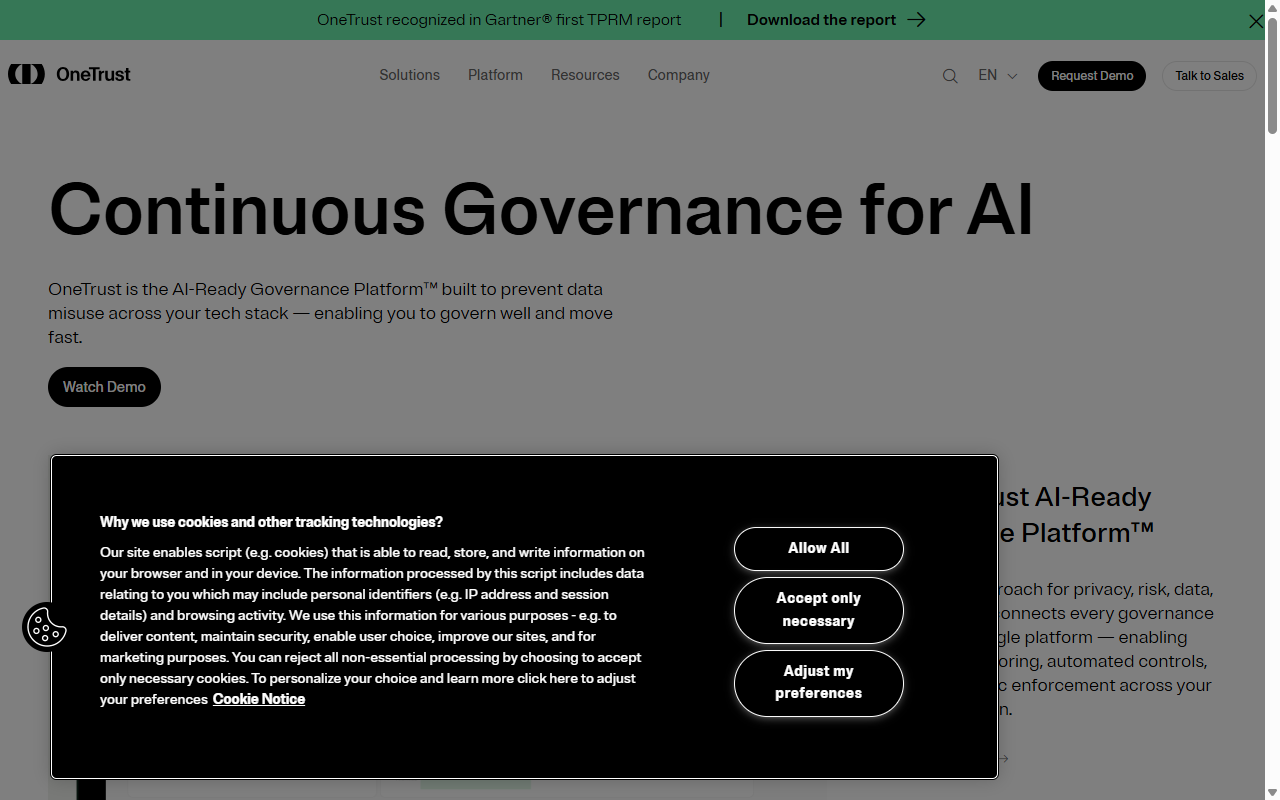
OneTrust is an enterprise-grade privacy and data governance platform, built for corporations, multinational brands, and dedicated compliance teams managing complex data maps across many properties.
- Manages enterprise-wide privacy frameworks across thousands of domains.
- Scans websites with deep database lookups to track data flows.
- Maps data structures across multiple departments and server environments.
- Delivers detailed dashboards for corporate compliance officers.
Pros:
- Deep feature set with extensive global legal support.
- Built for corporate audits and highly secure environments.
- Scales to manage thousands of complex digital properties.
Cons:
- Setup typically needs dedicated training and implementation time.
- More complex and costly than most WordPress site owners need.
Our Verdict: The established standard for enterprise organizations, though well beyond the scope of most blog, portfolio, or e-commerce sites.
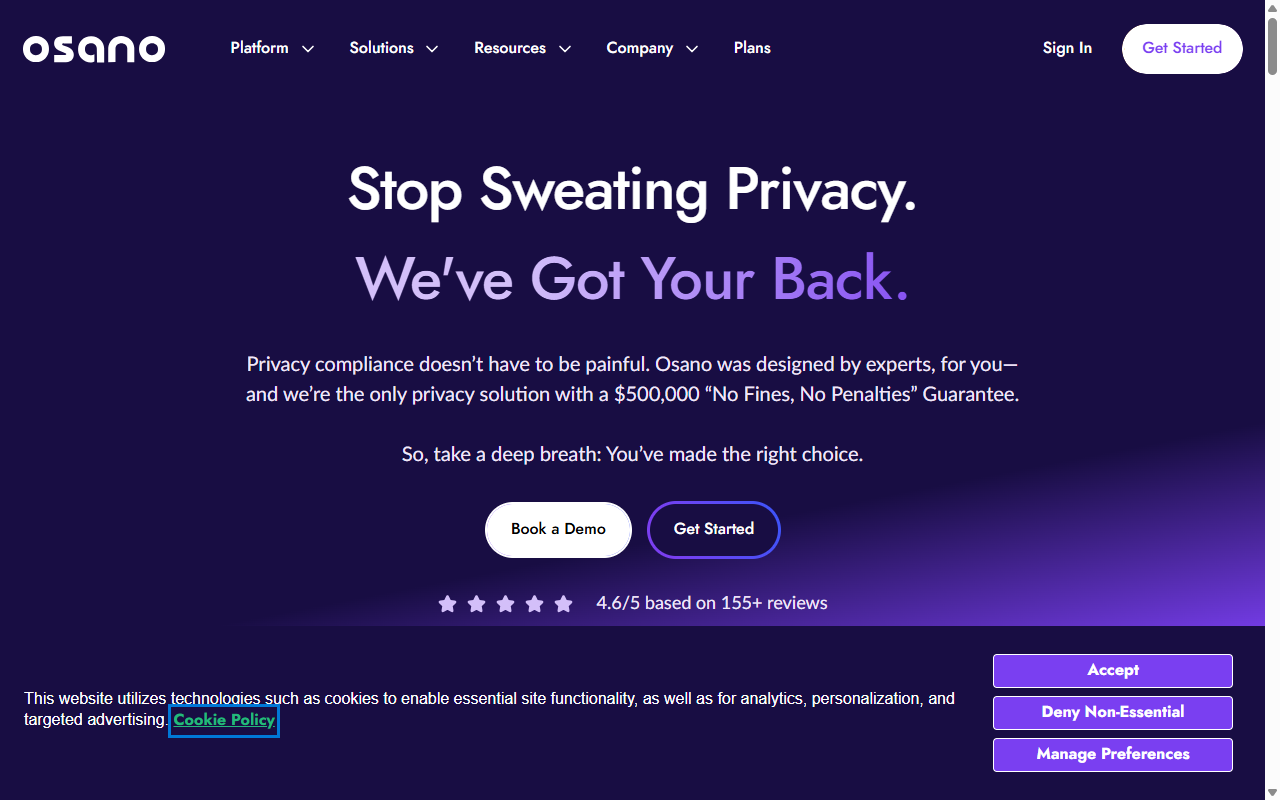
7. Osano
Osano is a B-Corp certified data privacy platform focused on trust, simplicity, and proactive script blocking. It includes a compliance guarantee for sites that configure their systems to its legal guidelines.
- Blocks known data tracking scripts automatically before user consent.
- Guarantees compliance under a special financial defense pledge.
- Monitors the privacy practices of your site’s third-party vendors.
- Translates banners automatically to fit the visitor’s local language.
Pros:
- Includes a financial compliance guarantee for extra peace of mind.
- B-Corp certification appeals to ethically minded brands.
- Strong automatic script-blocking technology.
Cons:
- Premium pricing tier.
- Configuration happens entirely inside their external cloud platform.
Our Verdict: A high-trust option if you want strong legal protection and don’t mind a higher monthly SaaS investment.
Feature Comparison: How the Top Alternatives Stack Up
Here’s a quick reference table comparing the key features of each alternative side by side.
| Alternative Tool | Integration Style | Google Consent Mode v2 | Geo-Targeting | Policy Generator | Best Suited For |
|---|---|---|---|---|---|
| Cookie Consent by Elementor | WordPress-Native | Yes (Built-in) | Yes | Yes | WordPress site creators wanting a clean, unified dashboard |
| Cookiebot | External SaaS | Yes | Yes | No | Multi-domain sites with complex scanning needs |
| Complianz | WordPress-Native | Yes | Yes | Yes | Creators who prefer detailed, wizard-guided setup |
| iubenda | External SaaS | Yes | Yes | Yes | International businesses needing full legal document suites |
| Termly | External SaaS | Yes | Yes | Yes | Small startups wanting fast, out-of-the-box legal pages |
| OneTrust | External SaaS | Yes | Yes | No | Enterprise corporations with dedicated compliance teams |
| Osano | External SaaS | Yes | Yes | No | Businesses looking for legal compliance guarantees |
The Dashboard Fatigue Problem: Why Native Tools Are Winning in 2026
If you’ve been building websites for a while, you’ve probably noticed a frustrating pattern: every feature you add seems to come with its own login, its own bill, and its own tracking script. Between analytics, email marketing, image optimization, hosting, and cookie management, you can end up juggling half a dozen subscriptions just to keep a simple site online.
This is dashboard fatigue, and it’s why WordPress site owners are moving toward native tools. Managing compliance inside WordPress keeps your focus in one place. You don’t have to copy and paste code snippets, verify API keys, or worry about a third-party outage breaking your consent banner.
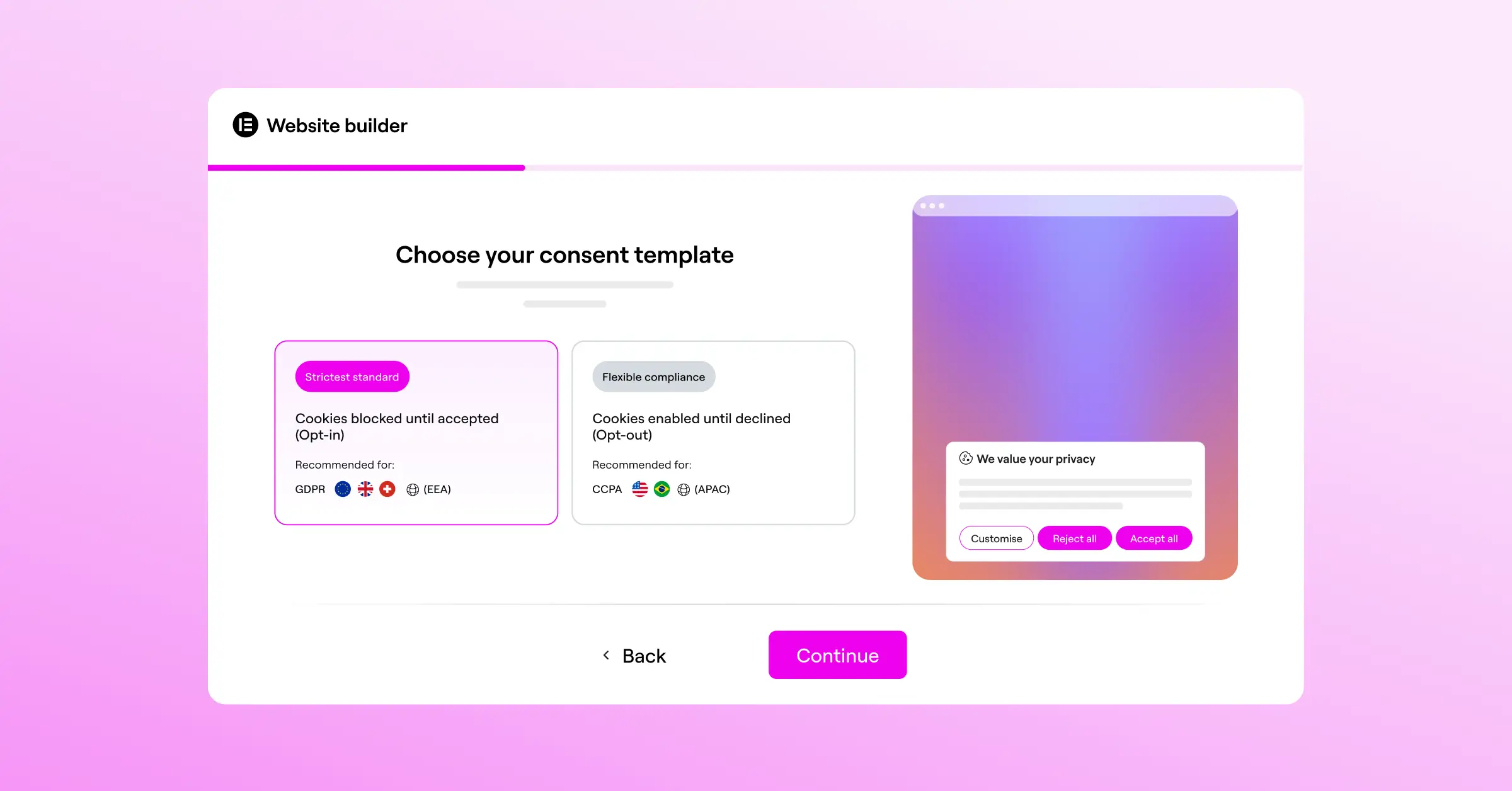
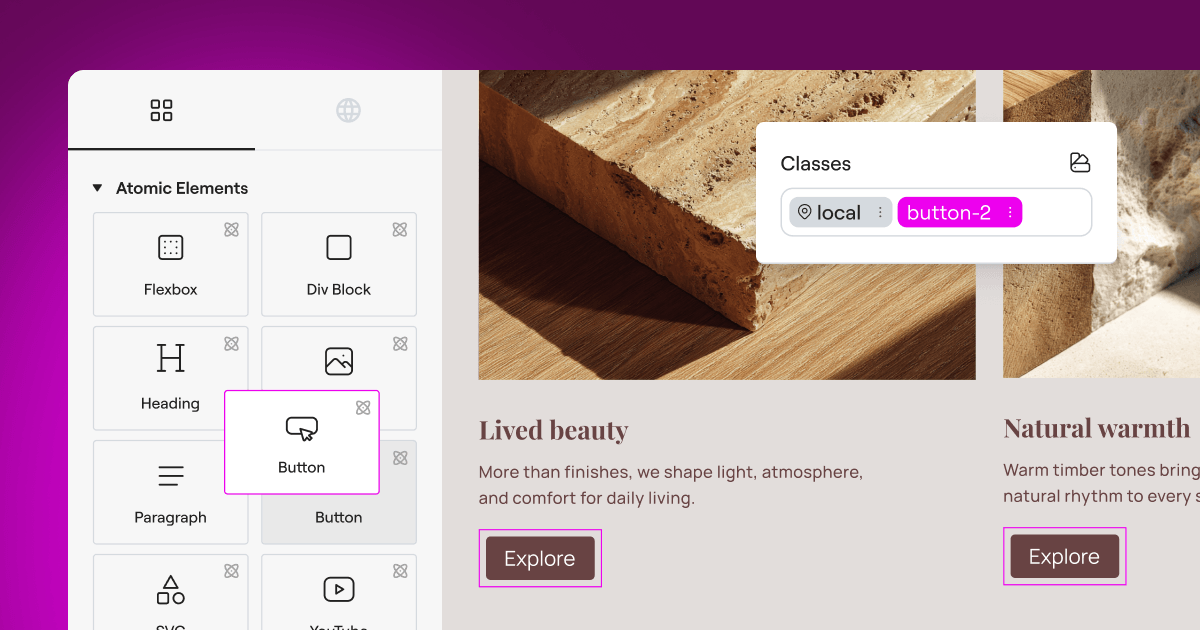
Choosing a tool like Cookie Consent by Elementor lets you keep everything nested inside your existing site editor. You style your banners with the same layout controls you already use for your page designs, so things look polished while your site stays fast and simple.
“Managing user consent is no longer about slapping an annoying banner on your footer and hoping for the best. To build genuine trust and stay on the right side of modern privacy regulators, you need a system that feels like a natural part of your site architecture rather than a clunky third-party add-on.”
– Itamar Haim, Web Compliance Specialist
How to Move from CookieYes to a WordPress-Native Capability
Making the switch from an external SaaS system to a native WordPress tool is easier than it sounds. Follow these steps and you can migrate your setup without compliance gaps or tracking dropouts. (Don’t worry, you’ve got this.)
- Audit your existing tracking scripts. Before turning off CookieYes, list every active third-party script, like Google Analytics, Meta Pixel, or Hotjar. You’ll need to assign these correctly in your new tool.
- Export your historical consent logs. Download a copy of your existing consent history and store it safely. You may need it to prove prior user consent if questions come up.
- Remove the CookieYes integration code. Delete the script from your header files or deactivate the connector in WordPress to avoid duplicate banners.
- Activate your native tool. Turn on cookie consent from your site settings. With Cookie Consent by Elementor, you can jump straight into customization without installing anything extra.
- Scan and categorize your cookies. Run the automated scanner to find all tracking elements, then sort them into categories like analytical, marketing, or functional.
- Style and publish your new banner. Match your banner to your theme, pick target regions, turn on Google Consent Mode v2 support, and hit publish.
Frequently Asked Questions
Why should I look for a CookieYes alternative?
CookieYes is reliable, but many site owners look at alternatives because of dashboard fatigue, subscription costs that scale up, or concerns about script performance. Switching to a native WordPress tool lets you manage banners and consent logs from your existing dashboard, without paying for a separate monthly SaaS subscription.
Is Google Consent Mode v2 mandatory for my website?
Yes, if your site serves visitors inside the European Economic Area and you use Google services like Google Analytics or Google Ads. Without Consent Mode v2 active, you’ll lose the ability to accurately measure conversions and serve personalized ads to European users.
Can I manage cookie consent natively in WordPress?
Absolutely. Tools like Cookie Consent by Elementor run entirely from your WordPress backend, so you don’t need external cloud platforms, and it’s much easier to customize banners, check consent logs, and keep your site fast.
Does a cookie consent banner slow down my site speed?
It can, if it relies on heavy external cloud scripts that block the rest of your page from loading. That’s why native WordPress tools work well. They load lighter, local scripts that keep your Core Web Vitals healthy and your visitors happy.
What is the difference between GDPR and CCPA compliance?
GDPR is a European regulation that requires prior, explicit consent before you load any non-essential cookies. CCPA/CPRA is a California regulation focused on giving users the right to opt out of the sale or sharing of their personal information, often through a “Do Not Sell” link.
How do automated cookie scans work?
An automated scanner crawls your site much like a search engine bot. It detects cookies, tracking pixels, and local storage scripts your pages set, then categorizes them so your banner can block them until a visitor gives consent.
Can I customize my cookie consent banner to match my brand?
Yes. A design-oriented tool like Cookie Consent lets you customize the fonts, colors, button styles, layout, and language of your banner right inside your layout editor, so it looks like a natural part of your site.