Table of Contents
Nearly 47% of users expect a page to load in under two seconds, and the global AI in web design market is projected to hit $14.4 billion by 2032, a 19.2% growth rate reshaping how you build sites in 2026. We’ve moved past drag-and-drop tools into an era of generative UI and agentic frameworks.
Launch times have dropped from 40 hours to about 15 minutes for a complete, functional draft. You’re not just prompting for text now, but for entire database structures, custom post types, and styled frontend widgets. The platforms that survive this shift give you real architectural control while cutting the repetitive coding work that drains your budget. Let’s walk through the best tools out there.
Key Takeaways
- Agentic frameworks like Angie skip static prompt generation and execute changes natively inside WordPress.
- Sites using AI-driven personalization see 15% higher conversion rates.
- Over 100 million websites now run on generative layouts from major platforms.
- Professional design tools average $30 to $168 annually for premium generative access.
- Modern builders consistently hit 90+ mobile PageSpeed scores through automated code minification.
- A striking 73% of small businesses say they’re using automated generators for their site content this year.
1. Angie by Elementor: The Agentic WordPress Framework
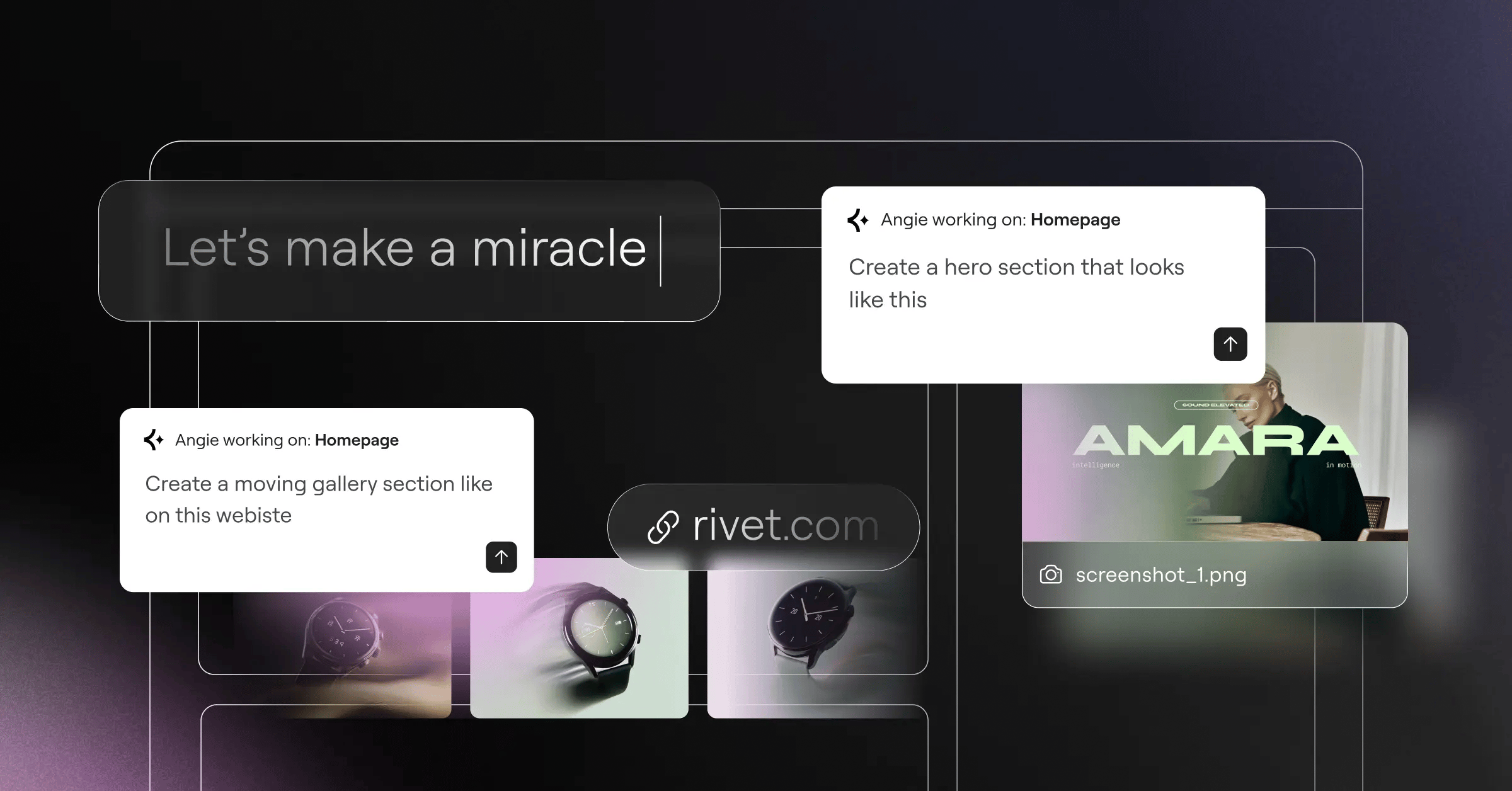
Basic code assistants only spit out raw text. Agentic AI actually takes action: Angie by Elementor, a free, standalone WordPress plugin, plans, writes, and executes complex tasks inside your live WordPress environment instead of just suggesting CSS or PHP snippets.
It picks up your site’s context automatically through the Model Context Protocol (MCP). Say you need a custom post type for a real estate directory: Angie builds the post type, generates the backend taxonomy, and produces custom frontend Elementor widgets for those listings.
Core Capabilities
- Outputs real WordPress assets instead of generic HTML snippets you’d paste in by hand.
- Runs everything in an isolated sandbox before anything reaches production.
- Works cleanly alongside Gutenberg blocks or the classic editor.
- Writes complex admin snippets from plain-language commands in seconds.
- Adjusts front-end styling and layout variables without manual CSS work.
System Pros and Cons
- Pro – Built specifically for WordPress architecture and server environments.
- Pro – Gives full creative control, from raw idea to production-ready feature in minutes.
- Pro – Runs every snippet through a testing sandbox first, so it won’t break your site.
- Con – Needs an existing WordPress install to work at all.
- Con – Technical users get the most from its complex query handling.
It’s like having a senior developer sitting right inside your dashboard, not just another assistant guessing at your database structure.
2. Elementor Editor Pro: The Professional Standard
Elementor currently powers more than 21 million websites across 206 countries, about 13% of the internet. Elementor Editor Pro builds generative tools directly into the deepest layers of your site architecture, and Elementor AI passed 1 million active users in its first 12 months by solving real structural problems. It supports 25+ languages natively.
You’re not just generating background images here, you’re generating AI Contextual Containers that match your established global design system. The new Atomic V4 architecture applies a strict CSS-first foundation, so classes and variables stay clean. Elementor One packages this at $168 per year, including the AI Site Planner, Image Optimization, Web Accessibility scanning, and priority support.
The transition from manual layout drafting to AI-assisted wireframing cuts our initial development phases by literally 60%. It’s not about replacing designers. It’s about removing the friction between a raw concept and a staging environment.
Itamar Haim, SEO Team Lead at Elementor. A digital strategist merging SEO, AEO/GEO, and web development.
Deep Architectural Advantages
- Merges planning, design, and performance optimization into one subscription.
- Applies dynamic content targeting to headers, footers, and custom archives.
- Flags 180+ specific WCAG issues instantly through Web Accessibility scanning.
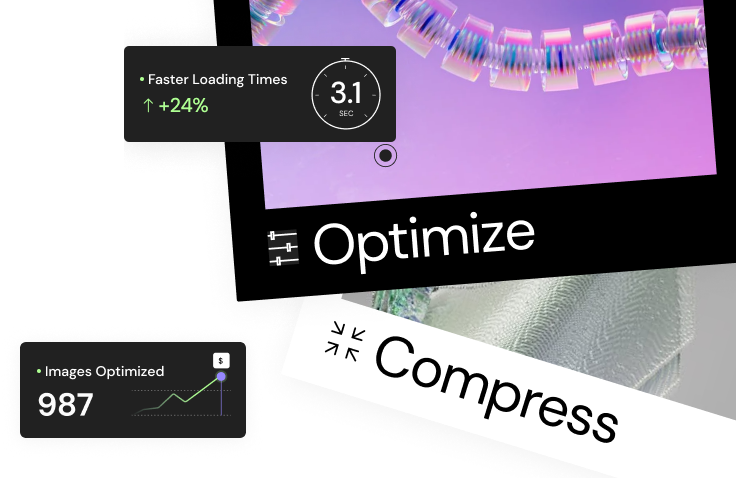
- Shrinks heavy file sizes by up to 60% on upload, through Image Optimization.
- Allocates 25K credits a month for text, code, and image generation.
If you manage demanding client eCommerce platforms, this setup keeps plugin bloat down while holding a professional design standard.
3. Wix Studio: Enterprise AI for Design Agencies
Wix says its tools have built more than 100 million websites worldwide. Wix Studio is their top tier of automated design functionality: the old Wix ADI legacy has grown into a technical, constraint-based canvas, with business plans running $29 to $159 a month.
Here’s the thing: Wix leans heavily on rigid responsive scaling, so you’re not dragging visual boxes around anymore, you’re setting structural rules for the engine to follow.
The Automated Studio Workflow
- You feed the AI Section Creator a detailed prompt describing the layout and function.
- The engine generates three distinct structural variations from your prompt.
- You apply the AI Responsive Toggle to calculate mobile breakpoint scaling automatically.
- The platform assigns global color variables based on your uploaded brand logo.
- You lock the grid constraints so clients can’t break the layout later.
Agencies under quick turnaround times find real value here. The closed ecosystem keeps inexperienced clients from breaking the live site, though you can’t move your code elsewhere later.
4. Framer AI: High-Fidelity Motion Design
Aesthetics matter, and Framer AI bridges the gap between static Figma boards and functional live code. At $30 a month for the Pro plan, it’s built for a specific crowd: startups, tech portfolios, and Web3 projects.
You type one descriptive sentence, and the engine produces a multi-page layout with complex spring animations attached to the Text-to-Site components. It leans on absolute positioning logic rather than standard document flow.
Why Visual Designers Choose Framer
- Generates scroll transforms and complex scroll variants instantly based on intent.
- Lets you copy and paste vector layers directly into the live canvas.
- Translates entire layouts without breaking the underlying CSS grid.
- Handles component logic like a modern vector tool, with React components underneath.
- Pushes updates to the global edge network in about three seconds.
One thing worth knowing: non-designers often find Framer’s absolute positioning tricky, since it assumes you already know flexbox and component state logic well. Keep that in mind before handing it to an entry-level marketing team.
5. 10Web: Automated WordPress Migration
Speed equals money online, and 10Web guarantees a 90+ score on Google PageSpeed Insights out of the box by minifying scripts and optimizing server response times through Google Cloud. The core product centers on its AI Website Replicator.
You paste an existing URL into the dashboard, and the system clones the visual structure into a new WordPress install in about two minutes, parsing the DOM and rebuilding it with native blocks.
The Automated Migration Process
- Enter the target URL or industry keyword into the prompt field.
- The AI scans the DOM structure and parses the visual hierarchy.
- It rebuilds the layout using native WordPress blocks and containers.
- The system applies an automated caching layer through Google Cloud C2 infrastructure.
- You manually adjust any mobile responsive errors the parser missed while cloning.
This works well for business owners moving away from older, less flexible platforms, giving you open-source freedom without most migration headaches. Cloned sites often need manual cleanup for mobile responsiveness.
6. Hostinger AI Website Builder: The Budget Authority
Not every project needs an enterprise-grade stack. Hostinger AI Website Builder dominates the low end of the market at competitive rates for introductory terms, including a free domain name and basic email hosting.
It’s a simple, prompt-based generator built for mass-market appeal. You answer three basic questions about your brand, and it builds a functional, templated landing page right away.
Core Budget Offerings
- Predicts user attention paths based on color contrast and layout density.
- Generates basic vector assets for instant brand identity with the Logo Maker.
- Writes meta descriptions and page titles automatically via the SEO Assistant.
- Keeps elements from overlapping on smaller screens with a strict grid-based editor.
- Lets you sell up to 500 products on the standard business tier.
You won’t build a complex membership portal here. Local plumbers, freelance consultants, and hobbyists use this to get a digital footprint up in under an hour.
7. Squarespace Blueprint AI: Curated System Design
More than 1 million users rely on Squarespace Blueprint AI, which protects you from bad design choices by acting like a strict curator rather than a wide-open creator. You answer prompts about your brand personality, and it matches those answers to a polished design framework.
You pick from five color palettes and six font pairings, and the guardrails stay up the whole time.
Evaluating the Blueprint System
- Advantage – The typography pairings are excellent and heavily vetted by professional designers.
- Advantage – Image galleries auto-crop cleanly across every device size with no manual adjustment.
- Advantage – The built-in AI Brand Identity keeps color consistent across every sub-page.
- Drawback – The generated layouts can feel a bit generic without strong custom photography.
- Drawback – Moving elements outside the rigid grid system can be frustrating.
- Drawback – The eCommerce routing offers limited customization for complex shipping rules.
Creative professionals and visual lifestyle brands flock here for good reason. If you sell high-end physical products, the built-in inventory management pairs nicely with the generated gallery templates.
8. Durable AI: The 30-Second Solopreneur Engine
Durable AI has generated more than 6 million active websites, with a claimed 30-second average build time. You enter your business type and location, the screen flashes, and a populated service website appears.
That speed relies on some big assumptions. The system pulls relevant stock images, writes service descriptions through the OpenAI API, and plots a map to your location right away.
The Lightning Launch Steps
- Select your service niche from their internal industry database.
- Provide a geographic service area to localize the AI copywriting.
- Review the auto-generated layout, which comes with functional contact forms.
- Turn on the integrated AI CRM to catch incoming leads right away.
- Publish the site to their proprietary hosting network with one click.
Independent contractors and solo service providers get a real advantage here: no plugin updates, security patches, or server configuration to worry about. Just turn the site on and start taking calls from local clients.
9. Divi AI: The WordPress Alternative
Elegant Themes built Divi AI directly into their well-known visual builder. It’s a major competitor in the open-source WordPress space, with a legacy pricing model that’s a big draw: a $288 lifetime access option appealing to high-volume freelance developers.
Divi’s approach leans heavily on inline editing. Highlight a paragraph on the live page, and Divi Text AI rewrites it instantly. Click an empty module, and Divi Image AI renders a custom background graphic right there.
Divi vs The Open Market
- Keeps you inside the visual builder instead of a separate dashboard.
- Writes custom CSS directly into module settings based on text prompts.
- Uncaps generation credits entirely on certain higher pricing tiers.
- Builds entire wireframes from scratch inside an empty page template.
- Runs a bit heavier under the hood than some modern CSS-first platforms.
Veteran developers still debate the long-term performance of shortcode-heavy builders. Even so, the convenience of full page layouts without leaving WordPress keeps Divi relevant in the 2026 market.
10. Site123: Absolute Beginner Simplicity
Some people freeze up at a blank canvas. Site123 exists for that group, removing almost all the complex structural decisions. You choose a broad template category, and the AI Content Assistant fills in the text.
It runs on a strict mobile-first responsive engine, so you really can’t break the layout no matter how hard you try.
Known Platform Limitations
- Locks down the core HTML and CSS, so you can’t alter the underlying structure.
- Keeps product variants and conditional shipping rules fairly basic.
- Requires starting a new draft from scratch to change a core layout.
- Restricts advanced technical SEO work at the server level.
- Blocks exporting your site files to another host if you outgrow the platform.
This stays the safest choice for community groups, local clubs, or personal projects that just need a digital bulletin board. If you need five pages and a contact form by tomorrow, this platform clears away the technical friction.
Comparison Summary & Final Recommendation
Numbers don’t lie: nearly 73% of small businesses plan to rely on automated content generation this year, and picking the right platform shapes your long-term scalability. We evaluated these tools on technical output, financial value, and structural flexibility.
The 2026 Platform Matrix
| Platform Name | Starting Price | Best Audience | Key AI Feature |
|---|---|---|---|
| Angie (Elementor) | Free Plugin | WP Developers | Agentic MCP Execution |
| Elementor Pro | $60/year | Professional Agencies | AI Contextual Containers |
| Wix Studio | $29/month | Design Teams | Responsive Toggle |
| Framer AI | $30/month | Startups/UI Pros | Text-to-Site Generation |
| 10Web | $20/month | Platform Migrations | AI Site Replicator |
| Hostinger AI | competitive ratesnth | Budget Projects | Integrated Logo Maker |
| Squarespace Blueprint | $16/month | Visual Creatives | Blueprint Design System |
| Durable AI | $15/month | Local Services | Instant Auto-Copy |
| Divi AI | $288/year | Freelance Devs | Inline Code Generation |
| Site123 | Free / Premium | Absolute Beginners | Auto Content Assistant |
The clear winner for serious professional deployments is the combination of Angie and Elementor Editor Pro. They deliver native WordPress assets, keep full database ownership, and cut your wireframing and deployment timelines.
Frequently Asked Questions
Do AI builders hurt my search engine rankings?
No. Search engines rank content on user intent and technical performance, not how the code was generated. Modern platforms output clean, minified HTML that can improve your Core Web Vitals when configured correctly.
Can I export my site code if I cancel my subscription?
That depends on the platform. Open-source solutions like Elementor running on standard servers let you keep everything, while closed systems like Wix or Squarespace keep your design inside their own ecosystem.
How exactly does agentic AI differ from standard generative text?
Generative text just hands you block code to copy and paste manually. Agentic frameworks like Angie execute the commands directly inside your database, creating files, configuring settings, and publishing the assets for you.
Will these tools replace human web developers?
They won’t replace strategic thinking or complex custom web application development. But they replace the tedious, repetitive work, like drafting boilerplate layouts, writing basic CSS classes, and filling in dummy text.
What is the absolute cheapest way to launch an AI-generated site?
Hostinger currently leads the budget tier at competitive rates for the first year, though a free tool like Angie on basic shared hosting gives you far more long-term flexibility.
Do these generators create mobile-responsive designs automatically?
Yes. Every platform here defaults to mobile-first architecture or automated responsive scaling. Tools like Wix Studio calculate breakpoint adjustments instantly.
How accurate are the automated translations for multilingual sites?
Pretty accurate for basic conversational content and headers. Elementor supports 25+ languages natively, though it’s worth having a native speaker review technical or legal copy since context can get lost in complex sentences.
Is it safe to use AI-generated images on commercial sites?
Most enterprise platforms secure commercial usage rights for their generated imagery automatically, but avoid images with recognizable trademarked logos or specific public figures to stay clear of legal issues.
How fast can I realistically go from idea to live site?
For a basic five-page brochure site, plan on 15 to 30 minutes. Complex eCommerce builds with custom post types, payment gateways, and inventory management will still take several hours of manual configuration.
Looking for fresh content?
By entering your email, you agree to receive Elementor emails, including marketing emails,
and agree to our Terms & Conditions and Privacy Policy.