Setting up privacy controls on your site used to be something you could push to next quarter. Not anymore. If you serve visitors in the EU, the UK, or California, tracking scripts can’t run unchecked, and Google Consent Mode v2 is now a real requirement for Google Analytics and Ads. Threading these rules through Google Tag Manager can feel like chasing a moving target.
You don’t have to figure it out alone, though. We’ve pulled together the best guides and tools for getting GTM consent states set up this year, more manageable than it looks once you’ve got the right documentation in hand.
Key Takeaways
- Google Consent Mode v2 is non-negotiable for sites using Google ad tracking in regulated regions.
- WordPress-native solutions like Cookie Consent by Elementor skip the need for a separate dashboard.
- Custom developer setups suit complex sites, but native templates save hours of configuration.
- Testing with GTM Preview mode is critical to avoid compliance fines and data loss.
Why Google Consent Mode v2 Matters in 2026
Privacy regulators are busier than ever, and the major ad networks have adjusted accordingly. Skip explicit consent signals, specifically ad_user_data and ad_personalization, and Google will quietly stop your conversion tracking and remarketing audiences. That’s already happening to sites that haven’t caught up, so your cookie banner needs to talk directly to GTM before any tag fires.
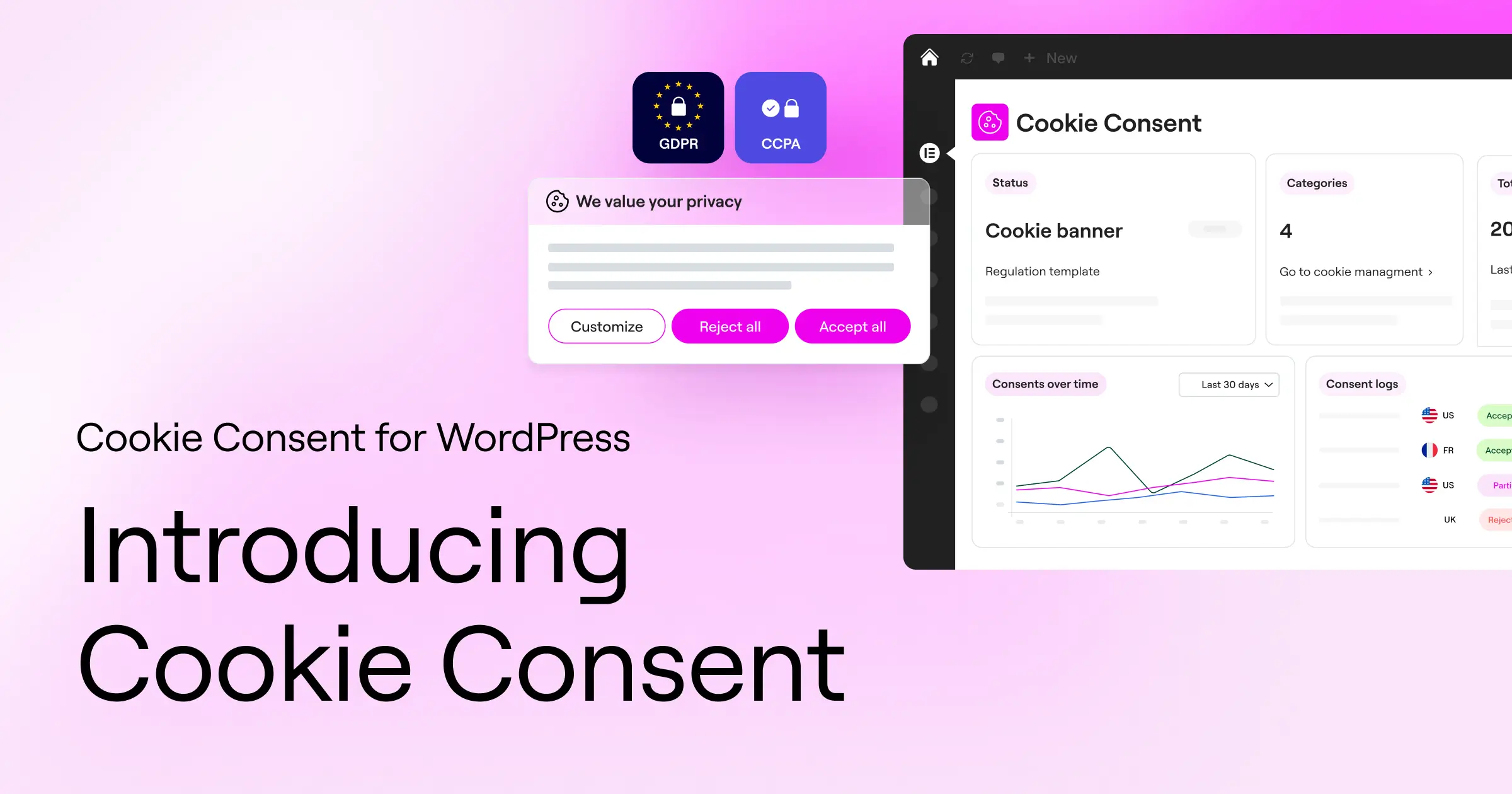
Your job as a developer is to bridge what visitors choose and what scripts actually run. The guides below get you there without tanking your page speed or your sanity.
1. Cookie Consent by Elementor: The Native WordPress Setup Guide
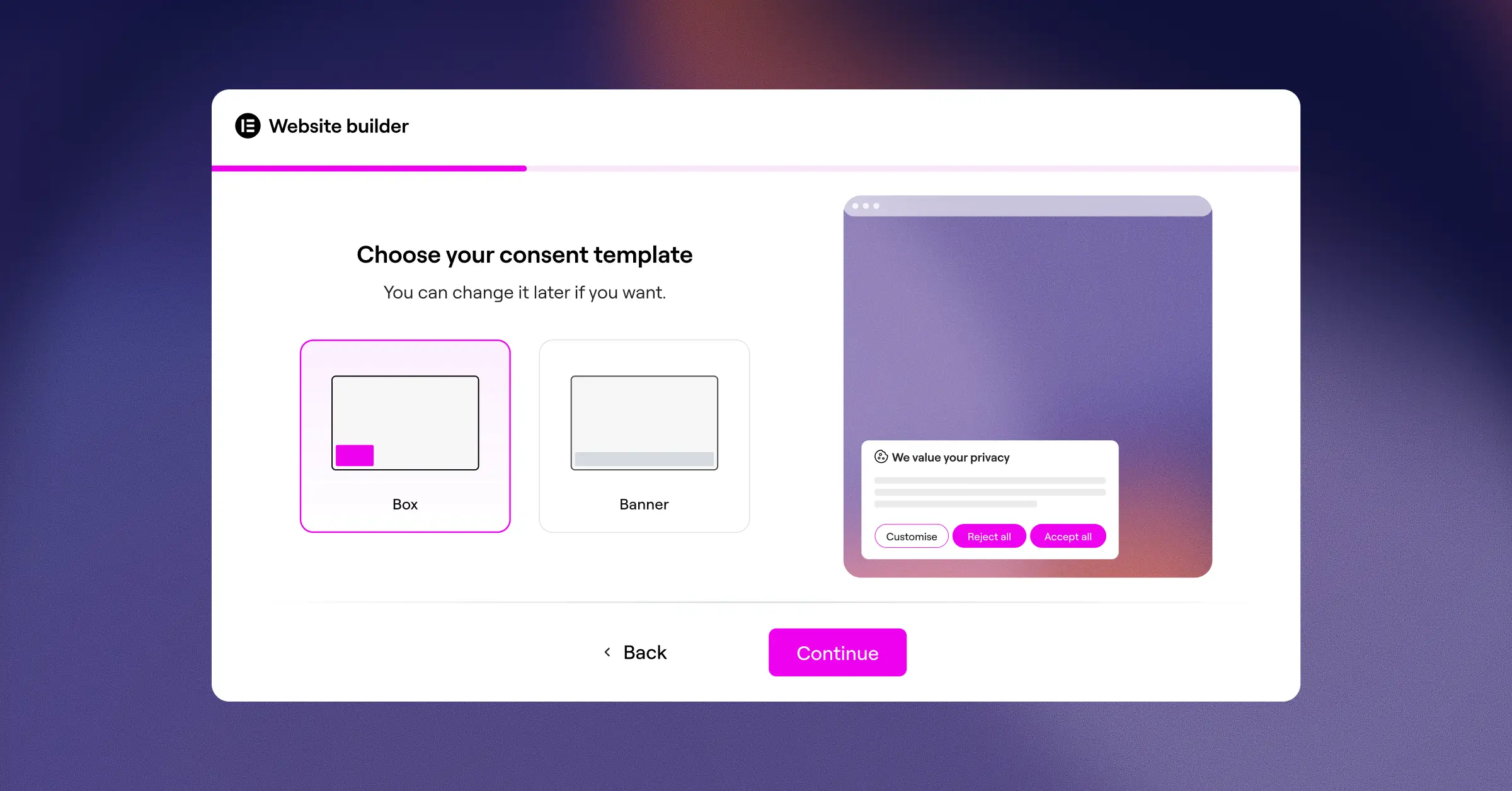
The cleanest approach on WordPress is keeping everything inside your dashboard. The Cookie Consent capability built into Elementor handles compliance without a separate SaaS platform (simpler than it sounds).
Getting Google Consent Mode v2 running through this native feature takes under five minutes, and living inside the Elementor workspace means no conflict errors or styling bugs from generic tools. If you’re on Elementor One, Cookie Consent is already included, no extra subscription needed.
Key Features
- Connects directly with Google Consent Mode v2 and Global Privacy Control (GPC).
- Scans your site scripts automatically, keeping your cookie list accurate.
- Saves detailed consent logs in your WordPress database for audits.
- Builds customizable, multilingual banners matching your branding, no CSS needed.
- Targets specific geolocations, so banners show only where legally required.
How Does the 3-Step Setup Actually Work?
- Open your WordPress dashboard, head to compliance settings, and run an automatic cookie scan.
- Enable the Google Consent Mode toggle to map consent categories to standard Google tags.
- Customize your banner in the visual editor, then publish to go live.
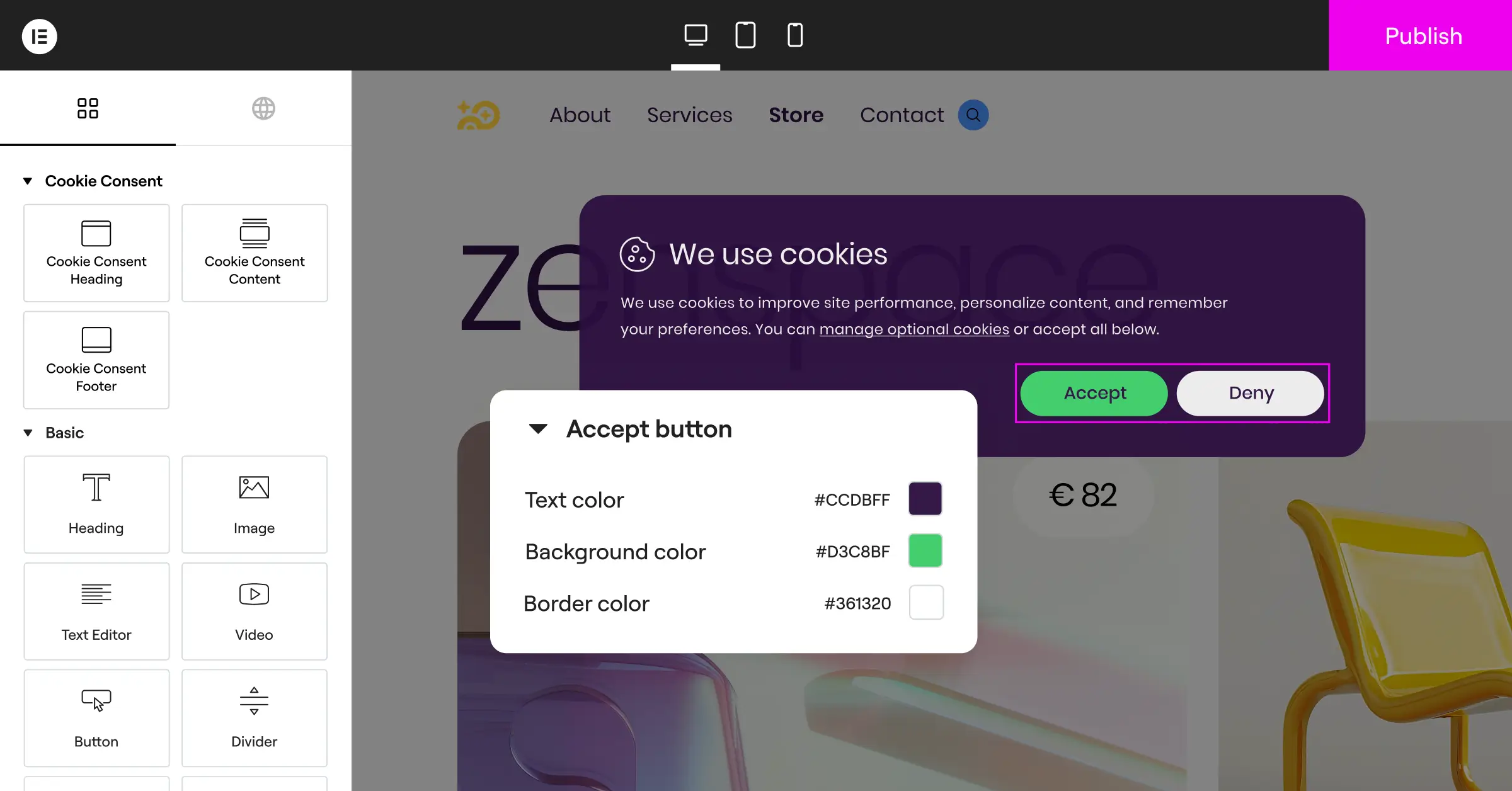
Pros: No external dashboards, a fast setup, clean layout integration, and reliable compliance logging.
Cons: Optimized primarily for users within the Elementor ecosystem.
Our Verdict: The best starting point for WordPress creators who want a painless setup without subscription creep.
2. Simo Ahava’s Custom GTM Consent Template Guide
If you’ve worked with GTM for more than a week, you know the name Simo Ahava. His guide to consent mode with custom templates is considered the most thorough developer manual around.
It walks you through building a custom consent listener from scratch, showing how GTM processes default consent states before your tags load.
Key Features
- Explains the mechanics of
gtag('consent', 'default')andgtag('consent', 'update')in plain terms. - Teaches you to build custom consent wrapper templates inside GTM.
- Shares code snippets for complex, asynchronous tag loading scenarios.
- Solves race conditions where tags fire before the consent state registers.
Pros: Incredibly detailed and built for advanced developers who want full control.
Cons: Very technical, can overwhelm beginners, and needs manual upkeep whenever APIs change.
Our Verdict: Read this to understand what’s happening under the hood of your consent system, a must-bookmark for serious GTM developers.
3. Cookiebot GTM Gallery Template Guide
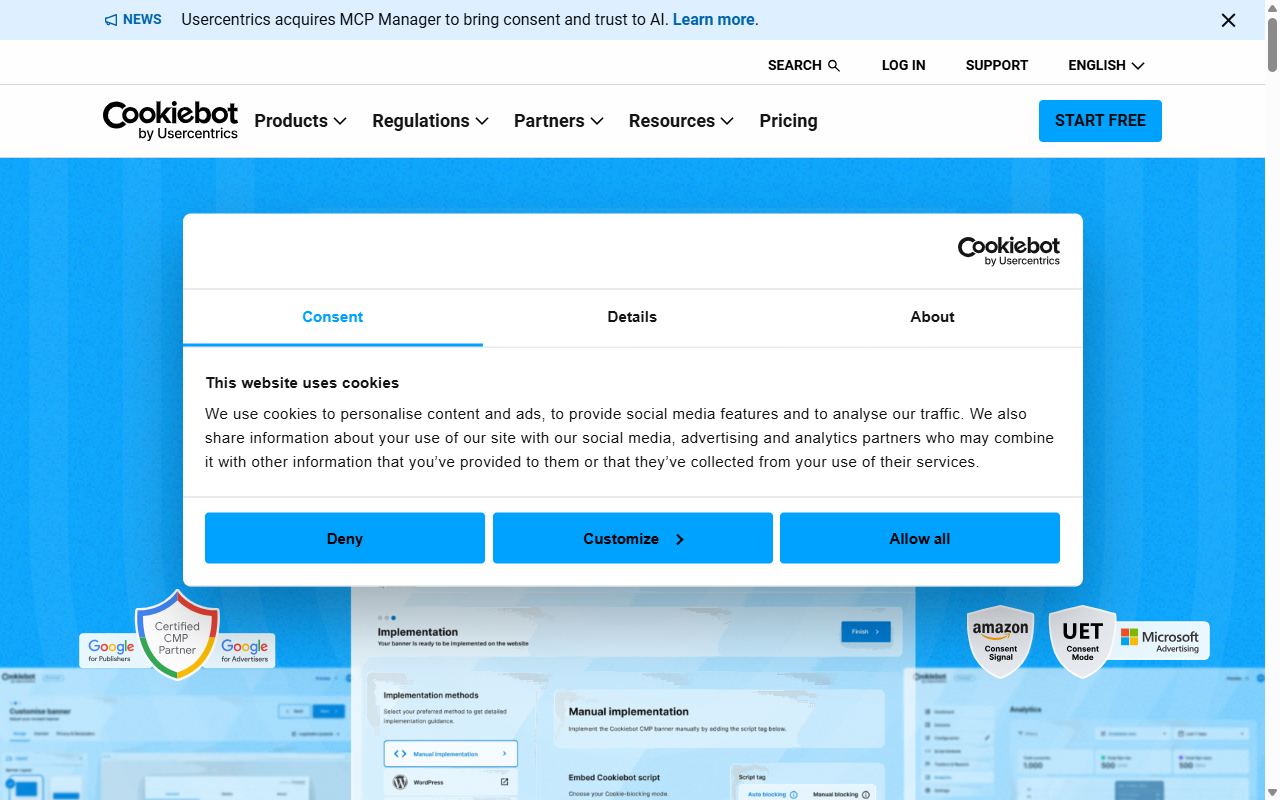
Cookiebot is an established name in compliance. Their guide covers the official community template inside GTM, built for high-volume sites needing automated monthly scanning.
It covers installing the template from the GTM Community Gallery, setting your domain group ID, and configuring tag triggers based on visitor selections.
Key Features
- Automates monthly cookie scanning to catch scripts your marketing team might add.
- Maps user consent choices directly to GTM triggers, no manual editing.
- Supports multi-language setups with automatic visitor language detection.
- Maintains a cloud registry of known tracking scripts for accurate classification.
Pros: Strong automation, a reliable categorization database, and direct template integration.
Cons: Setup means switching between GTM and the external Cookiebot manager, slowing your workflow.
Our Verdict: A solid, factual choice for developers managing business-class sites with large script lists.
4. CookieYes WordPress & GTM Integration Guide
CookieYes offers a popular guide built around its visual banner builder and quick-start GTM integration, using an official tag template to pass consent signals to Google Analytics and Ads.
The documentation is friendly, step-by-step, and good for developers who’d rather skip writing JavaScript handlers.

Key Features
- Guides you through importing the tag template from the GTM gallery.
- Configures default consent settings in a few clicks.
- Syncs the visitor’s banner interaction with your custom GTM tags.
- Keeps the layout customizer intuitive for quick branding updates.
Pros: Easy-to-follow documentation, a clean interface, and minimal setup.
Cons: The entry-level plan limits page scans, and configuration stays split across platforms.
Our Verdict: A genuinely approachable guide for a quick, template-based setup with minimal coding.
5. Complianz WordPress Consent Setup Guide
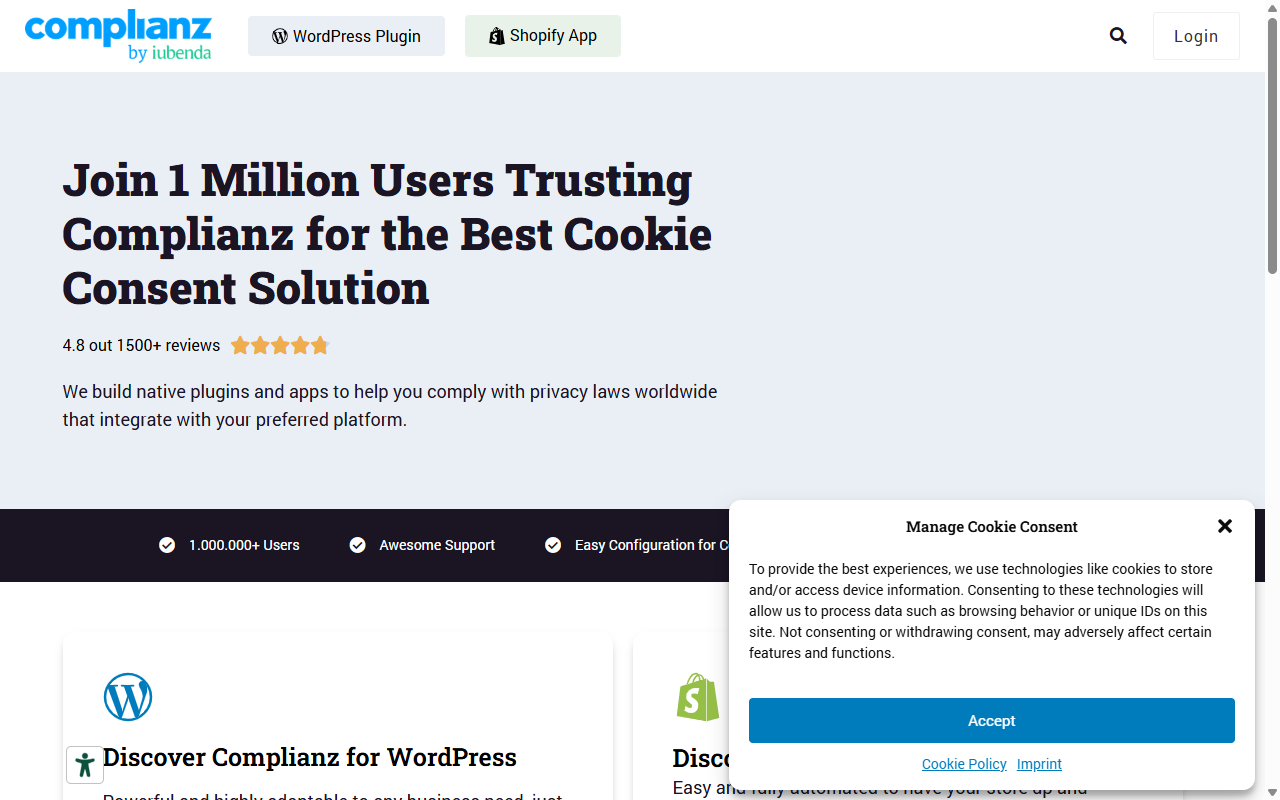
Complianz is well-known in WordPress for its privacy-law focus. Its guide covers integrating its cookie consent feature with GTM using custom events, suited to developers who’d rather configure settings inside WordPress.
Instead of a cloud template, Complianz generates a local configuration wizard right on your site (it catches people off guard who expect an external dashboard).
Key Features
- Generates legal documents like cookie policies alongside your consent banner.
- Pushes clean custom events like
cmplz_event_functionalstraight to GTM. - Adapts your banner text based on local privacy laws, including GDPR and CCPA.
- Blocks scripts locally before consent is given, preventing pre-consent tracking leaks.
Pros: Strong legal focus, excellent localized banner variations, no external account required.
Cons: Custom GTM triggers mean setting up variables manually in Tag Manager, which takes patience.
Our Verdict: A great pick for developers who need legal documentation alongside standard GTM compliance.
Setting up Google Consent Mode v2 is no longer just about avoiding a fine. It’s about maintaining your data integrity. When you implement a reliable cookie consent framework, you’re building a foundation of trust with your visitors while keeping your marketing analytics accurate.
– Itamar Haim, Web Compliance Specialist
6. iubenda Advanced GTM Implementation Guide
iubenda is a full compliance suite for sites that need to meet multiple global regulations at once. Its guide covers integrating the suite with GTM using custom script blocks and data layer variables, built around a zero-pre-consent philosophy: no cookies until the visitor takes a clear, positive action.
Key Features
- Manages privacy policies, terms of service, and cookie consent in one place.
- Communicates with GTM through a structured data layer setup.
- Supports complex regional settings for developers handling global traffic.
- Keeps legal text automatically updated as privacy regulations change.
Pros: Outstanding legal depth, automatic policy updates, and solid multi-region support.
Cons: The interface has a steeper learning curve than simpler consent managers.
Our Verdict: Best for developers with enterprise clients, strict legal departments, and multi-region traffic.
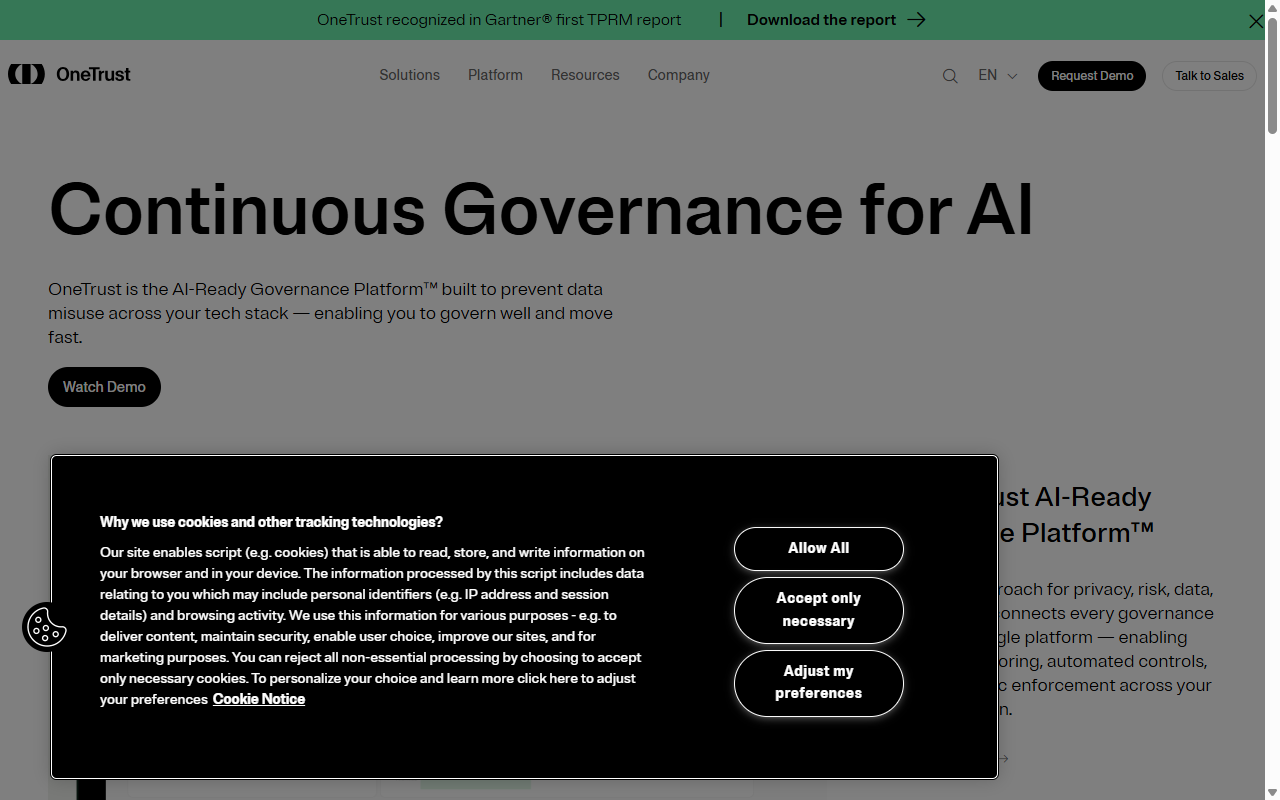
7. OneTrust Enterprise GTM Framework Guide
OneTrust is a heavy-duty enterprise privacy platform built for large development teams inside massive digital ecosystems. If you’re at an agency handling Fortune 500 clients, this is likely the guide you’ll use.
The setup guide covers linking the OneTrust Consent Management platform with GTM through an advanced SDK integration, built for genuine scale.
Key Features
- Scales across thousands of domains with centralized compliance controls.
- Deploys a customizable SDK that handles millions of monthly visitors.
- Integrates with cross-device consent profiles across web and mobile apps.
- Delivers detailed, auditable reporting dashboards for corporate legal teams.
Pros: Unrivaled scale, serious security compliance, and complete reporting dashboards.
Cons: Overkill for small to mid-sized WordPress sites, priced accordingly.
Our Verdict: The enterprise option if you need it, but too complex for standard WordPress projects.
8. Google’s Official Tag Manager Consent API Documentation
If you’d rather write pure code without pre-built templates, Google’s official developer documentation is where you want to be. It covers the low-level APIs used to trigger consent states manually, and writing your own script handlers in your theme files skips the need for any third-party tag template (tricky at first, but efficient once mastered).
Key Features
- Defines every consent state parameter, including
security_storage,functionality_storage, and more. - Shares standard boilerplates for custom code implementations.
- Explains how to integrate with the
dataLayerfor real-time state changes. - Keeps your implementation lightweight with zero third-party script overhead.
Pros: Zero heavy scripts, total control over execution order, direct compatibility with Google standards.
Cons: Requires solid JavaScript knowledge and manual updates whenever Google adjusts its APIs.
Our Verdict: The definitive reference for a lightweight, code-first setup with no external dependencies.
9. GTM Community Gallery Default Consent Setup Guide
This approach uses community-maintained templates from the GTM Gallery without any paid platform, teaching you to build a custom banner with basic CSS and HTML, a solid middle ground between a template-based setup and a SaaS subscription.
Key Features
- Uses community-reviewed templates for security and performance consistency.
- Lets you host your own consent banners locally on your own server.
- Saves you money by cutting out monthly platform subscription fees.
- Connects easily with basic GTM tag triggers and custom variables.
Pros: Completely free, highly customizable, backed by a large community of web analysts.
Cons: You’ll need to design and code your own banner interface manually.
Our Verdict: A great option for budget-conscious developers who want full flexibility over the output.
10. Custom WordPress Child Theme Consent Mode Script Implementation
The final guide is a classic developer approach: writing a custom helper script inside your WordPress child theme’s functions.php file to enqueue a lightweight JavaScript block at the top of your site’s <head>, before the GTM container script loads, so Google Consent Mode v2 is active from the first millisecond a visitor lands.
Key Features
- Loads default consent states from your server with zero external HTTP requests.
- Keeps page-load speeds optimized by avoiding heavy external JS bundles.
- Integrates smoothly with native WordPress cookie management functions.
- Lets you conditionally load different tracking configurations using PHP filters.
Pros: Ultra-fast performance, zero subscription fees, and complete control over execution order.
Cons: Requires manual development, custom CSS styling, and regular code reviews as regulations evolve.
Our Verdict: Perfect for performance-focused developers who want their site fast and don’t mind custom code.
GTM Consent Mode Setup Guide Comparison Table
Here’s a quick breakdown of how these top guides compare.
| Setup Guide & Tool | Primary Focus | WordPress Native? | Ease of Setup | Developer Effort |
|---|---|---|---|---|
| Cookie Consent (Elementor) | Native WordPress Design & Consent Management | Yes | Very Easy | Low (Under 5 mins) |
| Simo Ahava’s Guide | Highly Technical Custom GTM Templates | No (Platform-agnostic) | Advanced | High |
| Cookiebot Template | Automated Enterprise Script Scanning | Through integration | Moderate | Medium |
| CookieYes GTM Guide | Quick Visual Banners & Easy Setup | Through integration | Easy | Low |
| Complianz WP Guide | Localized Legal Document Automation | Yes | Moderate | Medium |
| iubenda GTM Guide | Complex Multi-Region Corporate Compliance | Through integration | Moderate | High |
| OneTrust SDK | Enterprise-Scale Corporate Governance | No | Complex | Very High |
| Google Consent API | Pure Code Custom Development | No | Advanced | High |
| GTM Community Gallery | Open-Source, Vendor-Free Setups | No | Moderate | Medium |
| Child Theme Script | Server-Side Performance Optimization | Yes (Direct code) | Advanced | High |
How to Verify and Test Your Consent Mode Setup
Once you’ve finished your implementation, your work isn’t quite done. You’ll want to verify your signals are sending correctly, to avoid legal exposure and keep your tracking data clean. Here’s a quick walkthrough using GTM Preview mode.

Testing Steps
- Open your GTM dashboard and click Preview to launch the Tag Assistant window.
- In the Tag Assistant sidebar, select the earliest initialization event (usually Consent Initialization or Initialization).
- Click the Consent tab. Verify the default states for
ad_storage,analytics_storage,ad_user_data, andad_personalizationare set to denied (or allowed, depending on your region’s requirements). - Interact with your cookie banner, accept the cookies, then return to Tag Assistant and click the latest event.
- Verify the consent states updated to granted in the Consent tab. If they have, your integration works.
If your tags aren’t updating, check your script execution order. When a custom consent banner loads after your GTM script without pushing an update event, Google services miss the signal entirely. A native WordPress tool like Cookie Consent by Elementor helps prevent this automatically.
Frequently Asked Questions
Is Google Consent Mode v2 required if I don’t use Google Ads?
Consent Mode v2 is mainly about Google’s ad ecosystem, but it’s worth setting up for GA4 too, since GA4 may not model behavior accurately for visitors who decline tracking.
Do I need to hire a developer to set up GTM Consent Mode?
Not necessarily. Cookie Consent by Elementor runs through a visual interface and toggle controls. Custom or enterprise setups, like OneTrust, go smoother with a developer who knows JavaScript and GTM.
What happens if I don’t set up Consent Mode on my site?
If you serve EU or UK visitors without valid consent signals, Google blocks ad conversion measurement and remarketing audiences, and you risk penalties for violating data protection laws like GDPR.
What’s the difference between Basic and Advanced Consent Mode?
In Basic Consent Mode, tags stay blocked until a user consents. In Advanced Consent Mode, tags load even on decline, sending cookieless pings that model data anonymously. Check with your local legal counsel on which version applies.
Does Global Privacy Control (GPC) tie into Google Consent Mode?
Yes. Modern cookie consent managers detect a visitor’s GPC browser signal automatically, setting default consent to denied right away, so visitors skip your banner while your site stays compliant.
Can I host my cookie consent logs on my own server?
Yes, and it’s a good idea for both privacy and performance. Cookie Consent by Elementor saves your logs to your local WordPress database, keeping your data under your control instead of on third-party servers.
Does a cookie banner slow down my WordPress site?
It can, if you use a heavy third-party SaaS tool pulling in external JavaScript libraries and stylesheets. A lightweight tool built into your builder or theme keeps your code footprint small, so page-load speeds stay fast and Core Web Vitals healthy.