Running a WordPress site is rewarding, but keeping up with privacy law changes can feel like one more job on your plate. The good news? Finding a solid cookie consent tool doesn’t have to be complicated. We’ve compared the most reliable options for staying compliant with GDPR, CCPA, and Google Consent Mode v2, without slowing your pages down.
Key Takeaways
- Cookie Consent is Elementor’s native compliance capability, so your setup stays inside WordPress.
- Modern compliance means supporting Google Consent Mode v2 if your site serves visitors in Europe.
- SaaS tools need an external portal for settings, while native tools keep everything in one place.
- Geo-targeting shows compliance banners only to visitors from regions where they’re legally required.
- A lightweight cookie consent tool avoids script bloat and helps pages load fast.
Why Cookie Consent Really Matters in 2026
Privacy regulators worldwide are enforcing data protection laws more actively than ever. If your site runs basic analytics, marketing pixels, or tracking scripts, you’re collecting user data, and under frameworks like the GDPR and the CCPA, you need permission before those scripts run.
Another big shift is the mandatory adoption of Google Consent Mode v2. If you serve European visitors and use Google Analytics or Ads, you need to signal whether they’ve approved tracking, or your ad audiences stop populating correctly. Good tools handle that signaling behind the scenes.
At the same time, browsers keep phasing out third-party cookies, and more visitors turn on privacy settings like Global Privacy Control (GPC). A good tool recognizes these signals automatically, so you stay compliant with less manual work.
Comparison of the Best Cookie Consent Tools
Here’s a quick look at how these ten tools stack up for WordPress sites in 2026.
| Tool Name | Integration Type | Google Consent Mode v2 | Dashboard Location | Best For |
|---|---|---|---|---|
| Cookie Consent | WordPress Native | Yes | WordPress Admin | WordPress and Elementor Users |
| Cookiebot | Cloud SaaS / Script | Yes | External Portal | Multi-Platform Sites |
| CookieYes | Cloud SaaS / Script | Yes | External Portal | Small to Mid-Sized Sites |
| Complianz | WordPress Plugin | Yes | WordPress Admin | DIY Compliance Seekers |
| iubenda | SaaS Integration | Yes | External Portal | Legal Policy Management |
| Termly | SaaS Integration | Yes | External Portal | Small Businesses |
| OneTrust | Enterprise SaaS | Yes | External Portal | Large Corporate Sites |
| Osano | SaaS Platform | Yes | External Portal | Mid-Market Companies |
| WP Consent API | WordPress Plugin | Yes (via extensions) | WordPress Admin | Developers |
| Real Cookie Banner | WordPress Plugin | Yes | WordPress Admin | European Focus Sites |
10 Best Cookie Consent Tools Reviewed in Detail
1. Cookie Consent (by Elementor)
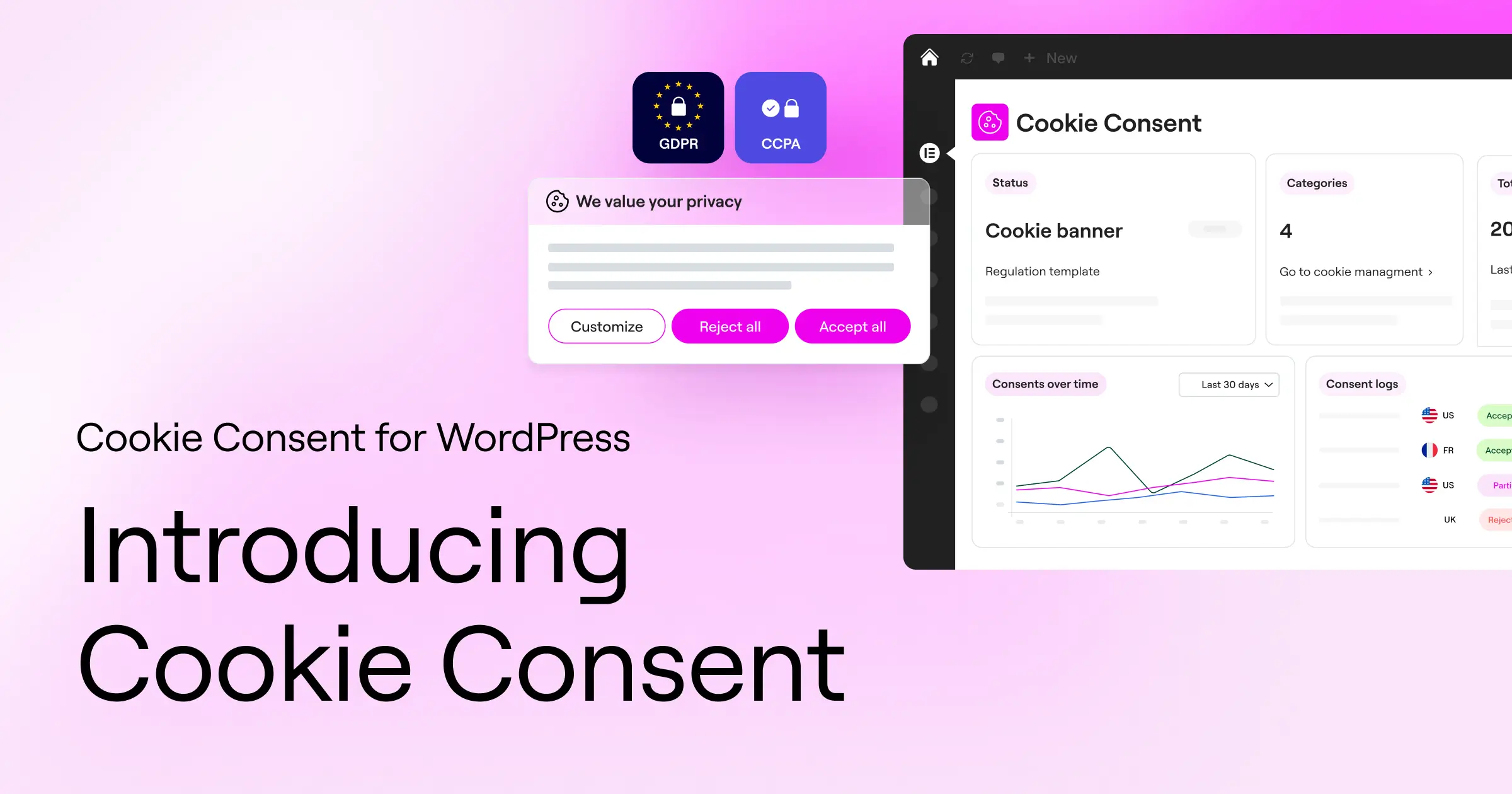
If you build with Elementor, or just want a WordPress-native option, Cookie Consent is worth starting with. You manage banners, scanning, script blocking, and consent logs right from your dashboard. It’s included with Elementor One and also has a free tier.
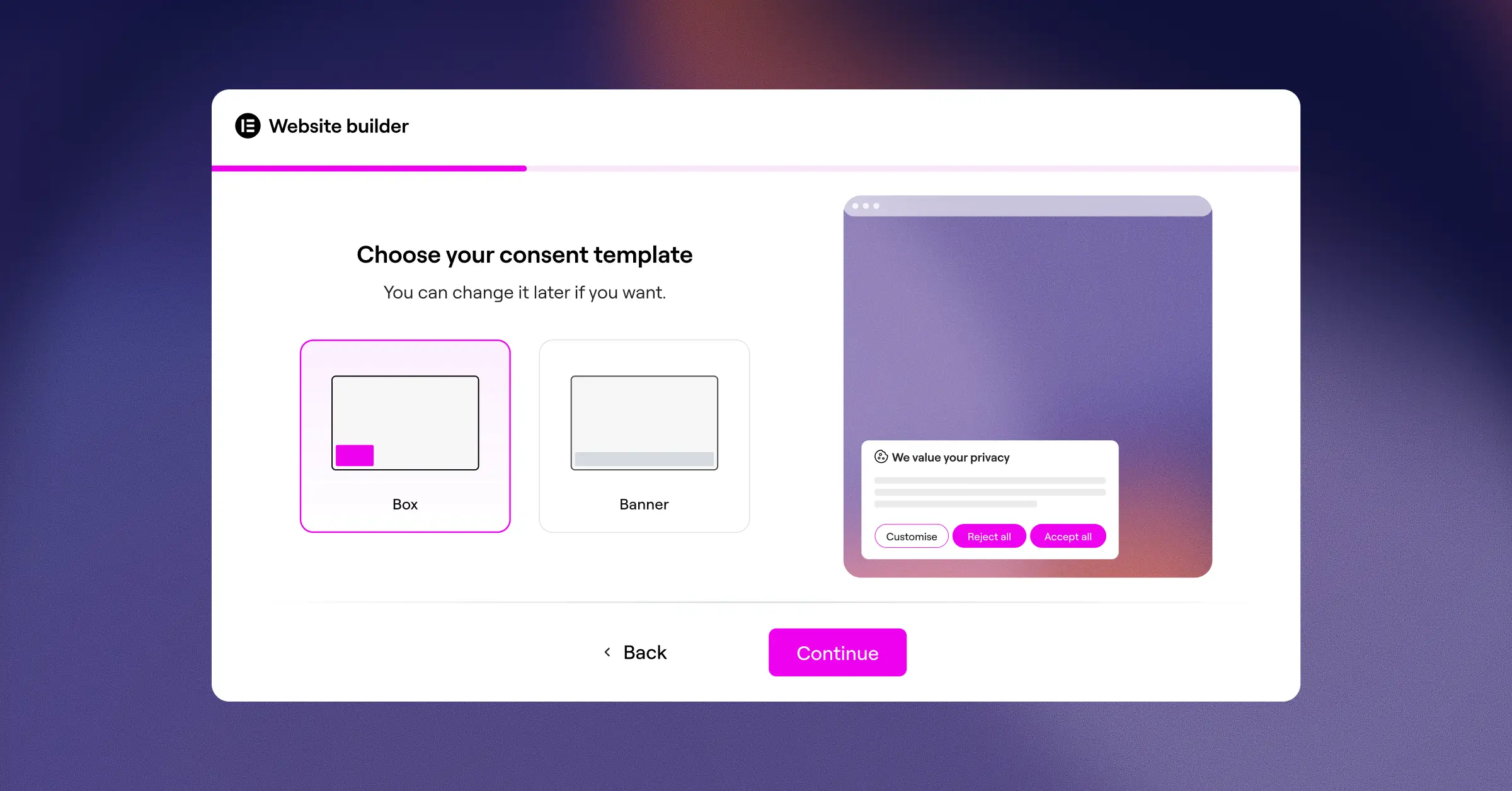
- Scans your website cookies automatically to identify all active tracking.
- Categorizes active scripts into functional, analytical, and marketing groups.
- Keeps secure consent logs to build an audit trail for privacy regulators.
- Enforces geo-targeting to show cookie notices only to visitors from specific regions.
- Adapts design elements completely to match your site’s brand identity.
- Translates your banners into multiple languages for global audiences.
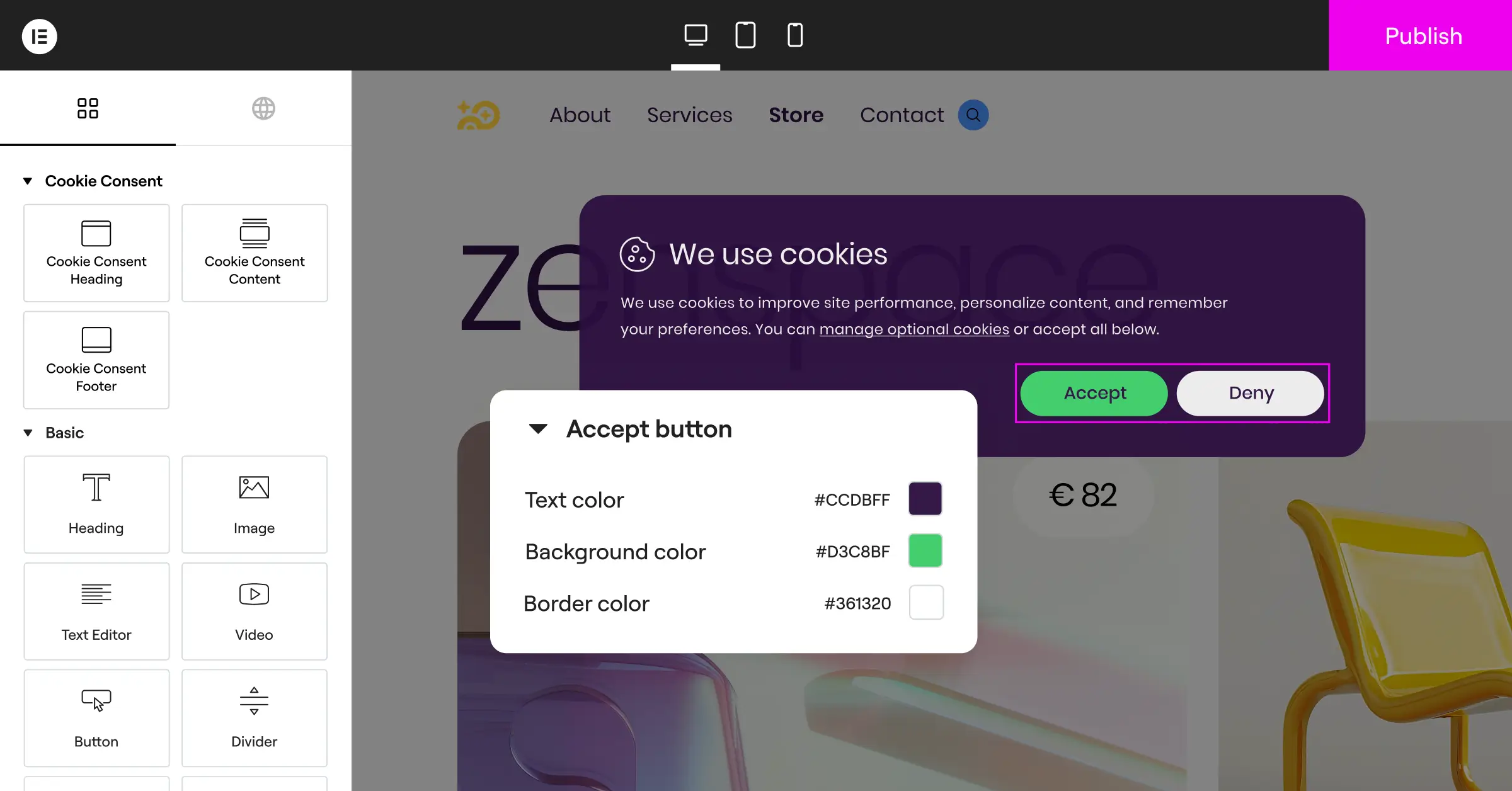
Pros: Fast setup, no external subscriptions or extra scripts slowing pages down. Cons: Built for WordPress only, so non-WordPress projects need a separate tool. Verdict: A great fit for WordPress creators and agencies who want a fast, integrated tool.
2. Cookiebot
Cookiebot is an established cloud-based consent platform that works across many web ecosystems. Rather than living in your WordPress database, it runs as an external service: create an account and paste an integration script onto your site. Its main strength is an automatic monthly cloud scan.
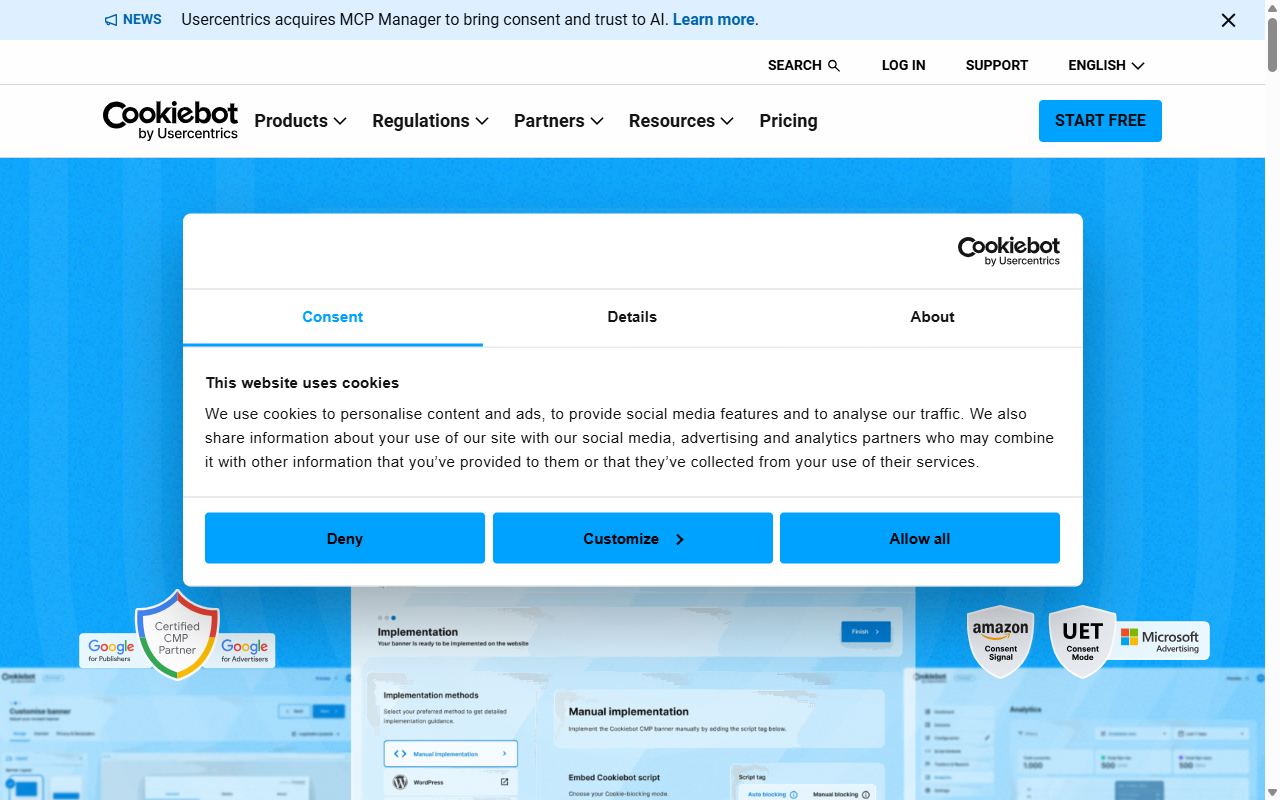
- Discovers tracking cookies by running automated monthly cloud scans.
- Blocks scripts dynamically until a visitor gives explicit consent.
- Stores user consent records in a cloud-hosted database for five years.
- Delivers translations automatically for a wide range of visitor languages.
Pros: Reliable cloud scanning and solid multilingual support. Cons: Settings live in an external dashboard, and the entry-level plan caps at one domain under 50 pages. Verdict: A solid option for multi-platform sites with budget for a premium subscription.
3. CookieYes
CookieYes is a widely used SaaS cookie consent tool with a popular companion plugin in the WordPress repository. It hosts your configuration on external servers, and the interface is clean, with modern designs out of the box and Google Consent Mode v2 support.
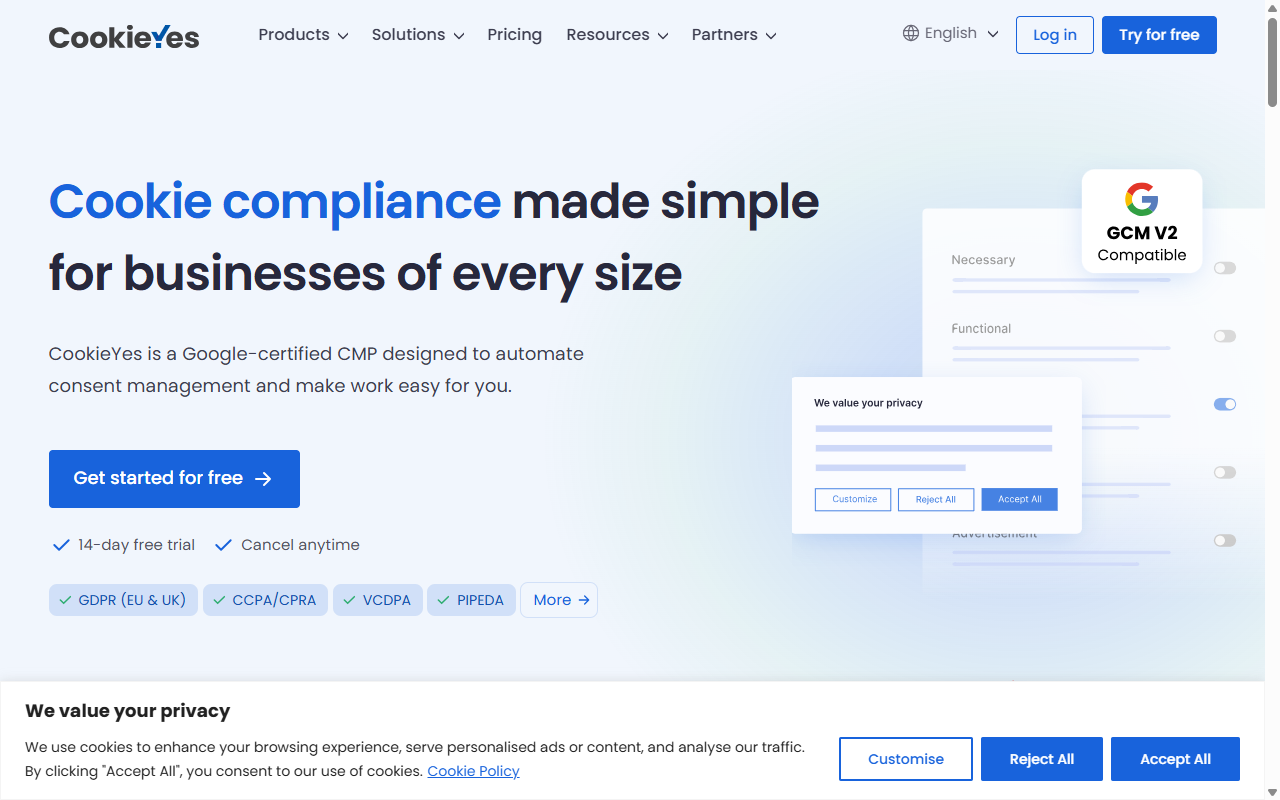
- Coordinates consent records securely across multiple web domains.
- Builds layouts using an interactive visual banner customizer.
- Logs active user choices to support compliance with global audit requests.
- Identifies trackers using an extensive, regularly updated global cookie directory.
Pros: Clean, easy-to-navigate dashboard, with a free tier generous enough to start without a credit card. Cons: Settings live in an external app, and paid tiers scale with monthly pageviews. Verdict: A friendly pick for owners who like a visual SaaS app.
4. Complianz
Complianz is a compliance plugin built for self-hosted WordPress sites. Unlike cloud services, it walks you through a configuration wizard right inside your admin, building cookie policies based on questions about your business. Settings stay in your local database, holding back tracking until a visitor gives permission.
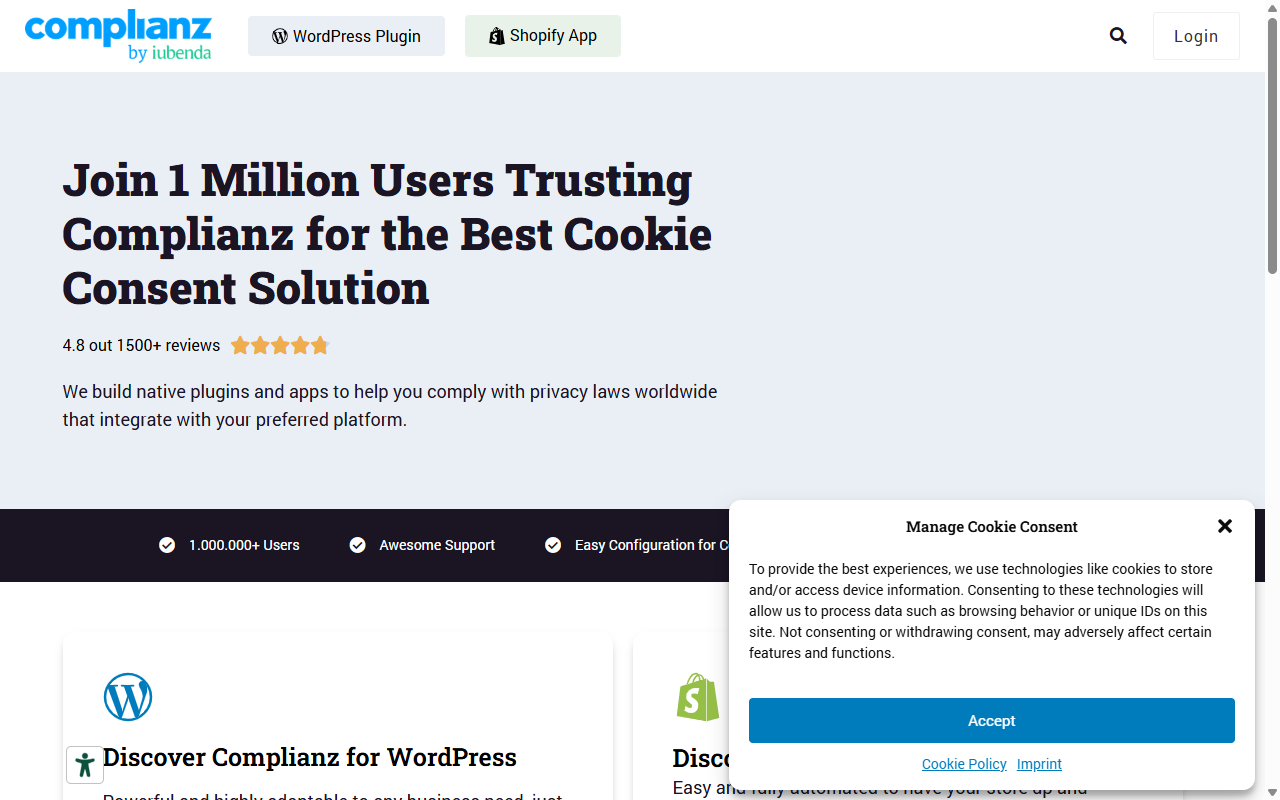
- Asks targeted legal questions to generate custom cookie policies.
- Controls script loading automatically using built-in integration points.
- Configures unique settings for different regions like the EU, UK, US, and Canada.
- Coordinates with common translation plugins for multilingual support.
Pros: Keeps everything local to WordPress with a detailed walkthrough of regional legal requirements. Cons: The wizard-style setup takes a while if you just want a quick banner. Verdict: A solid choice for owners who want a detailed, wizard-driven legal setup.
5. iubenda
iubenda is a broad data privacy suite handling several legal pieces at once: cookie banners, privacy policies, terms and conditions, and internal privacy records. It hosts your policies on its servers and updates your legally binding pages automatically as regulations change.
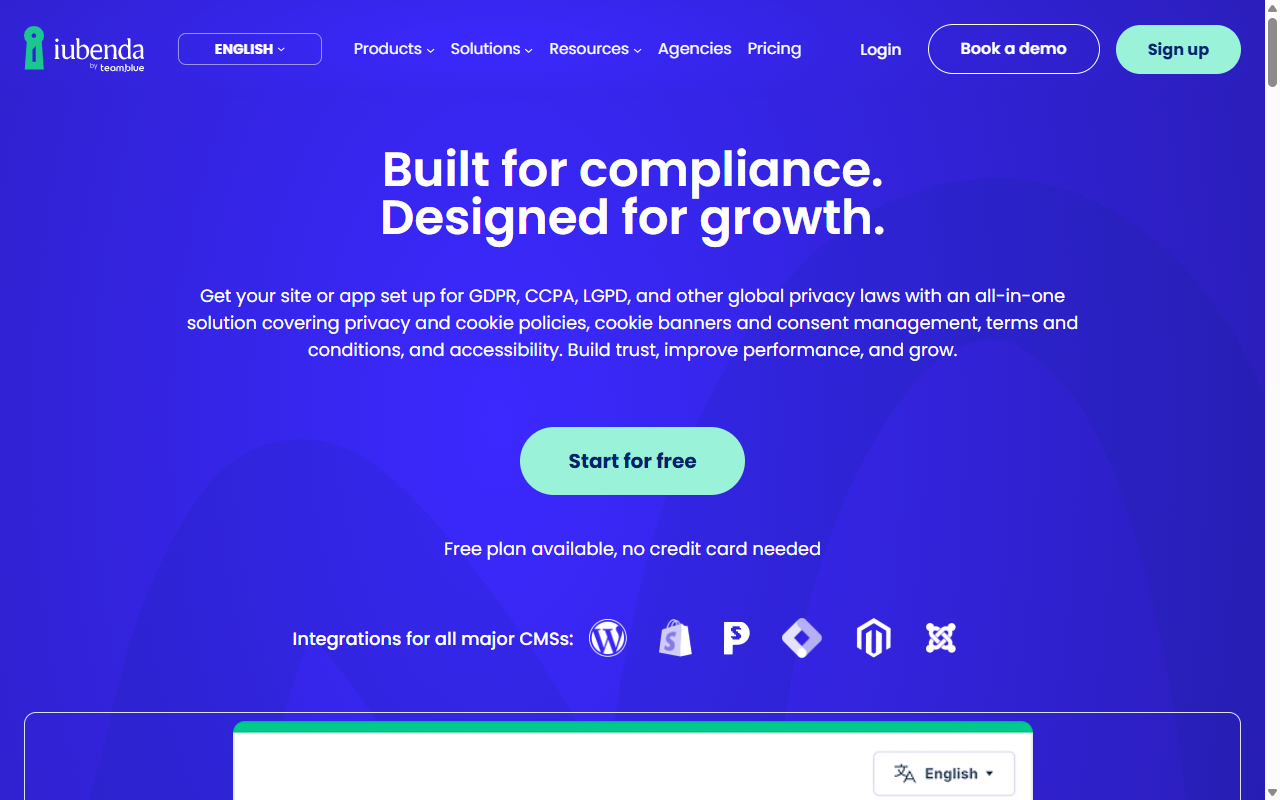
- Generates complete privacy and cookie policies reviewed by legal professionals.
- Updates policy text automatically when compliance rules change globally.
- Maintains clear consent preferences across web pages and mobile applications.
- Connects with Google Tag Manager for detailed script management control.
Pros: Keeps legal documentation current, well-suited to businesses with complex legal needs. Cons: Setup requires configuring options on an external site. Verdict: A good fit for businesses that need policies and cookie banners in one suite.
6. Termly
Termly is a cloud-based compliance builder aimed at small businesses and agencies who want to manage legal risk without a steep learning curve. It pairs a consent banner with builders for privacy policies, terms of service, and disclaimers.
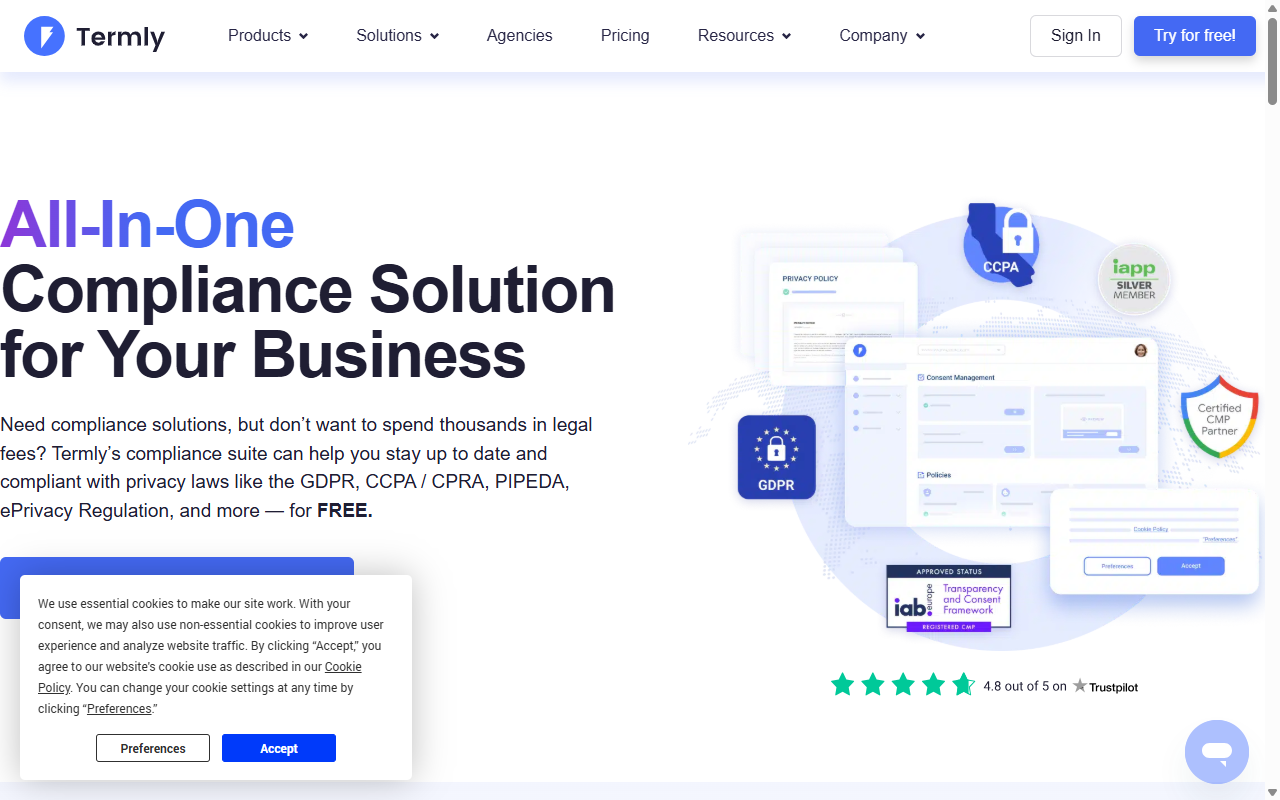
- Drafts custom legal agreements using attorney-selected template systems.
- Scans your site code to map and categorize active tracking services.
- Adjusts banner display based on where your visitors are located.
- Saves visitor choices securely to help you demonstrate consent when needed.
Pros: Approachable dashboard and clear guidance. Cons: The free plan shows Termly branding, and everything runs through a third-party portal. Verdict: A friendly builder for small businesses that prefer hosted SaaS services.
7. OneTrust
OneTrust is a major enterprise platform for data governance and privacy management, built to help large corporate networks handle compliance, vendor risk, and cookie consent across thousands of domains. For a standard WordPress blog, it’s usually more than you need.
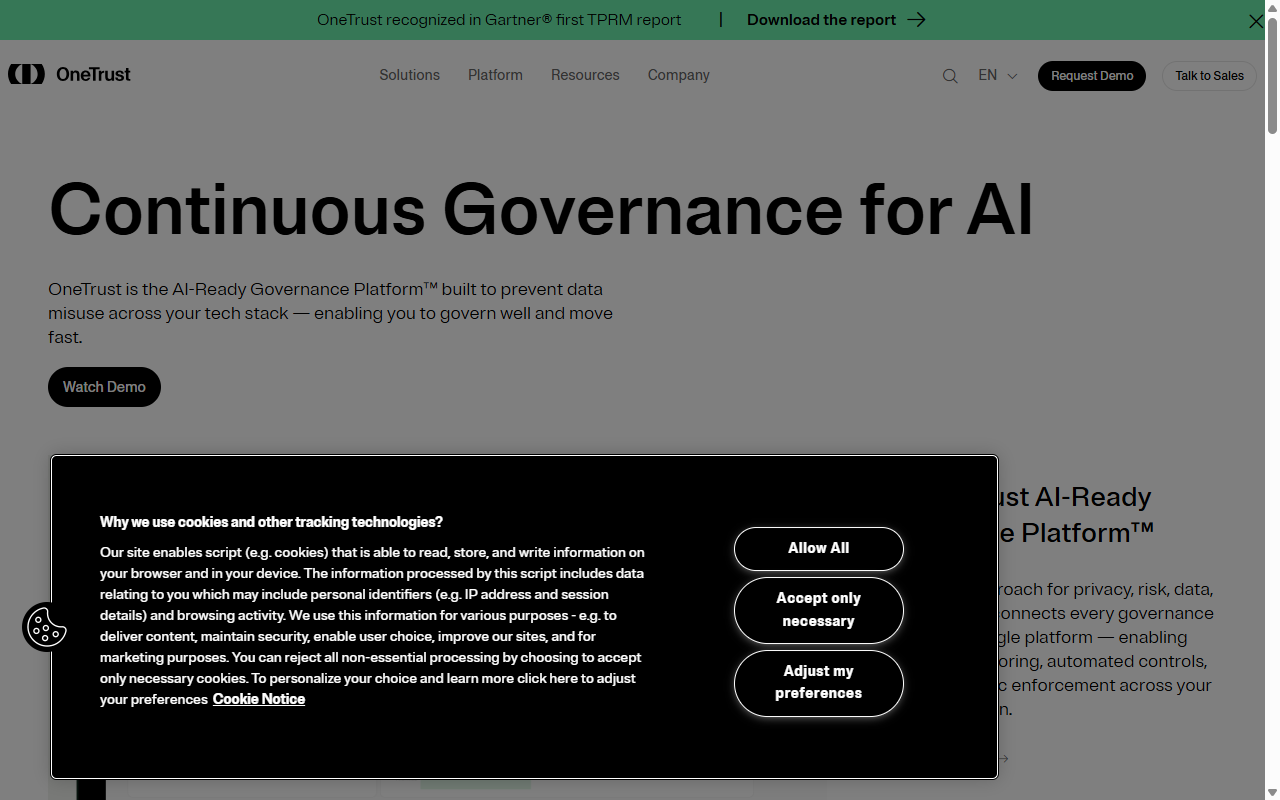
- Coordinates privacy choices across web pages, mobile apps, and connected devices.
- Manages vendor data flows with detailed compliance audit trails.
- Audits tracking scripts using advanced browser scanning tools.
- Integrates with corporate CRM systems and data management platforms.
Pros: Detailed auditing tools and enterprise-grade security for organizations with dedicated compliance officers. Cons: Setup is complex and takes real onboarding time. Verdict: The go-to option for large corporations that need maximum control.
8. Osano
Osano is a B-corp certified data privacy platform built around simplicity and user safety. Its standout feature is a compliance guarantee: if you configure it correctly and still get hit with a regulatory penalty, Osano backs its product with a legal defense pledge up to a set amount. You deploy it with a small JavaScript snippet.
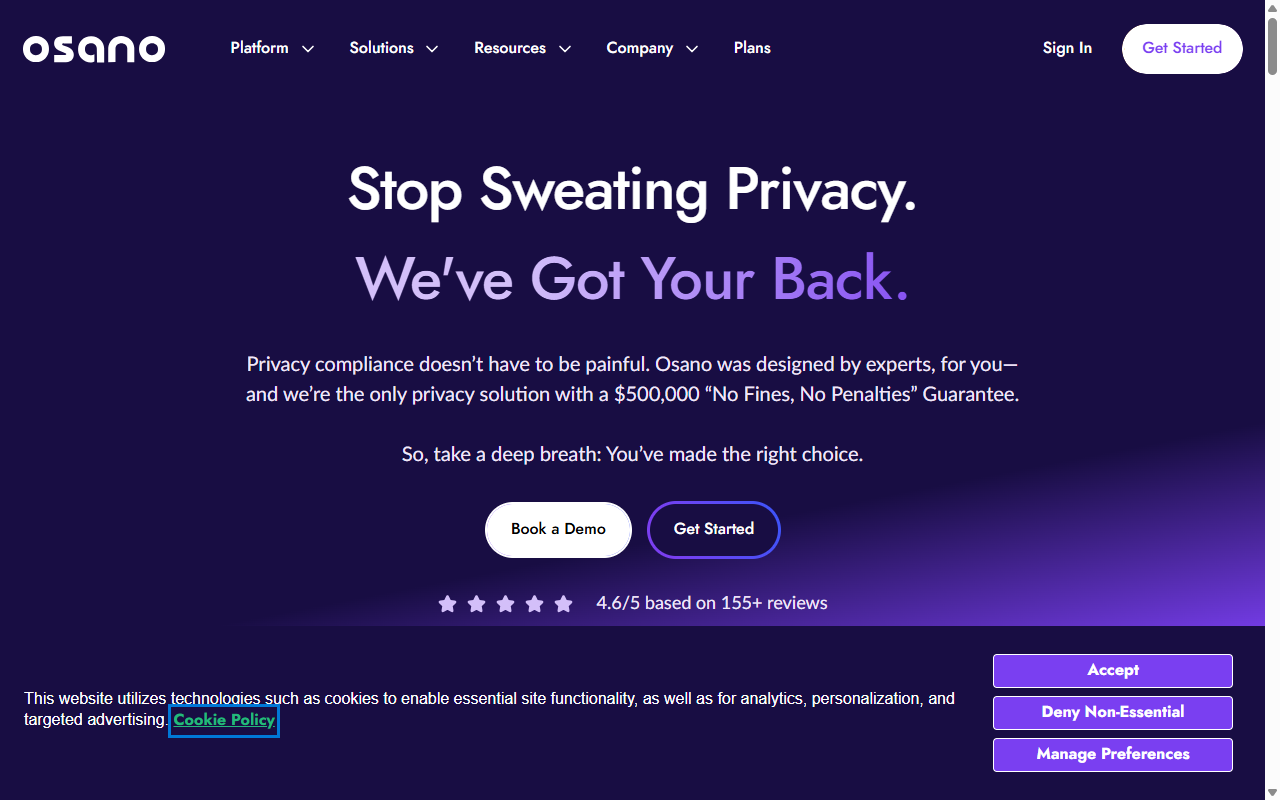
- Guarantees compliance safety by backing properly configured setups with a legal pledge.
- Blocks unknown tracking scripts from running until consent is explicitly given.
- Saves and organizes user preferences across a high-performance CDN network.
- Adapts display languages for global web traffic automatically.
Pros: Strong compliance guarantees and a modern layout, with simple deployment. Cons: Pricing targets growing companies, and the entry-level plan can feel pricey for small blogs. Verdict: A peace-of-mind platform for mid-market businesses.
9. WP Consent API
WP Consent API is an open-source, developer-first framework plugin that sets a unified standard for consent management inside WordPress. It skips the polished visual banner. Instead, it’s a hub where other plugins register their consent status, stopping them from conflicting over cookie settings.
- Establishes a common communication channel for consent data across WordPress.
- Signals active consent states directly to plugins and themes.
- Saves server resources by keeping the codebase lightweight.
- Exposes developers to structured hooks for advanced tracking configurations.
Pros: Open standards, lightweight, and free, good for minimizing plugin conflicts. Cons: Not a full solution for non-technical users, since it needs pairing with a visual banner. Verdict: A solid backend tool for developers.
10. Real Cookie Banner
Real Cookie Banner is a WordPress plugin built for sites that need to meet strict legal standards common in Germany and across the EU, following requirements set by local court rulings. It comes with a large library of templates for popular tracking tools.
- Maps over a hundred popular web services with ready-made script-blocking rules.
- Displays clear visual consent options so users can select specific cookie types.
- Previews active layouts inside a live editor as you make design changes.
- Validates your configuration choices using a built-in legal check system.
Pros: Strong attention to detail for European regulations and automated script-blocking presets. Cons: The settings list takes time to work through, and the free tier has fewer templates. Verdict: A thorough choice for sites whose primary audience is in central Europe.
“Maintaining proper compliance is no longer just about avoiding a penalty. It’s about establishing lasting trust with your visitors from the very first click.”
– Itamar Haim, Web Compliance Specialist
How to Choose the Right Tool for Your Site
The right solution depends on your workflow, technical comfort, and where your audience lives. Work through these steps:
- Evaluate your hosting setup. Managing properties across Shopify, Webflow, and WordPress? A cloud SaaS tool like CookieYes or Cookiebot simplifies handling all your domains. WordPress-only, a native tool like Cookie Consent keeps things dashboard-friendly.
- Check your script-blocking needs. Some tools ask you to manually wrap tracking code in JavaScript, while others scan and block automatically, the faster route.
- Think about page performance. Heavy third-party scripts can hurt your core web vitals, so native tools that skip external server calls usually load faster.
Once you’ve picked a tool, check that your banners display correctly on mobile and desktop. Find more WordPress tips on Elementor’s blog.
How to Test Your Consent Banner Integration
- Open your website in an incognito or private browsing window.
- Open your browser’s developer tools and select the storage or cookies panel.
- Verify that no marketing or analytics cookies are set before you click “Accept.”
- Click “Accept” and check that your analytics tags fire correctly.
- Clear your cookies and reload the page to make sure the banner reappears as expected.
Frequently Asked Questions
Do I really need a cookie banner if my site is small?
Yes. Privacy laws don’t care about business size. A small blog running Google Analytics still needs consent rules in place if it gets EU or California visitors and uses tracking scripts.
What is Google Consent Mode v2 and is it mandatory?
It communicates visitors’ privacy choices to Google services. It’s required if you serve EU or UK visitors and want to track conversions or build audiences in Ads and Analytics.
Can a cookie banner slow down my WordPress site?
Yes, some tools slow things down with heavy external JavaScript calls or complex cloud lookups. A native capability like Cookie Consent keeps external requests to a minimum.
Do these tools automatically generate a privacy policy for me?
Several, including Cookie Consent, come with built-in policy generators. Others focus only on the visual banner, so look for one that bundles both.
How does geo-targeting help with cookie consent?
Geo-targeting detects visitor location by IP address, showing detailed banners only to visitors from strictly regulated countries like the EU, while others get a smaller notice.
What’s the difference between a SaaS tool and a native WordPress tool?
A SaaS tool hosts your settings and consent logs on external servers, meaning a copied code snippet and a separate dashboard. A native tool stores everything in your WordPress database, so you manage settings right inside your admin.
Is a free plan enough to keep my website compliant?
Often, yes, for personal blogs and smaller projects with modest traffic. But with high volume, visitors across regions needing geo-targeting, or deep ad integrations, a paid tier is worth considering.
Can I customize the look of my cookie banner to match my brand?
Most quality tools let you adjust basics like button colors, fonts, and text layout. For full creative control, a native tool like Cookie Consent matches banners to your site styles.